 How-To Guides
Windows
Guides for Windows 10 and Windows 11 covering everything from clean installation and language packs through to troubleshooting, customisation, and administration. Topics include product activation and KMS/evaluation keys, Group Policy and registry tweaks, built-in tools like BitLocker and Windows Hello, performance and startup troubleshooting, and the lesser-known features (Windows God Mode, keyboard shortcuts, hidden settings) that make everyday Windows use faster. Enterprise-relevant topics — silent MSI deployment, Winget, PowerShell automation — sit alongside consumer-focused fixes for common annoyances, since this category serves both IT professionals managing fleets of machines and individual users solving their own PC problems. Where a fix differs between Windows 10 and Windows 11, or between editions (Home, Pro, Enterprise), the guide calls that out rather than assuming one config fits all. For server-side Windows administration, see the separate Windows Server category; this one is specifically about the desktop operating system.
How-To Guides
 How-To Guides
Export Active Directory Users: Building a CSV Report
 How-To Guides
OpenSSH.exe Issues Windows: Fixing the October Update Bug
 How-To Guides
Schedule Windows Shutdown Command: Automating PC Shutdowns
 How-To Guides
Windows 11 WiFi Missing: Fixing the Vanished Option
 How-To Guides
Windows 10 God Mode: Easy Setup and Deploy
 How-To Guides
Windows Bluetooth Disconnecting: Fixing Mouse and Keyboard Drops
 How-To Guides
Windows Server Manager Refresh: Fixing Roles That Won’t Update
 How-To Guides
Active Directory PowerShell: Finding Users Outside a Group
 How-To Guides
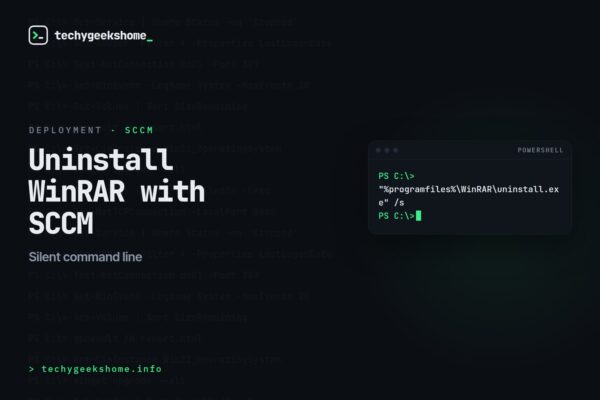
WinRAR Uninstall using SCCM or silent command line
 How-To Guides
SCCM WQL Collection Query for All WinRAR Installations
 How-To Guides