100% Free · Version 1.0.0
SoundGeek: clean up a recording, on your own machine
Drop in an interview, a meeting or a voice note and SoundGeek writes a cleaned copy beside it: background noise gone, mains hum gone, levels evened out. It runs entirely on your own computer, so the recording never leaves it.
Windows 10 or 11, 64-bit · self-contained installer · nothing else to install
Video Demo
What it actually does to a noisy recording, in under a minute.
Everything a bad recording needs
Three cleanups, from a light touch to a speech model, and you choose which.
Levels evened out
Loudness measured to ITU-R BS.1770, the way broadcasters measure it, then brought to a target you pick, with a look-ahead limiter holding the peaks so nothing clips.
Mains hum removed
SoundGeek measures whether the hum is 50 Hz or 60 Hz rather than assuming, then takes out the fundamental and its harmonics completely.
Background noise reduced
Hiss, a fan, traffic, room tone. Spectral subtraction that leaves sustained notes and speech standing rather than flattening everything it finds.
A speech model for the bad ones
The strongest cleanup separates a voice from the noise around it far better than any filter. Half a megabyte, downloaded when you ask for it, run on this machine.
Rumble taken out
Desk thumps, wind and traffic under 60 Hz, the noise you feel more than hear, removed before anything else is measured.
Reads nearly anything
WAV, MP3, M4A, FLAC, OGG, Opus, WMA, AAC, and the audio out of MP4, MKV, MOV, AVI and WebM.
A queue, not one file at a time
Add as many recordings as you like and SoundGeek works through them, telling you what it found in each.
Your original is never touched
The cleaned copy is written next to the file it came from and named after it. If one is already there, the next is numbered.
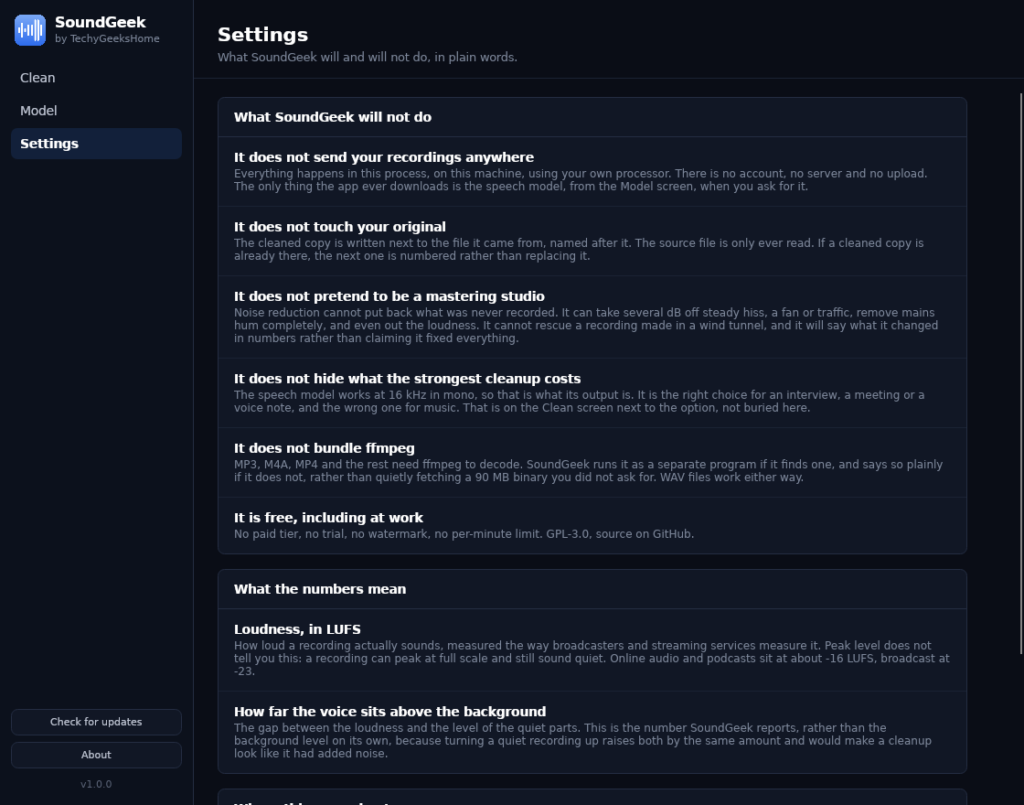
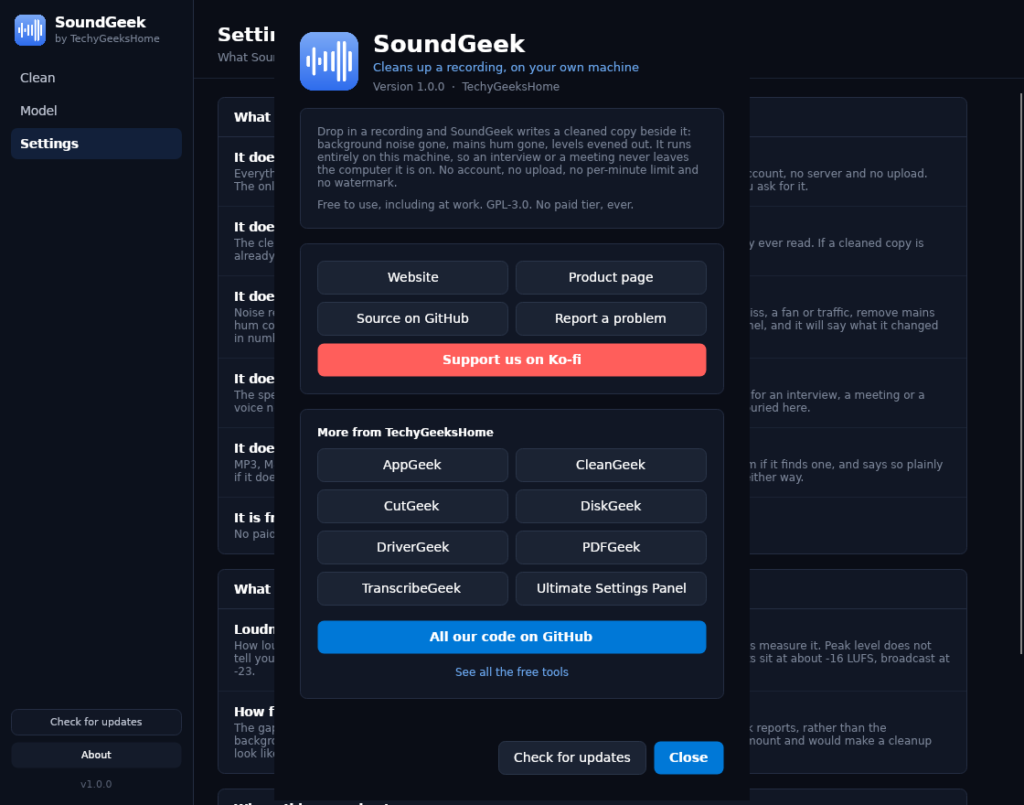
See it in action
Every screen, exactly as it looks when you run it.
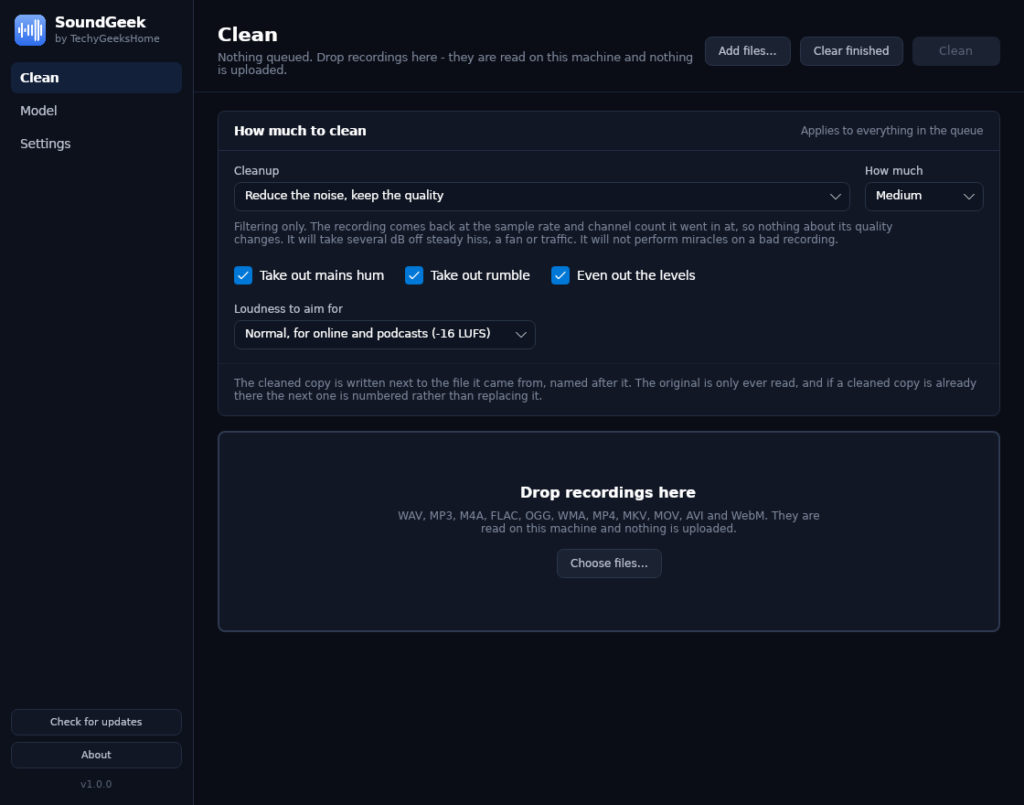
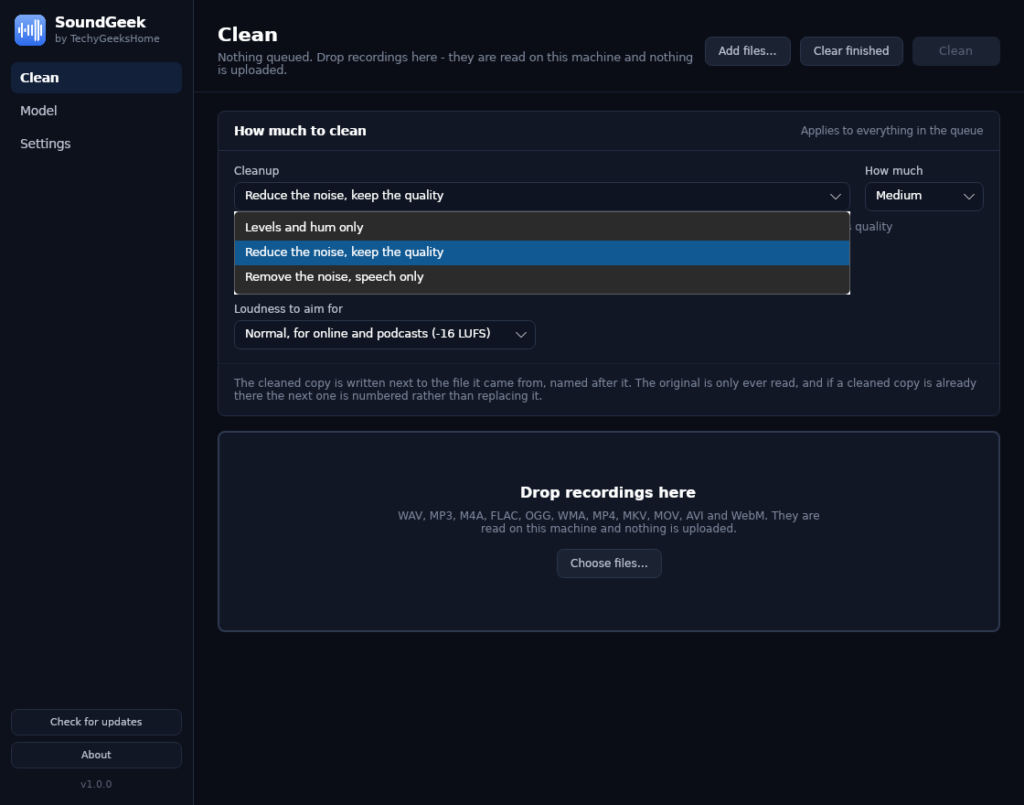
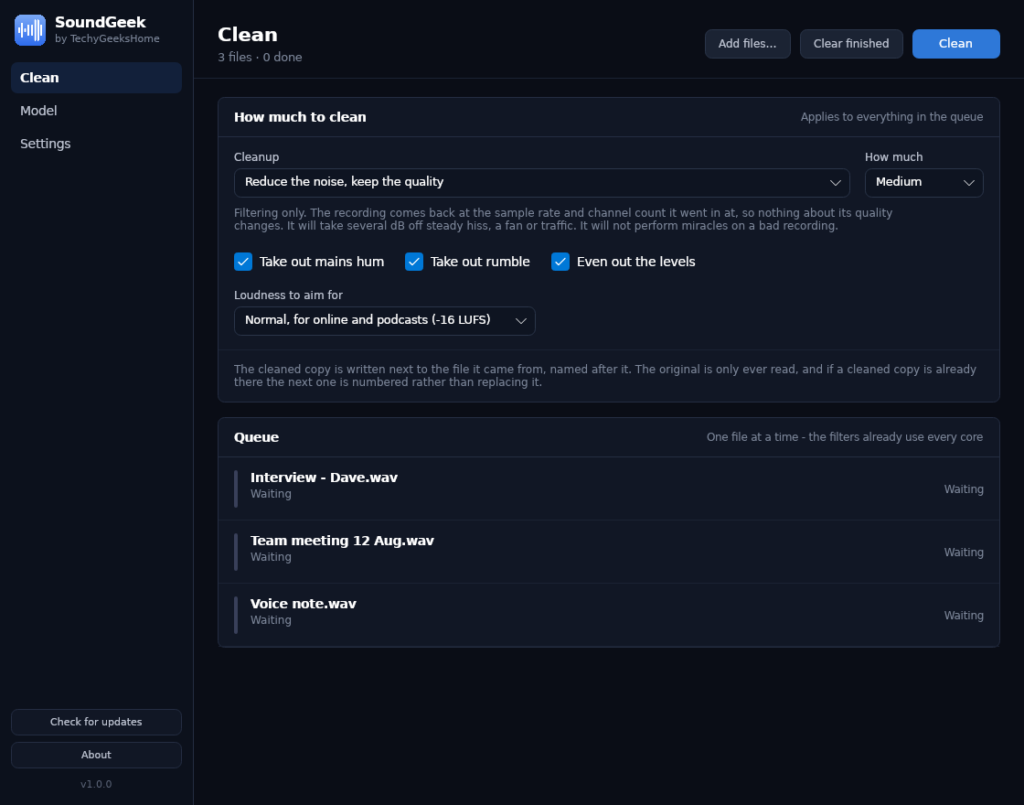
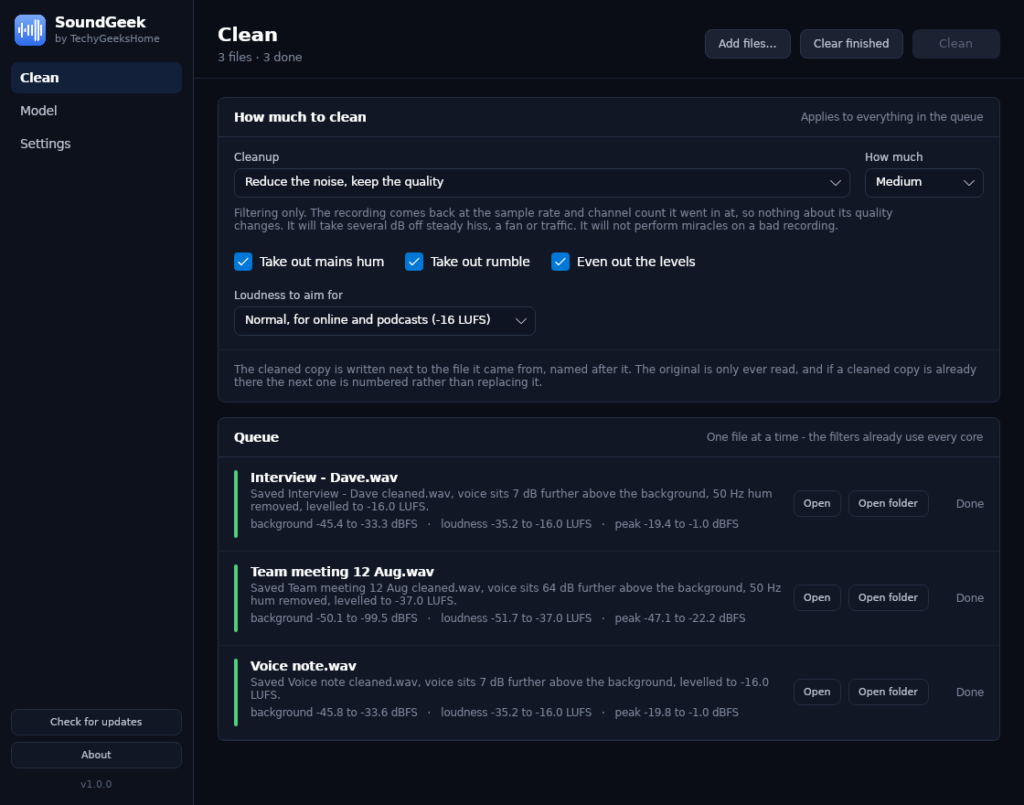
Who it is for
Anyone with a recording that is worth keeping and hard to listen to.
Podcasters and interviewers
A room with a fan in it, a guest on a laptop microphone, a hum you did not hear until you got home. All fixable after the fact.
Anyone recording meetings
A meeting recording that has to be listened to, or fed to a transcriber, is worth two minutes of cleanup first. Nothing about it leaves your machine.
Students and researchers
Lecture recordings and field interviews, cleaned up without a subscription and without uploading somebody else’s voice to a service.
Requirements
Operating system
Windows 10 or later, or Windows 11. 64-bit.
Rights
Standard user. Administrator is only needed to install it.
Download
About 34 MB. A single self-contained installer.
Prerequisites
None. The .NET 8 runtime is bundled. ffmpeg is optional and only needed for formats other than WAV.
Version
1.0.0, released 1 September 2026.
Licence
GPL-3.0. Free for everyone, including commercial use.
Frequently Asked Questions
Is it really free? No Pro version, no catch?
Yes. SoundGeek is free to download and use, at home and at work, with no paid tier, no per-minute limit and no watermark on anything it produces.
Does SoundGeek upload my recordings anywhere?
No. Every recording is read, processed and written on your own computer. There is no account and no server. The only thing SoundGeek ever downloads is the speech model, from the Model screen, when you press the button.
Will it overwrite my original recording?
No. The cleaned copy is written next to the file it came from and named after it. The original is only ever read. If a cleaned copy is already there, the next one is numbered rather than replacing it.
Why does the strongest cleanup come back at 16 kHz mono?
Because that is what the speech model works at. It is the right choice for an interview, a meeting or a voice note, and the wrong one for music. SoundGeek says so on the screen next to the option rather than burying it. The other two cleanups give the file back at the sample rate and channel count it went in at.
Why do I need ffmpeg for MP3 and M4A?
SoundGeek does not bundle ffmpeg, because quietly fetching a 90 MB binary you did not ask for is not a reasonable thing for a small app to do. It runs ffmpeg as a separate program if it finds one, and says so plainly if it does not. WAV files work either way.
Can it rescue a really bad recording?
It can make a lot of them usable, and it will tell you in numbers what it changed. Noise reduction cannot put back what was never recorded, so a recording made in a wind tunnel stays a recording made in a wind tunnel.
Version History
- 1.0.0: 1 September 2026. Initial public release.
Download SoundGeek today
Completely free. Version 1.0.0, no strings attached. Free at home and at work.
Not code-signed, so Windows may warn on first run. Click More info, then Run anyway. SHA256 checksums
Windows may show a “Windows protected your PC” warning the first time you install it. That means SmartScreen has not seen the file before, not that anything is wrong with it. Here is why our builds are unsigned, and how to verify your download against its SHA-256 hash. We will never ask you to switch SmartScreen off.
Support
SoundGeek is free and always will be, at home and at work.