100% Free · Version 2.0.1
ShortGeek: turn your script into a vertical short
Paste in a script: your own, from a guide you already wrote, or from anywhere. ShortGeek narrates it, burns in word by word captions and renders a 1080×1920 MP4 ready to upload. Attach a screenshot to any beat if you want one on screen. The video is rendered on your own machine.
Windows 10 or 11, 64-bit · self-contained installer · nothing else to install
Video Demo
A script turned into a narrated short, in under a minute.
Everything between a script and a finished short
Paste Script, a voice, captions and a render. In that order, with you in charge at every step.
Paste Script, and go
Paste in your script (a hook, your beats and a call to action) as plain text. No account to search, no feed to point at, no guide to import. It’s the one input path, made solid.
A script you can edit
A hook, however many beats you write, and a call to action, all of it yours and all of it editable right up until you render. Nothing is condensed or reworded for you, because you already wrote it.
A real voice, free
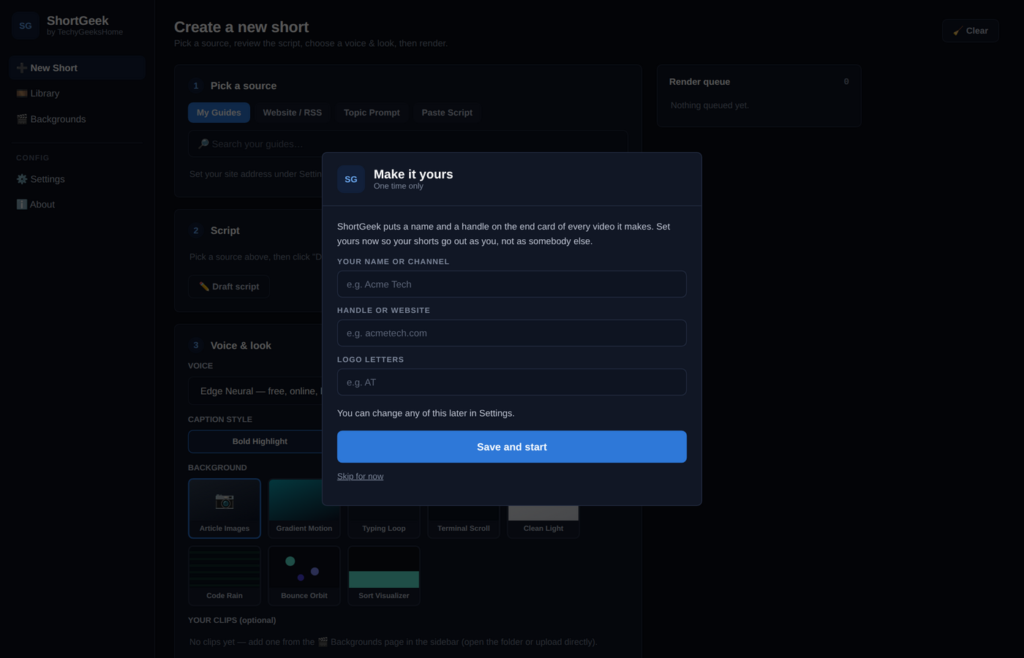
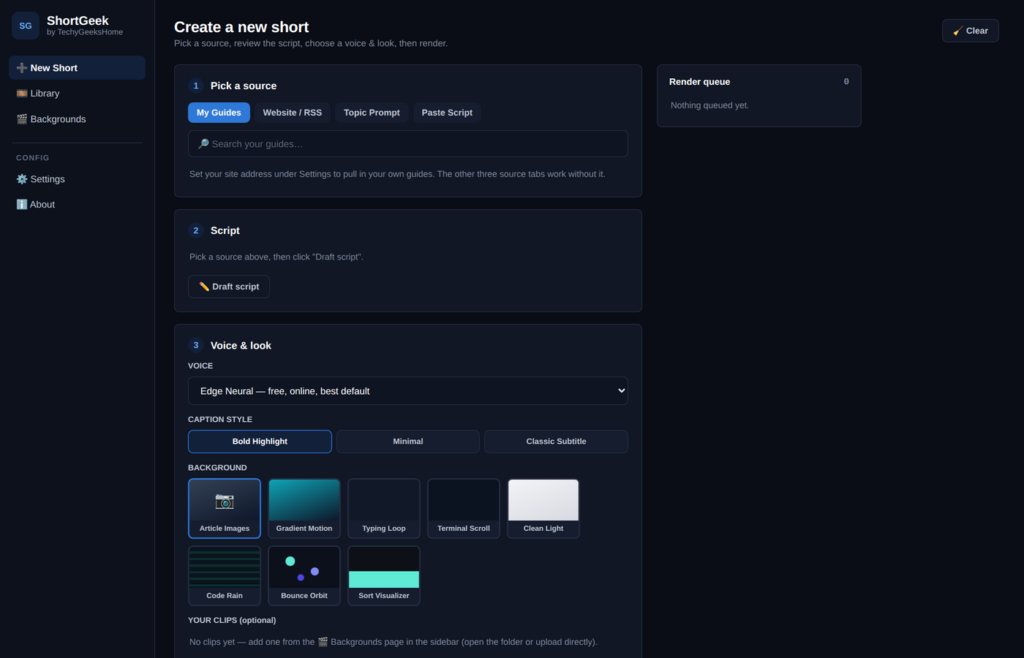
Microsoft Edge’s neural voices, with no signup. If that is ever unreachable, ShortGeek falls back to the offline voice and tells you it did. ElevenLabs works too if you have a key.
Captions timed to the words
Word level timing comes from the voice engine rather than being estimated, and burns in as Bold Highlight, Minimal or Classic Subtitle.
Backgrounds that are actually yours
Eight built in looks, drawn in code frame by frame. Or drop in your own MP4 clips. Attach a screenshot to any one beat and it sits as a small inset on that card, never full bleed. Never AI art, never somebody else’s footage.
Legible code and text cards
Real commands render as editor styled code cards and key points as bold callouts, because a desktop screenshot never stays readable at phone size.
A queue and a library
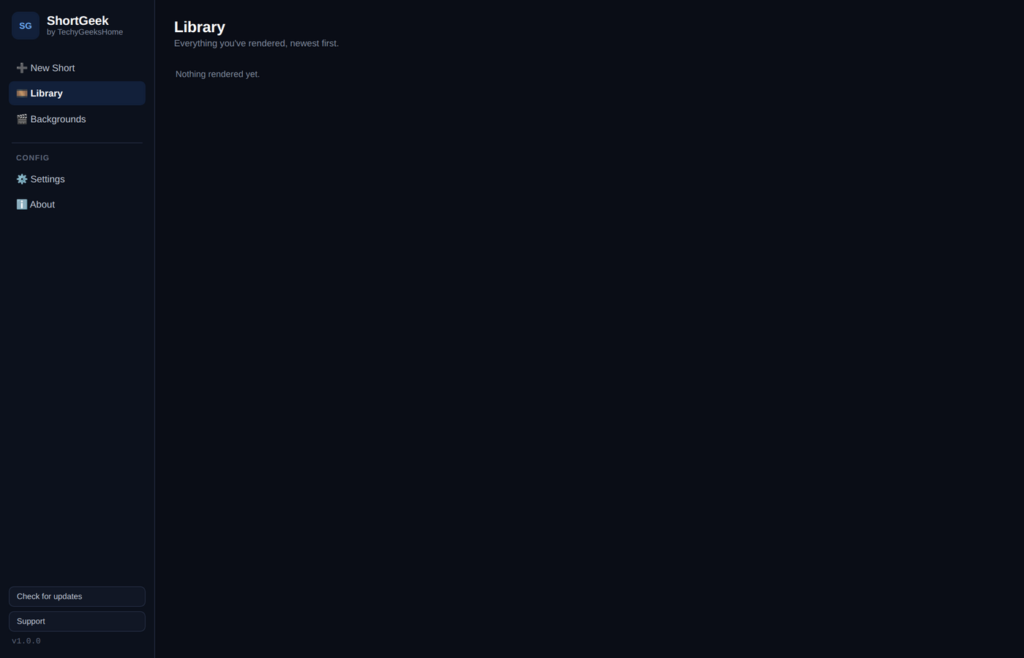
Draft one, send it to render, start the next. Finished videos land in the Library with a preview player and the file ready to upload.
A screenshot on any beat
Attach one to a beat (a Windows Key+H popup, say) and it shows as a small framed inset in the corner of that beat’s card, sized to stay legible at phone-viewing size.
See it in action
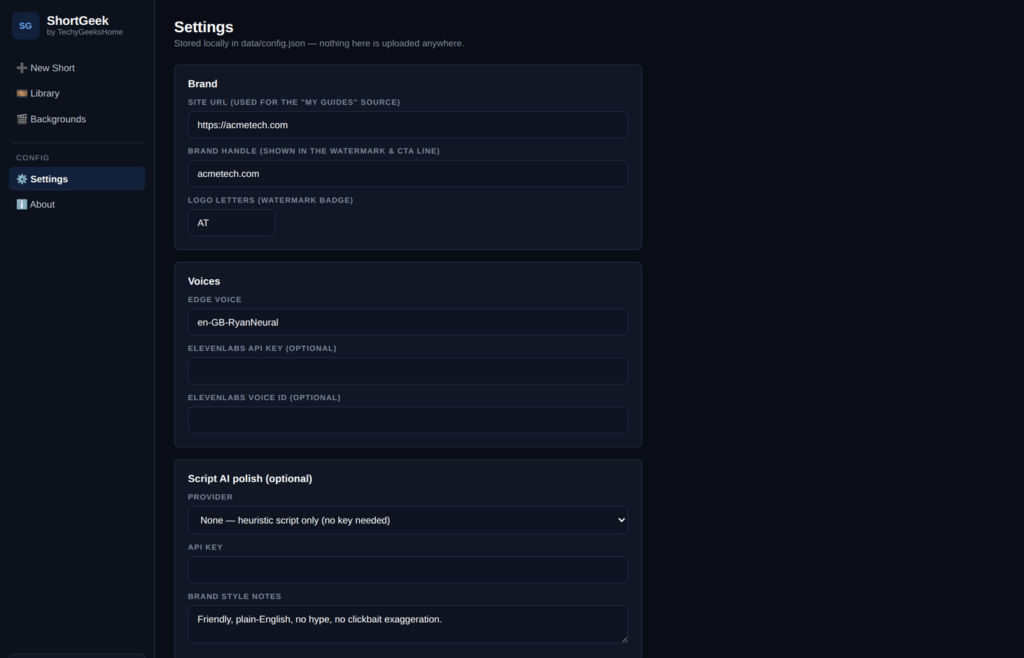
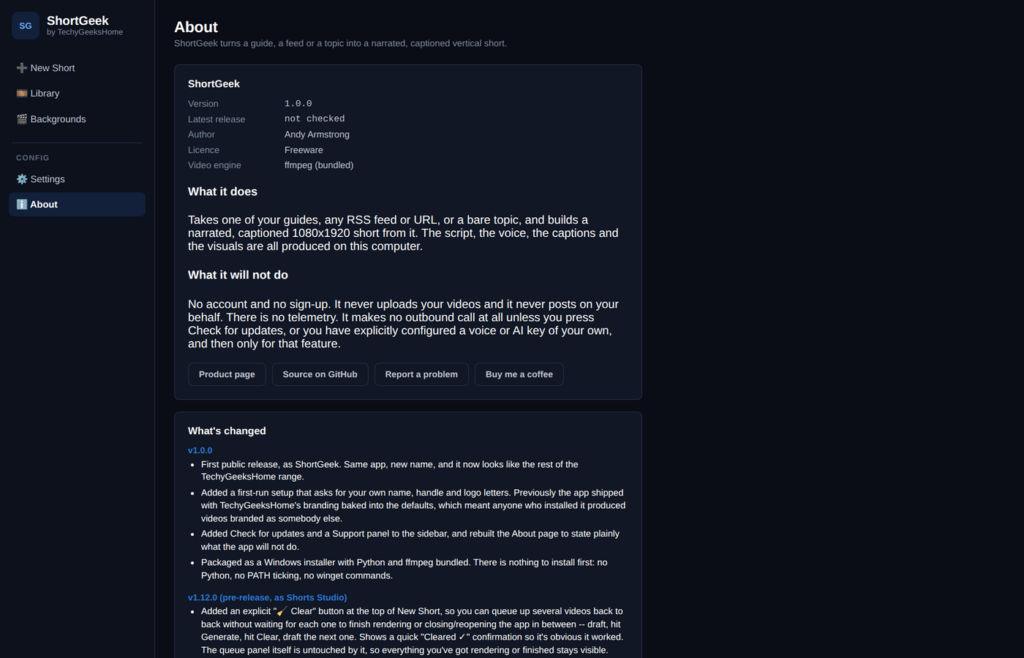
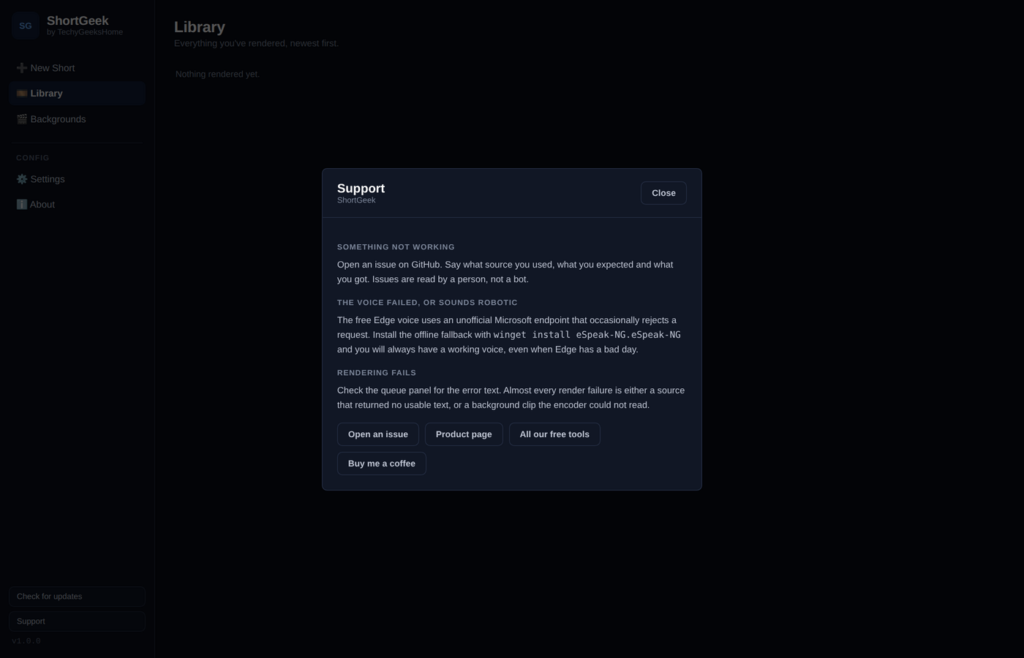
Every screen, exactly as it looks when you run it.
Who it is for
Anyone sitting on written work that would travel further as a short.
Bloggers and guide writers
You already wrote the thing. Paste the key lines in as a script and this turns it into the format the traffic is on, without hiring an editor.
Small brands and solo creators
A posting schedule you can actually keep, with no per video cost and no watermark on anything you publish.
Anyone tired of subscriptions
The free tiers watermark, the paid tiers meter you, and both want your source material on their servers. This does neither.
Requirements
Operating system
Windows 10 or later, or Windows 11. 64-bit.
Rights
Standard user. Administrator is only needed to install it.
Download
About 94 MB. A single self-contained installer.
Prerequisites
None. Python and ffmpeg are bundled. An internet connection is used for the free voice, which sends your narration text to Microsoft. See the privacy page.
Version
2.0.1, released 26 September 2026.
Licence
Free for everyone, including commercial use. Freeware.
Frequently Asked Questions
Is it really free? No credits, no watermark?
Yes. ShortGeek is free to download and use, at home and at work. There is no subscription, no credit system, and nothing it renders carries a watermark you have to pay to remove.
Does it use AI to generate the pictures?
No, and that is deliberate. Backgrounds are either animations drawn in code frame by frame, or MP4 clips you supply yourself, plus an optional screenshot you attach to a beat yourself. Nothing is AI generated and nothing is somebody else’s footage passed off as yours.
Does it make things up in the script?
No. You write the script yourself, so ShortGeek narrates and captions exactly what you paste in. Nothing is added, condensed or reworded on your behalf, and the whole script is editable before you render.
Do I need an API key?
No. Writing your script, the free voice and every built in background work with no keys at all. A key is only needed if you prefer ElevenLabs to the free voice.
Will it upload to TikTok or YouTube for me?
No. Those upload APIs are locked down, quota limited and change constantly, so building on them means breaking regularly. You get a finished 1080×1920 MP4 and post it yourself.
Where do the finished videos go?
Into a library folder on this machine, with a preview player in the app and the file ready to upload. Nothing is sent anywhere. The only outbound call is to the free voice service, or to ElevenLabs if you added a key for it.
Version History
- 2.0.1: 26 September 2026. The About page now says plainly that the default Edge voice sends your narration text to Microsoft’s speech service, and links to the new privacy page.
- 2.0.0: 22 September 2026. New Short is now Paste Script only: Topic Prompt and the WordPress/RSS guide import are gone, since neither reliably produced a usable script. The optional AI polish pass goes with it. Added the ability to attach a screenshot to any beat, shown as a small inset on that beat’s card. New card look: dark, near-black cards with a blue accent.
- 1.0.2: 1 September 2026. Fixes the app failing to start with a message about a log formatter. A windowed app has no console, so it starts with nowhere to write, and the web server fell over asking that nowhere whether it was a terminal.
- 1.0.1: 1 September 2026. Fixes the app opening on a page saying the connection was refused. The build was leaving out the code that serves the screens. Adds the application icon, and a readable message if startup ever fails again.
- 1.0.0: 1 September 2026. Initial public release.
Download ShortGeek today
Completely free. Version 2.0.1, no strings attached. Free at home and at work.
Not code-signed, so Windows may warn on first run. Click More info, then Run anyway. SHA256 checksums
Windows may show a “Windows protected your PC” warning the first time you install it. That means SmartScreen has not seen the file before, not that anything is wrong with it. Here is why our builds are unsigned, and how to verify your download against its SHA-256 hash. We will never ask you to switch SmartScreen off.
Support
ShortGeek is free and always will be, at home and at work.