 System Center
System Center
Practical guides for Microsoft System Center, with the heaviest focus on Configuration Manager (SCCM/ConfigMgr) — application deployment, operating system deployment (OSD) and task sequences, software updates, client health and troubleshooting, SQL queries and reporting, and the day-to-day admin tasks that keep a ConfigMgr environment running smoothly. Coverage also extends to other System Center components including Operations Manager (SCOM) and Service Manager where relevant. Guides here tend to be diagnostic in nature — a specific client error, a failed deployment, a query that pulls exactly the inventory data needed for a report — reflecting the kind of troubleshooting a ConfigMgr administrator actually does. Where SCCM overlaps with modern management (co-management, Intune migration paths), that’s flagged so readers managing a transition can find the relevant context rather than being stuck with on-premises-only advice. This category assumes some existing familiarity with the ConfigMgr console and terminology; readers newer to System Center may want to start with the broader How-To Guides hub before diving into specific SCCM troubleshooting.
System Center
 System Center
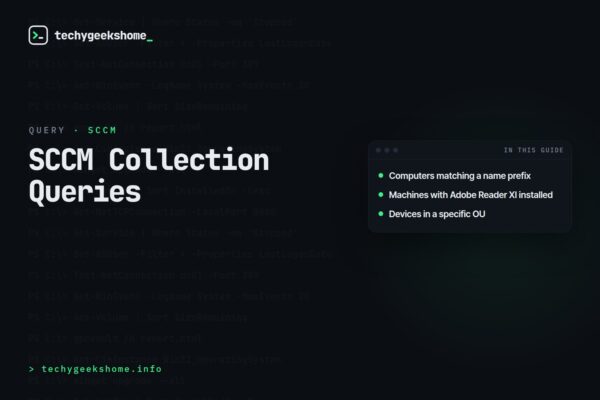
SCCM Collection Queries
 System Center
SCCM Find System User: Query by Last Logged On User
 System Center
Install drivers by computer model using WMI query during SCCM OSD Task Sequence
 System Center
WMI Query Machine Model: Find the Make and Model of a Device
 System Center
SCCM Task Sequence failed due to package associated to the task sequence cannot be found
 System Center
Orchestrator Runbook for Email Notification for ConfigMgr Software Catalog Requests
 System Center
How to create a bootable USB SCCM imaging stick
 System Center