 System Center
System Center
Practical guides for Microsoft System Center, with the heaviest focus on Configuration Manager (SCCM/ConfigMgr) — application deployment, operating system deployment (OSD) and task sequences, software updates, client health and troubleshooting, SQL queries and reporting, and the day-to-day admin tasks that keep a ConfigMgr environment running smoothly. Coverage also extends to other System Center components including Operations Manager (SCOM) and Service Manager where relevant. Guides here tend to be diagnostic in nature — a specific client error, a failed deployment, a query that pulls exactly the inventory data needed for a report — reflecting the kind of troubleshooting a ConfigMgr administrator actually does. Where SCCM overlaps with modern management (co-management, Intune migration paths), that’s flagged so readers managing a transition can find the relevant context rather than being stuck with on-premises-only advice. This category assumes some existing familiarity with the ConfigMgr console and terminology; readers newer to System Center may want to start with the broader How-To Guides hub before diving into specific SCCM troubleshooting.
System Center
 System Center
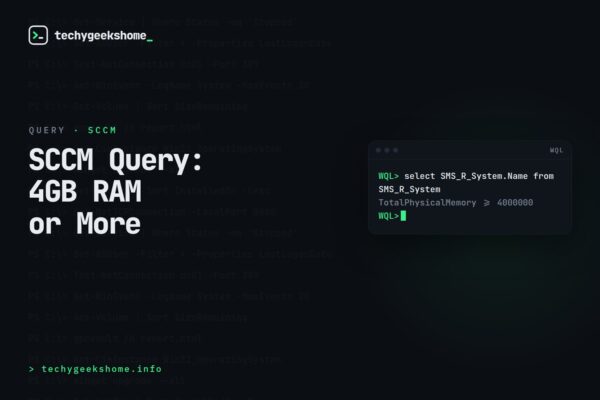
SCCM WQL Query: Finding Machines with 4GB RAM or More
 System Center
System Center Orchestrator Integration Packs
 System Center
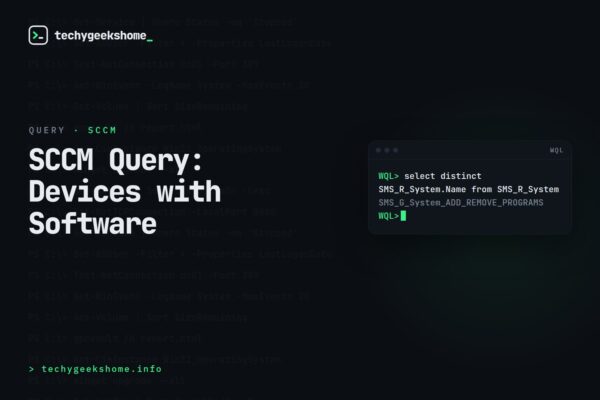
SCCM WQL Query: Finding Devices with Specific Software Installed
 System Center
SCCM Newly Discovered Machines: Finding Devices from the Last 24 Hours
 System Center
SCCM WQL Query: Finding Machines with Less Than 1GB RAM
 System Center
SCCM WQL Query: Machines with a Valid Hardware Scan in X Days
 System Center
SCCM WQL Query: Prompting for a Device’s MAC Address
 System Center
SCCM Query Active Directory: Finding Devices in a Specific OU
 System Center
SCCM WQL Query: Finding Devices with Google Earth Installed
 System Center
SCCM Standalone Media: Creating Stand-Alone Media with Larger Capacity Memory Sticks
 System Center