 How-To Guides
How-To Guides
This is the main hub for TechyGeeksHome’s practical IT guides — step-by-step tutorials written from hands-on production experience rather than theory. Coverage spans the full stack an IT administrator deals with day to day: Windows 10 and 11 deployment and troubleshooting, Windows Server administration across every supported version, System Center Configuration Manager (SCCM/ConfigMgr) application and OS deployment, Active Directory management, PowerShell scripting, and networking fundamentals. Every guide is built around a real problem — a specific error message, a deployment scenario, or a configuration task — with the exact commands, registry keys, or console steps needed to fix it. Nothing here is generic advice; if a guide mentions a version number, build number or product key format, it has been tested against that specific target. Browse by the sub-categories below to narrow down to Windows, Windows Server, Microsoft or System Center specifically, or use the search bar if you know exactly what you are trying to fix. New guides are added regularly, and if you cannot find what you need, the contact page is the fastest way to request a topic.
How-To Guides
 How-To Guides
System Center Operations Manager: Pre-Requisites Powershell Script
 How-To Guides
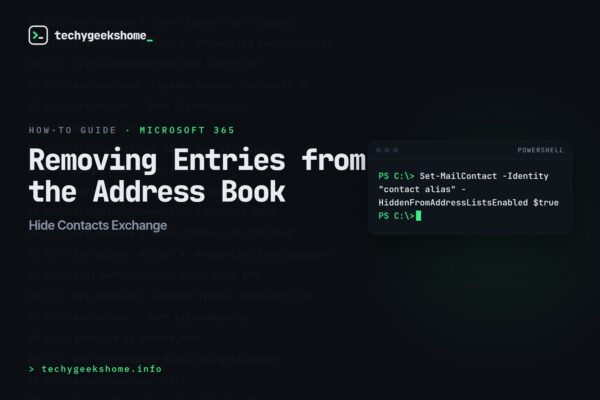
Hide Contacts Exchange: Removing Entries from the Address Book
 How-To Guides
SCSM Strong Name Signature: Sealing a Management Pack
 How-To Guides
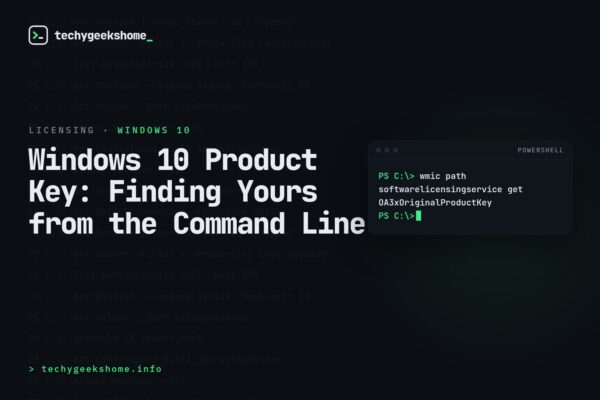
Windows 10 Product Key: Finding Yours from the Command Line
 How-To Guides
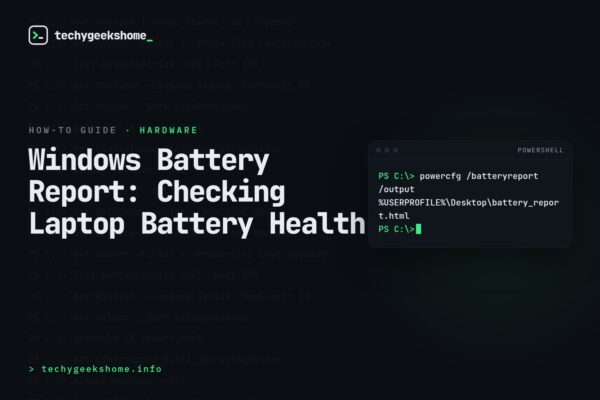
Windows Battery Report: Checking Laptop Battery Health
 How-To Guides
Exchange 2007 PowerShell Mailboxes: Creating Multiple at Once
 Consumer Devices & Hardware
Cancel EA Access Xbox: Unsubscribing on Xbox One
 How-To Guides
Mimecast Outlook Plugin Unloading: Keeping the Add-In Active
 How-To Guides
Outlook Mail Server Settings
 How-To Guides
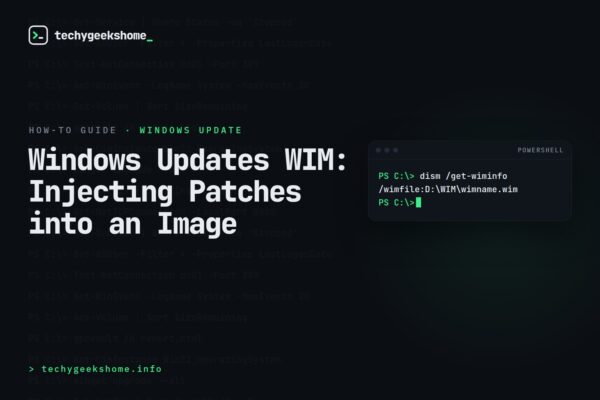
Windows Updates WIM: Injecting Patches into an Image
 How-To Guides