How to fix the “The disk is write-protected. Remove the write-protection or use another disk” error

microsoft black logo

If you are trying to format a second disk on your computer (or server) and you are getting this error: “The disk is write-protected. Remove the write-protection or use another disk.” Then this could be because the disk is write-protected. To get around this, you can use the diskpart utility built into Windows. Open up … Read more

Are Microsoft using your computer as a Windows Update distribution point?

microsoft black logo

Since the upgrade to Windows 10, you may not be aware but your computer may be being used by Microsoft to help distribute Windows Updates. There is a setting within Windows 10 which allows your machine to send updates to other Windows 10 computers on your local network and even on the Internet! What? How … Read more

Windows 10 Group Policy ADMX Templates

Windows 10 Logo

Administrative Templates files are divided into .admx files and language-specific .adml files for use by Group Policy administrators. The changes that are implemented in these files let administrators configure the same set of policies by using two languages. Administrators can configure policies by using the language-specific .adml files and the language-neutral .admx files. Administrative Templates … Read more

Windows Services Tweak

Windows Service Tweaker to Speed up Windows

Windows Services Tweak is a free TechyGeeksHome utility that helps you optimise Windows performance by safely disabling unnecessary Windows services. Includes recommended settings for home users and enterprise environments. Requirements Windows 10 or Windows 11 Administrator rights How to Download Watch our video guide on how to download from TechyGeeksHome: Support & Feedback Found a … Read more

Enable Uninstall in Safe Mode

bluescreen

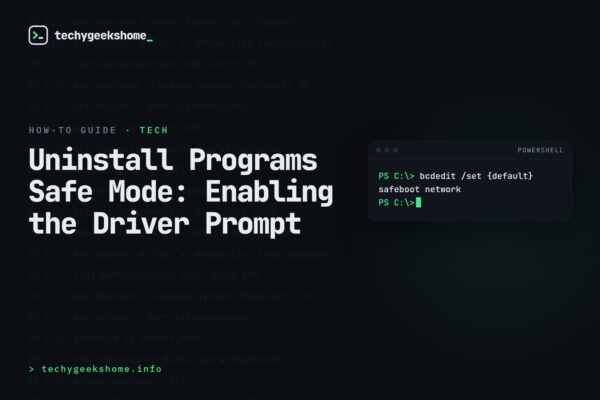
This post will show you how to enable the ability to uninstall programs when in safe mode. This can help if you have installed a driver or some other piece of software that may have blue screened your computer. Guide Launch your computer into safe mode and then run the following from a command prompt: … Read more