 By Andrew Armstrong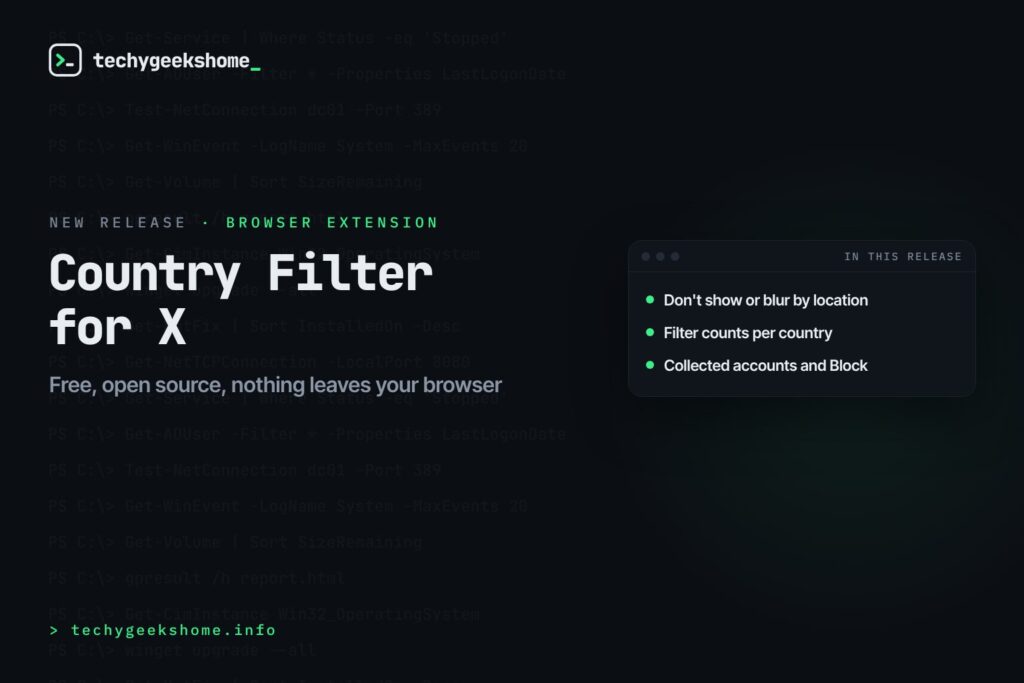
X now shows where every account is based, right on its About this account page. It’s handy, but you have to open each profile to see it, and there’s no way to do anything with it on your feed.
So we built Country Filter for X. Tick a country, or a whole region, and posts and replies from accounts based there stop showing on your feed. Every name gets a small location tag too. It’s free, open source and nothing leaves your browser.
Quick Facts
- Free. No Pro tier, no ads and no limit.
- Open source under the GPL-3.0, with the full source on GitHub.
- Works in Chrome, Edge, Brave, Opera, Vivaldi and Firefox.
- No account, and nothing sent anywhere except x.com itself.
What it does
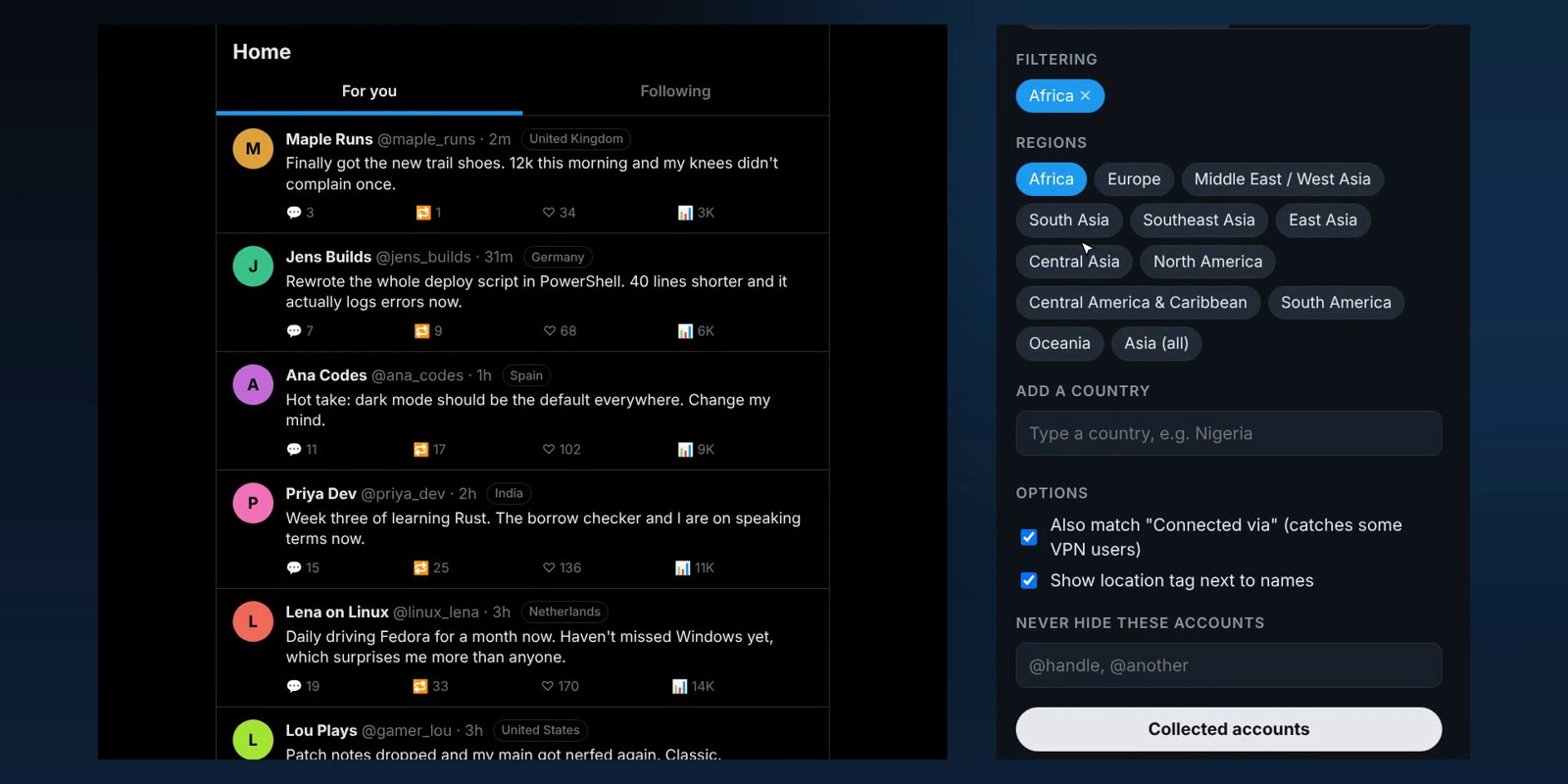
- Don’t show: posts and replies from the places you tick just disappear.
- Or blur them: with a Show button for anything you want to peek at.
- Location tags: see where every account is based as you scroll.
- Regions as well as countries: some accounts only show a region, like Africa, so you can filter a whole region in one go.
- Filter counts: how many posts it has filtered from each place, today and all time.
- Collected accounts: every account it has checked, by location, with a one-click Block button that also works in the X app.
How it works
Country Filter for X reads the same “Account based in” information X shows on each profile, using your own signed-in session, for the accounts whose posts are on your screen. It remembers each account for 30 days, so the more you use it, the more of your feed it already knows. X allows about 50 lookups every 15 minutes, and the extension stops just before that limit, so it never gets in the way of X itself. It’s only as accurate as X’s own information, and it never blocks anyone unless you click Block.
How to install it
Store listings for Edge and Firefox are on the way. Until then, adding it yourself takes about a minute:
- Download the ZIP and unzip it somewhere you’ll keep it.
- Go to
chrome://extensions(oredge://extensions) and switch on Developer mode. - Click Load unpacked and pick the
country-filter-for-xfolder, then refresh x.com.
On Firefox, grab the Firefox version instead and load it from about:debugging. The Country Filter for X page walks through every step with screenshots.
Download it
Found a bug or want a feature? Open an issue on GitHub. Country Filter for X joins PDFGeek, Screenshot Saver, SpeedGeek, PiPGeek, VolumeGeek, TextGeek, ColorGeek, TabGeek, Markdown Saver, RefreshGeek, FocusGeek, Bluesky Saver, ErrorGeek, Image Format Saver, Reddit Saver, Page Saver, Board Saver for Pinterest, Grid Saver for Instagram and Clip Saver for TikTok in our browser extensions.
Country Filter for X is an independent tool made by TechyGeeksHome. It is not affiliated with, endorsed by or connected to X Corp.
Discover more from TechyGeeksHome
Subscribe to get the latest posts sent to your email.
