 Microsoft
Windows Server
Guides covering Windows Server administration from installation through to day-to-day operations, spanning Server 2012 R2 through to Server 2025. Topics include clean installs and in-place upgrades, evaluation and KMS licensing and activation, Active Directory Domain Services setup and troubleshooting, DNS and DHCP configuration, Group Policy, file and print services, and the command-line and PowerShell methods for managing servers without a GUI. Migration guidance is a particular focus — moving between server versions, decommissioning old domain controllers safely, and handling the licensing and activation quirks that come with each release. Where a fix or feature is version-specific, the guide says so explicitly, since a command that works on Server 2019 does not always work identically on 2022 or 2025. This category is aimed at IT administrators and infrastructure engineers managing on-premises or hybrid Windows Server environments, whether that is a single domain controller for a small business or a multi-site enterprise deployment. Related System Center and Active Directory content is cross-linked throughout, since server administration rarely happens in isolation from the management tooling running on top of it.
Microsoft
 How-To Guides
SCCM Change Default Browser: Setting Edge During OSD
 How-To Guides
SCCM Windows 10 Sysprep: Fixing Capture Errors
 How-To Guides
WSUS Server Cleanup: Running It via PowerShell
 How-To Guides
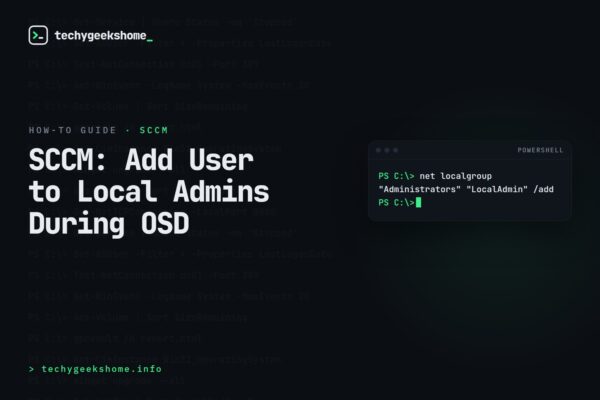
SCCM OSD Local User: Adding to the Administrators Group
 How-To Guides
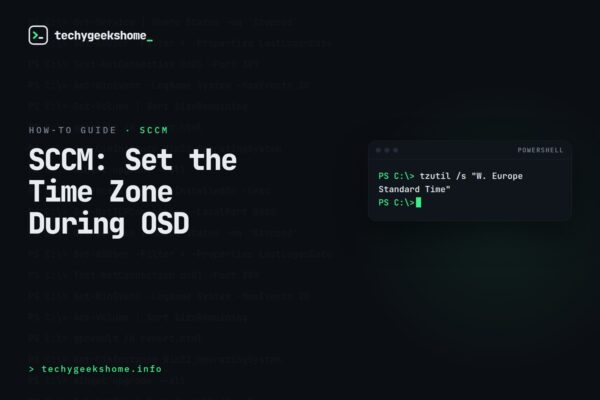
SCCM Time Zone Configuration: Setting It During OSD
 How-To Guides
WSUS SSL Configuration: Enabling a Secure Connection
 How-To Guides
Exchange Anti-Spam Filtering: Setting Up Recipient Filters
 How-To Guides
SharePoint Foundation 2013 Prerequisite Tool Failure
 How-To Guides
SCCM OSD Policy Retrieval Error
 How-To Guides
Disable OneDrive Group Policy: Turning It Off Across Your Org
 How-To Guides