 By Andrew Armstrong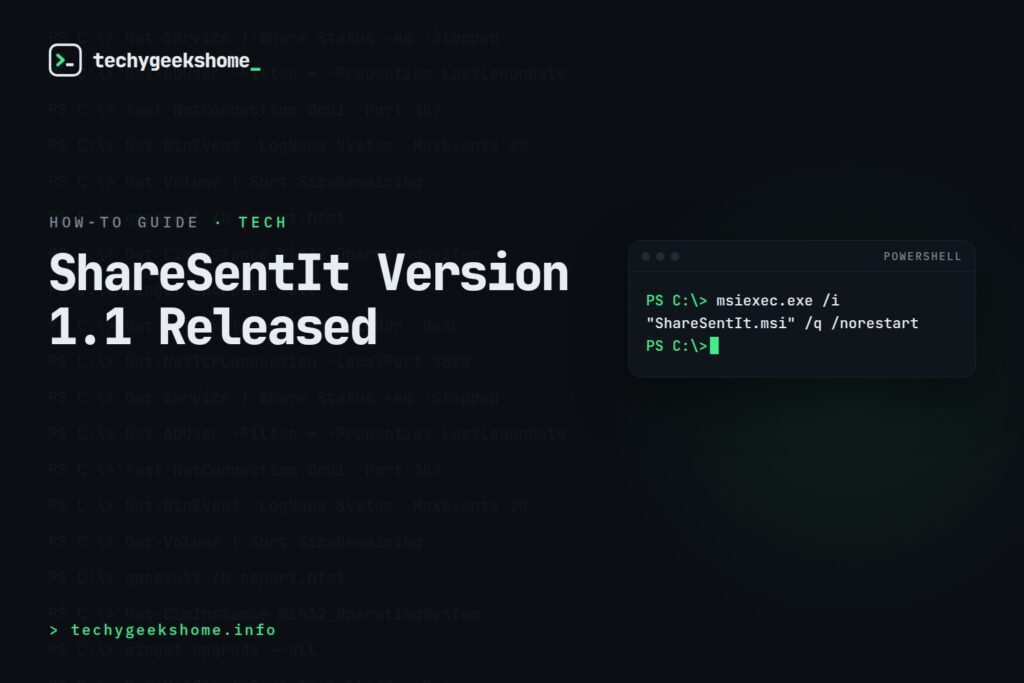
What it does
ShareSentIt corrects this so that mail sent from a shared mailbox is filed into that shared mailbox’s own Sent Items, visible to everyone who has access to it: restoring the behaviour most people actually expect.Compatibility
ShareSentIt is compatible with Outlook 2007, 2010, 2013 and 2016. Each download package contains separate MSI files matched to your Outlook version: install the one that matches what your users are actually running, not just whichever is first in the list. Important: this fix only works if the end user has Cached Exchange Mode enabled on their own mailbox. If cached mode is off, ShareSentIt won’t have any effect.Deployment
Because it ships as an MSI, it deploys the same way as any other line-of-business app: via Configuration Manager, WDS, Group Policy software installation, or manually:msiexec.exe /i "ShareSentIt.msi" /q /norestartOr for a simple silent install outside of a deployment tool:
"ShareSentIt.msi" /q /norestart
Support
If you run into problems, let us know via the comments below or the Help button in the site menu, and we’ll help track it down.Important Update: Microsoft Now Has a Native Fix (2026)
Worth knowing before you deploy this: Microsoft has since added an official, native fix for this exact problem, and it’s a better option than this tool going forward. Setting theMessageCopyForSentAsEnabled mailbox property on the shared mailbox (via Set-Mailbox <SharedMailbox> -MessageCopyForSentAsEnabled $true in Exchange Online/Exchange Server PowerShell, plus -MessageCopyForSendOnBehalfEnabled $true if relevant) makes sent mail file into the shared mailbox’s own Sent Items automatically: and unlike ShareSentIt, it works regardless of whether Cached Exchange Mode is enabled on the end user’s machine. For a new deployment, the PowerShell property is simpler (no MSI to push to every affected machine) and more reliable, so we’d recommend that route over this tool today. ShareSentIt is left here for anyone already relying on it or working with an Outlook version/environment where the native property isn’t an option.
Resources
- Download ShareSentIt
- Download ShareSentIt
- MSI
- WDS
- Group Policy
- Browse our General Tech Accessories picks on Amazon

Discover more from TechyGeeksHome
Subscribe to get the latest posts sent to your email.
