Description
What’s in this download
Microsoft’s own Windows 10 language pack ISO, served directly from Microsoft. It contains the full English (US) language pack for en-us, which translates the Windows interface: Start menu, Settings, File Explorer, dialogs, the sign-in screen and the built-in apps: into English (US).
The file you need is inside the ISO at:
x64langpacksMicrosoft-Windows-Client-Language-Pack_x64_en-us.cab
On 32-bit Windows, use the x86langpacks folder instead.
Download size: 5.54 GB: the ISO carries every language, so you extract just the one file above · Architecture: 64-bit (x64) and 32-bit (x86) · Price: free: no sign-up, no email, no payment.
Windows opens an ISO when you double-click it, so nothing extra needs installing. Open it, go to x64langpacks, copy the en-us file out to your Desktop, then follow the steps below.
Check your Windows version before you install
Language packs are tied to the Windows version they were built for. This is Microsoft’s version 2004 pack, which Microsoft supports on 2004 and every later release: 20H2, 21H2 and 22H2. That covers every Windows 10 PC still receiving updates.
To check which version you are on: press Windows key + R, type winver and press Enter. The version number is on the second line.
If Windows refuses the package with “The specified package is not applicable to this image”, you are on a release older than 2004: run Windows Update first, then try again.
For Windows 11, see Windows 11 language packs. For every language in one place, see our Windows 10 language packs guide.
Install it with DISM
- Extract the ZIP and find
lp.cabinside it. These examples assume you put it atC:lplp.cab. - Right-click Command Prompt and choose Run as administrator.
- Add the package:
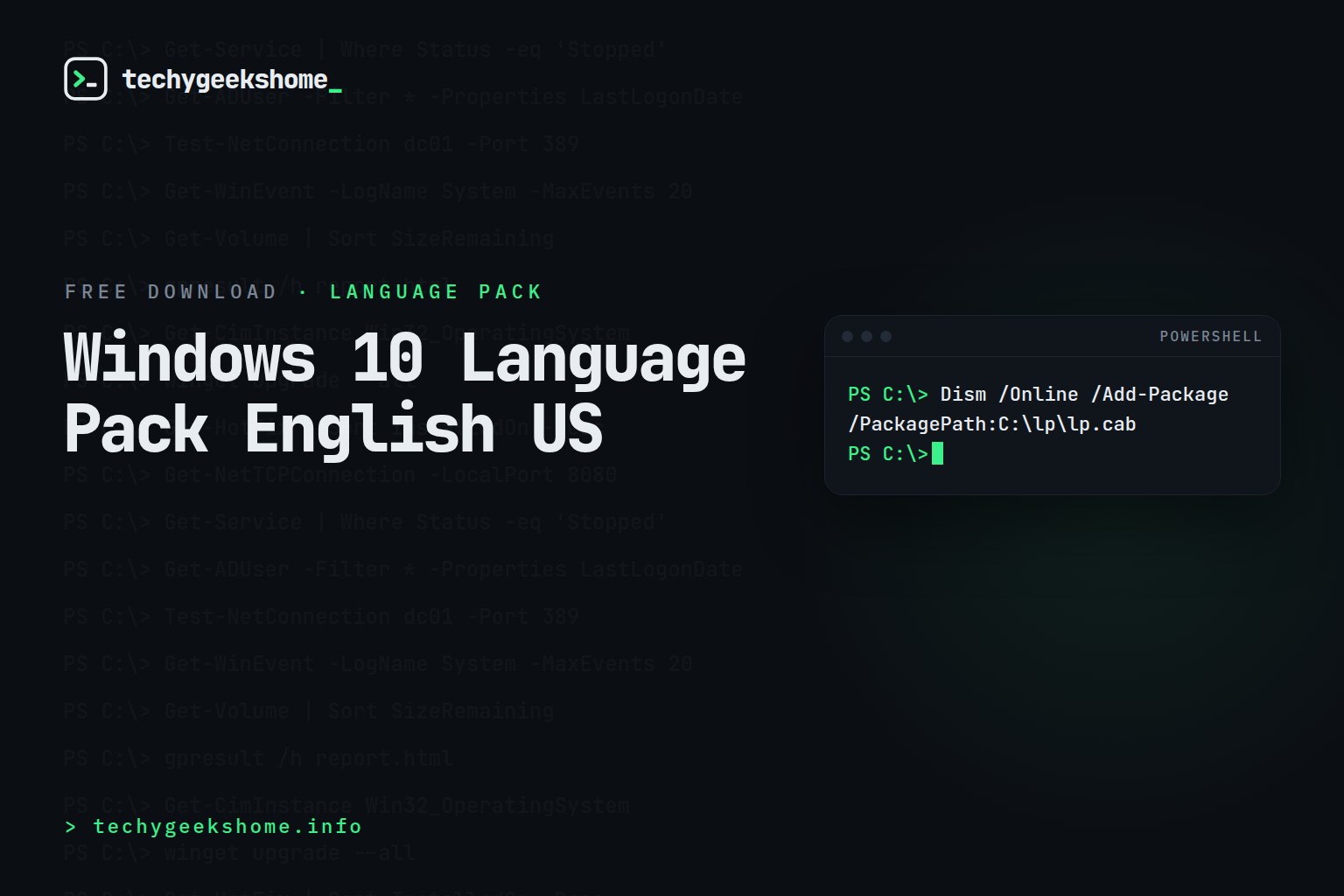
Dism /Online /Add-Package /PackagePath:C:lplp.cab - Check it landed:
Dism /Online /Get-Packages | findstr en-US - Restart the PC.
Prefer a wizard? Use lpksetup
Press Windows key + R, type lpksetup and press Enter. Choose Install display languages, browse to the folder holding lp.cab and follow the prompts.
lpksetup also takes command-line switches for an unattended install:
lpksetup /i en-US /p C:lp /r /s
/p is the folder containing the pack, /r suppresses the restart and /s runs it silently with no interface.
Switch Windows to English (US)
Installing the pack does not change the display language on its own. After the restart:
- Open Settings → Time & Language → Language (called Region & language on older builds).
- Pick English (United States) from the list and set it as the Windows display language.
- Sign out and back in.
Or from an elevated PowerShell prompt:
Set-WinUILanguageOverride -Language en-US
To apply the same language to the sign-in screen and to new user accounts, open Control Panel → Region → Administrative → Copy settings and tick both boxes at the bottom.
Deploying it across a fleet
The silent lpksetup command above works as-is inside a Configuration Manager package, an Intune Win32 app or a Group Policy startup script. Copy the extracted folder to a share and point /p at it:
lpksetup /i en-US /p serversharelp /r /s
You can install several languages in one pass by listing them: lpksetup /i en-US en-US /p serversharelp /r /s
Questions people ask
Is this really free?
Yes. Microsoft language packs are free to anyone running a licensed copy of Windows. There is no sign-up, no email capture and no payment on this page: the price shows as £0.00 because the download runs through our shop, and clicking the button starts it immediately.
Will it work on Windows 11?
No. Windows 11 uses its own language packs: see Windows 11 language packs.
Is there a 32-bit version?
This download is 64-bit (x64) only. A 32-bit machine needs the x86 build of the same pack.
Does it change my keyboard layout too?
No. The display language and the keyboard input layout are separate settings. Add the English (US) keyboard afterwards under Settings → Time & Language → Language.
How do I remove it again?
Run lpksetup /u en-US, or use Dism /Online /Remove-Package with the package name that Dism /Online /Get-Packages reports.
Other Windows 10 language packs
Arabic · Spanish · Russian · Romanian · Polish · Japanese · Hungarian · French · English (UK) · Dutch · Afrikaans · Bulgarian · German · Italian
Not listed? Our Windows 10 language pack download list covers all 111 languages.
Discover more from TechyGeeksHome
Subscribe to get the latest posts sent to your email.
Reviews
There are no reviews yet.