Description
What’s in this download
Microsoft’s own Windows 10 language pack ISO, served directly from Microsoft. Inside it is the Afrikaans Local Experience Pack for af-ZA. It translates the most-used parts of the Windows interface into Afrikaans and sits on top of an existing English installation: you need English (United States) or English (United Kingdom) installed first, and anything it does not cover falls back to English.
The files you need are inside the ISO at:
LocalExperiencePackaf-zaLanguageExperiencePack.af-ZA.Neutral.appx
LocalExperiencePackaf-zaLicense.xml: take this one too if you are deploying to other machines.
Download size: 5.54 GB: the ISO carries every language, so you extract just the files above · Architecture: neutral: the same file works on 64-bit and 32-bit Windows · Price: free: no sign-up, no email, no payment.
Windows opens an ISO when you double-click it, so nothing extra needs installing. Afrikaans is not a full language pack, so it installs differently from the other languages on this site: follow the steps below rather than the DISM instructions you may have seen elsewhere.
Check your Windows version before you install
Local Experience Packs are tied to the Windows version they were built for. This is Microsoft’s version 2004 release, which Microsoft supports on 2004 and every later version: 20H2, 21H2 and 22H2. That covers every Windows 10 PC still receiving updates.
To check which version you are on: press Windows key + R, type winver and press Enter. The version number is on the second line.
For Windows 11, see Windows 11 language packs. For every language in one place, see our Windows 10 language packs guide.
Install it: the simple way
Open the ISO, browse to LocalExperiencePackaf-za and double-click LanguageExperiencePack.af-ZA.Neutral.appx. The App Installer window opens; click Install. That is the whole job on a single PC.
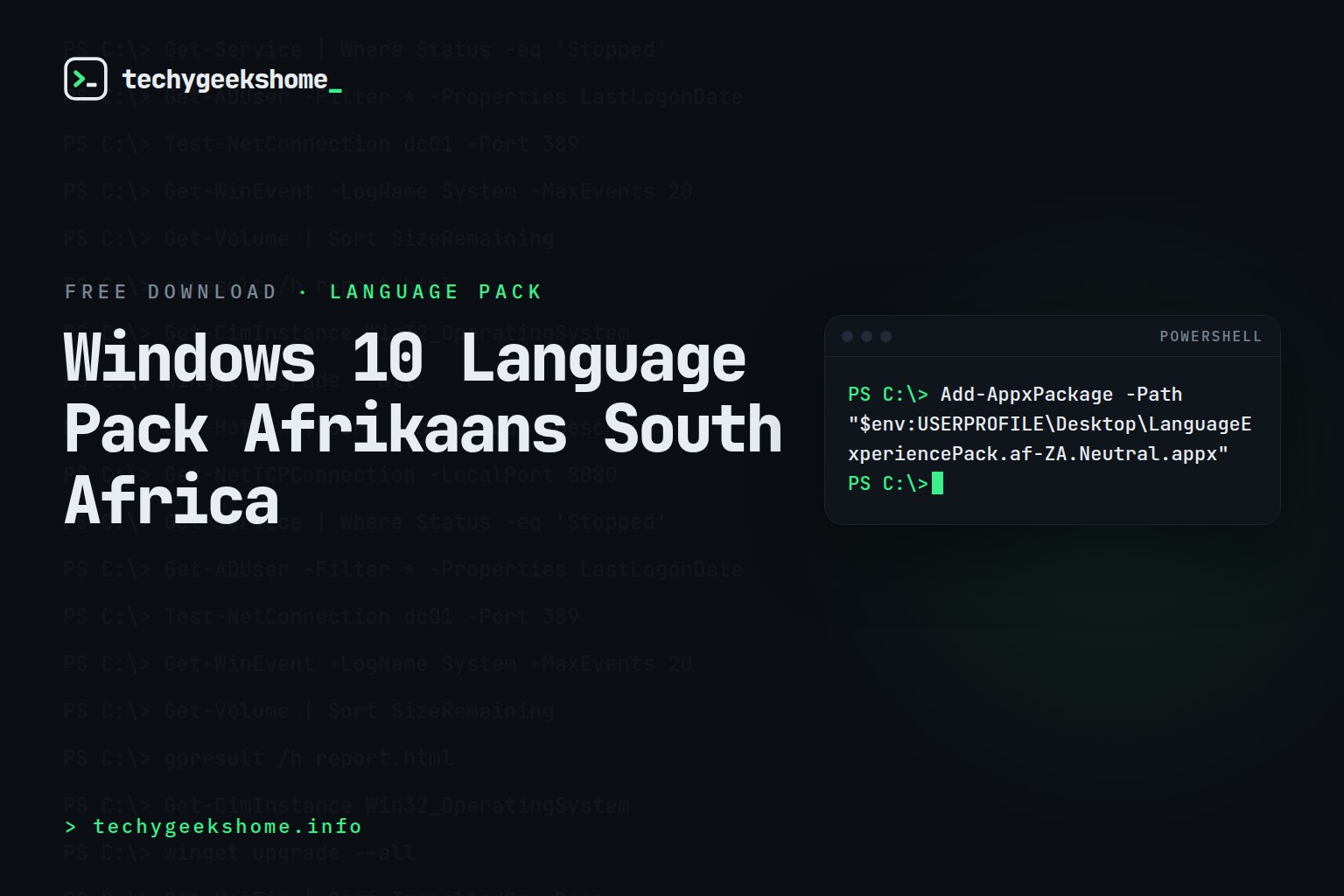
If double-clicking does nothing, use PowerShell instead: copy the file to your Desktop first, then run:
Add-AppxPackage -Path "$env:USERPROFILEDesktopLanguageExperiencePack.af-ZA.Neutral.appx"No reboot is needed, and no administrator rights are required for a single user.
Why DISM and lpksetup do not work here
Full language packs ship as .cab files and are installed with DISM or lpksetup. Afrikaans is a Local Experience Pack, which is an .appx app package: those tools will reject it.
If you have tried lpksetup and been told the package is not applicable, this is why. Use the double-click or Add-AppxPackage method above.
Switch Windows to Afrikaans
Installing the pack does not change the display language on its own. After the restart:
- Open Settings → Time & Language → Language (called Region & language on older builds).
- Pick Afrikaans from the list and set it as the Windows display language.
- Sign out and back in.
Or from an elevated PowerShell prompt:
Set-WinUILanguageOverride -Language af-ZA
To apply the same language to the sign-in screen and to new user accounts, open Control Panel → Region → Administrative → Copy settings and tick both boxes at the bottom.
Deploying it across a fleet
For SCCM, Intune or a task sequence, provision the pack for every user on the machine. Copy both LanguageExperiencePack.af-ZA.Neutral.appx and License.xml out of the ISO, then run elevated:
Add-AppxProvisionedPackage -Online -PackagePath ".LanguageExperiencePack.af-ZA.Neutral.appx" -LicensePath ".License.xml" -Region "ZA"Or the DISM equivalent:
Dism /Online /Add-ProvisionedAppxPackage /PackagePath:LanguageExperiencePack.af-ZA.Neutral.appx /LicensePath:License.xml /Region:"ZA"Follow it with a Group Policy or Intune setting for the display language if you want Afrikaans applied automatically rather than chosen by the user.
Questions people ask
Is this really free?
Yes. Microsoft language packs are free to anyone running a licensed copy of Windows. There is no sign-up, no email capture and no payment on this page: the price shows as £0.00 because the download runs through our shop, and clicking the button starts it immediately.
Will it work on Windows 11?
No. Windows 11 uses its own language packs: see Windows 11 language packs.
Is there a 32-bit version?
You do not need one. This is a neutral package: the same file installs on both 64-bit and 32-bit Windows.
Does it change my keyboard layout too?
No. The display language and the keyboard input layout are separate settings. Add the Afrikaans keyboard afterwards under Settings → Time & Language → Language.
How do I remove it again?
Go to Settings → Time & Language → Language, click Afrikaans and choose Remove. Or run Get-AppxPackage *LanguageExperiencePack*af-ZA* | Remove-AppxPackage in PowerShell.
Other Windows 10 language packs
Arabic · Spanish · Russian · Romanian · Polish · Japanese · Hungarian · French · English (US) · English (UK) · Dutch · Bulgarian · German · Italian
Not listed? Our Windows 10 language pack download list covers all 111 languages.
Discover more from TechyGeeksHome
Subscribe to get the latest posts sent to your email.
Reviews
There are no reviews yet.