 How-To Guides
How-To Guides
This is the main hub for TechyGeeksHome’s practical IT guides — step-by-step tutorials written from hands-on production experience rather than theory. Coverage spans the full stack an IT administrator deals with day to day: Windows 10 and 11 deployment and troubleshooting, Windows Server administration across every supported version, System Center Configuration Manager (SCCM/ConfigMgr) application and OS deployment, Active Directory management, PowerShell scripting, and networking fundamentals. Every guide is built around a real problem — a specific error message, a deployment scenario, or a configuration task — with the exact commands, registry keys, or console steps needed to fix it. Nothing here is generic advice; if a guide mentions a version number, build number or product key format, it has been tested against that specific target. Browse by the sub-categories below to narrow down to Windows, Windows Server, Microsoft or System Center specifically, or use the search bar if you know exactly what you are trying to fix. New guides are added regularly, and if you cannot find what you need, the contact page is the fastest way to request a topic.
How-To Guides
 How-To Guides
Windows 11 WiFi Missing: Fixing the Vanished Option
 How-To Guides
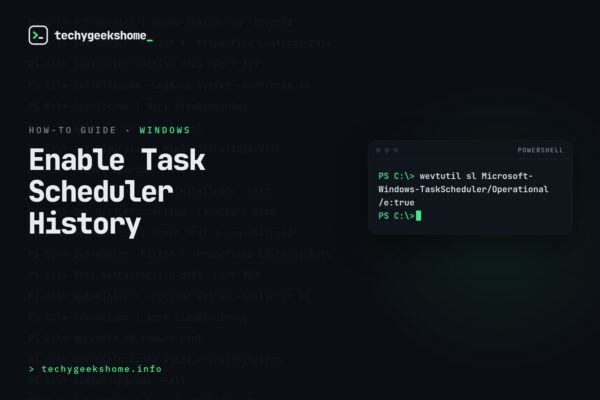
Enable Windows Task Scheduler History
 How-To Guides
Windows 10 God Mode: Easy Setup and Deploy
 How-To Guides
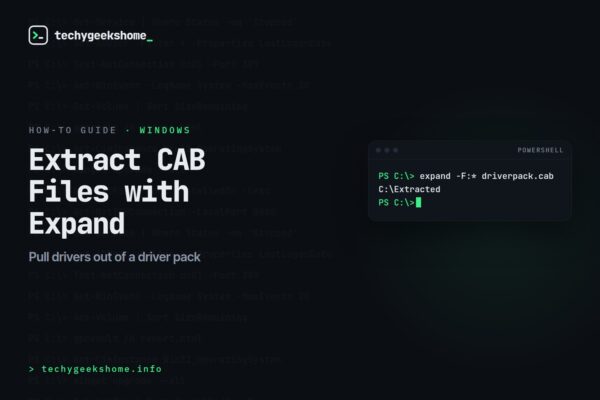
Windows Expand Tool CAB: Extracting Driver Pack Files
 How-To Guides
Firefox Popup Settings: Opening Popups in a New Tab
 How-To Guides
Notepad++ MSI Installers
 How-To Guides
Windows Bluetooth Disconnecting: Fixing Mouse and Keyboard Drops
 How-To Guides
VMware vSphere 7 License: Applying Your Serial Key
 How-To Guides
Embed YouTube Shorts Reddit: Adding Video to Any Post
 How-To Guides
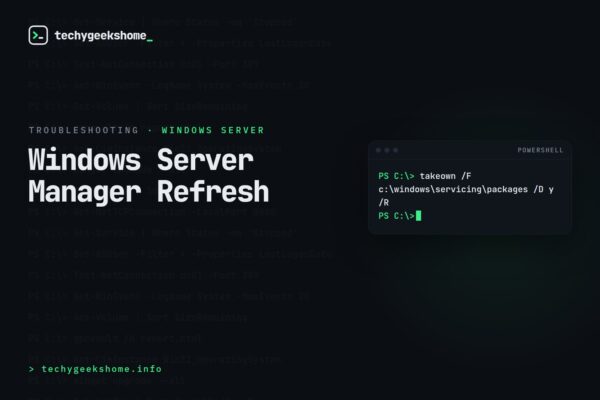
Windows Server Manager Refresh: Fixing Roles That Won’t Update
 How-To Guides