 By Andrew Armstrong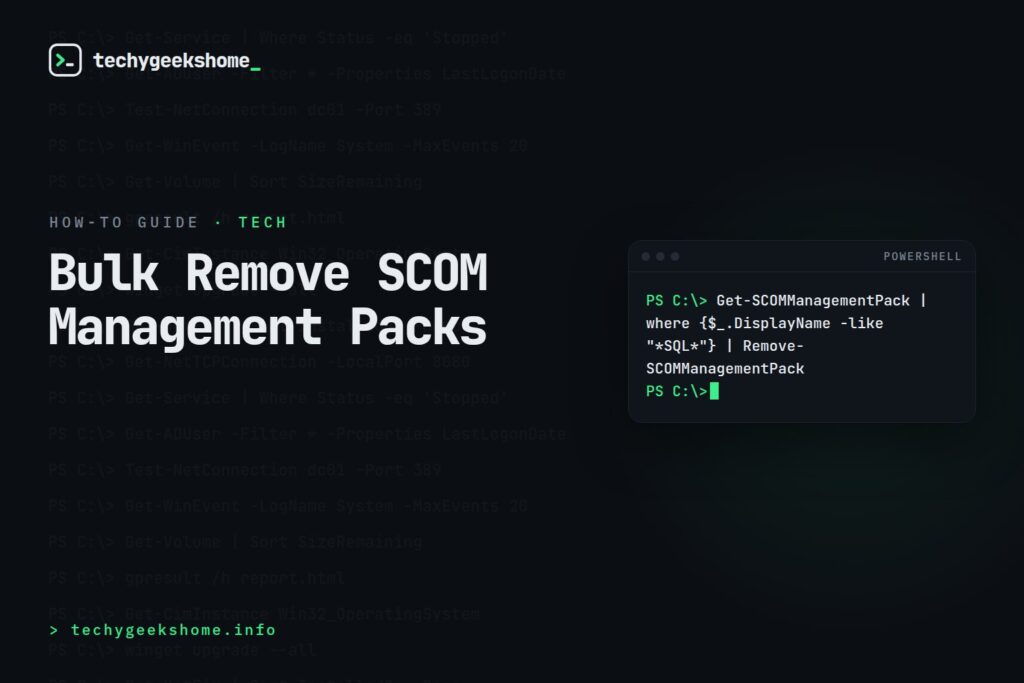
The Command
Get-SCOMManagementPack | where {$_.DisplayName -like "*SQL*"} | Remove-SCOMManagementPack
Run this from the Operations Manager Shell (which connects to your Management Server automatically). Replace "*SQL*" with a wildcard matching the management packs you want removed, or use a full exact name instead of a wildcard if you only want to target one specific pack.
Be Patient
Removal can take a while depending on how many packs match and how many dependencies they have: the command can appear to hang with no visible progress while it works through the list, so give it time rather than assuming it’s failed.Handling Dependency Errors
If a specific pack won’t remove because another installed pack depends on it, you’ll need to remove the dependent pack(s) first. Once the command completes, check Administration > Management Packs in the SCOM console to confirm the packs you targeted are gone.Current on System Center 2025 (Updated for 2026)
TheGet-SCOMManagementPack/Remove-SCOMManagementPack pipeline above still works unchanged on System Center 2025: Operations Manager. Microsoft’s current documentation has shifted its primary cmdlet naming to Get-SCManagementPack/Remove-SCManagementPack as part of a broader System Center naming standardisation, but the original OM-prefixed names remain valid alternate names, so nothing here needs changing on an existing script. The dependency-blocking behaviour (a pack won’t remove while another installed pack depends on it) is also unchanged.
Resources

🛠️
Gear We Recommend
A few general tech accessories worth having alongside this.
Browse our General Tech Accessories picks on AmazonAs an Amazon Associate, TechyGeeksHome earns from qualifying purchases.
Discover more from TechyGeeksHome
Subscribe to get the latest posts sent to your email.
