 By Andrew Armstrong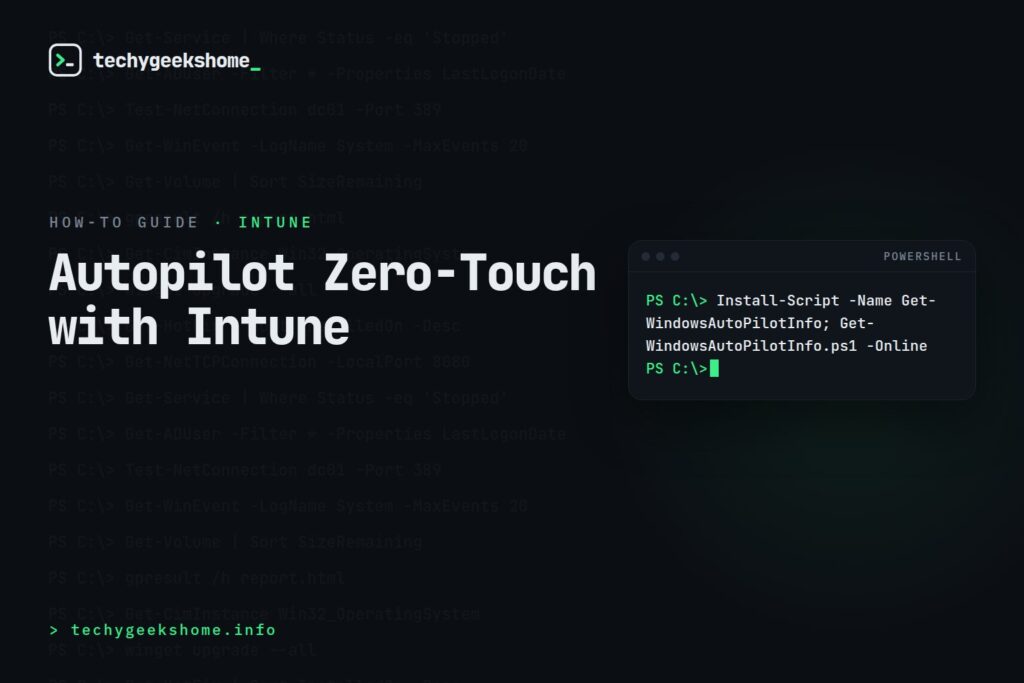
Autopilot lets you ship a brand new Windows PC straight to a user’s home or desk, and have it enroll itself into Intune, apply policies, and install apps the first time it’s turned on. No imaging, no IT technician needed to physically touch the device first. Getting the hardware hash registration right is the part that actually determines whether this works smoothly.
- Devices need their hardware hash registered with Autopilot before enrollment. Either by the OEM/reseller or manually via PowerShell
- An Autopilot deployment profile controls what the out-of-box experience looks like for the user
- Devices must be Azure AD/Entra ID joined or hybrid joined depending on your profile configuration
- Test with one device before registering your entire fleet
Step 1: Register the hardware hash
Many OEMs and resellers can register devices directly with Microsoft on your behalf at purchase time. Ask specifically about this, as it removes the manual step entirely. For devices you already have, extract and upload the hash manually with the Get-WindowsAutoPilotInfo script:
Install-Script -Name Get-WindowsAutoPilotInfo; Get-WindowsAutoPilotInfo.ps1 -Online
Step 2: Create a deployment profile
In the Intune admin center, under Devices > Enrollment > Windows Autopilot, create a deployment profile that controls the out-of-box experience. Whether to skip the privacy/license screens, whether the user sees the “Let’s set up your device for work” branded experience, and whether it deploys as user-driven or self-deploying (for kiosks/shared devices).
Step 3: Assign the profile to a dynamic group
Assign the deployment profile to a dynamic Entra ID group based on device attributes rather than manually adding devices one at a time. This way, any newly registered hardware hash automatically picks up the right profile without further admin action.
Step 4: Test with a single device before wide rollout
Do a full unbox-to-desktop test with one machine before registering a whole fleet. Confirm apps install, policies apply, and the user experience matches what you intended. Profile assignment can take a while to propagate after creation, so build that lag into your test timeline rather than assuming an immediate failure means something’s wrong.
For official guidance, see Microsoft’s Intune documentation.
Gear We Recommend
Testing configs is easier with a dedicated admin machine set up right. Here’s the kit we use.
Browse our Windows Admin Toolkit picks on AmazonAs an Amazon Associate, TechyGeeksHome earns from qualifying purchases.
Discover more from TechyGeeksHome
Subscribe to get the latest posts sent to your email.
