 By Andrew Armstrong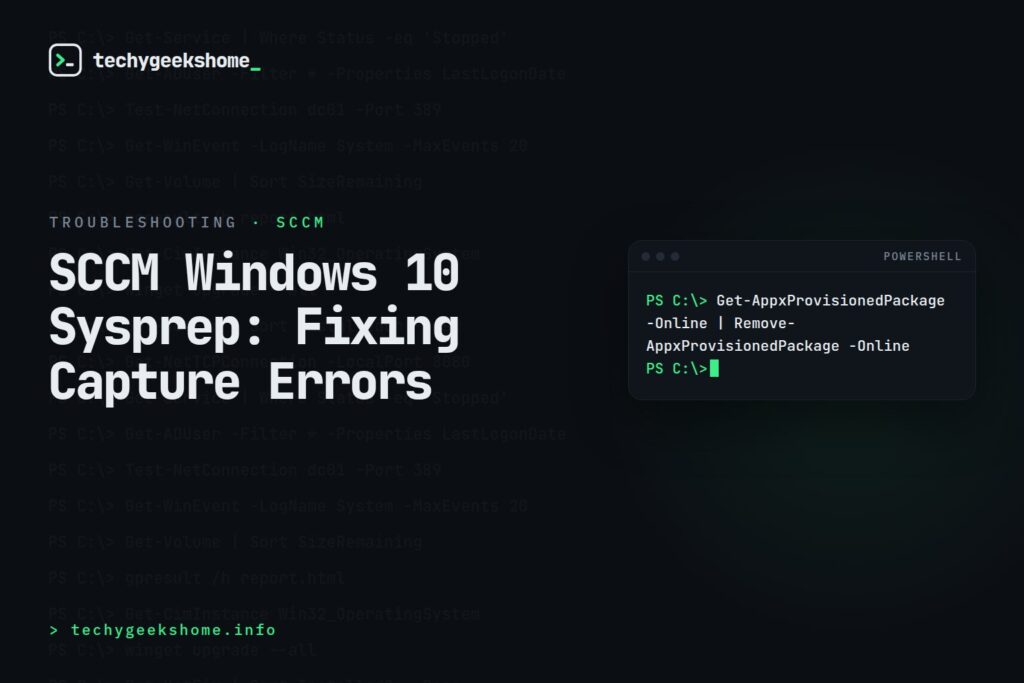
If a Windows 10 SCCM capture task sequence consistently fails at the Sysprep step, even on an image you’ve captured successfully many times before, the fix usually starts with the Sysprep logs rather than guesswork.
Where to Look First
Check C:\Windows\System32\Sysprep\Panther\setupact.log and setuperr.log on the machine being captured (or in the task sequence’s captured logs if the machine has already rebooted/failed out): these will usually name the exact component or app that’s blocking Sysprep.
Common Causes
- Provisioned Store apps: certain built-in Windows apps (particularly ones that have been updated post-install via the Store) block Sysprep from completing. Removing them with
Get-AppxProvisionedPackage -Online | Remove-AppxProvisionedPackage -Online(targeting the specific offending packages named in the log, rather than all of them, if you want to keep some) before capture often resolves this. - Sysprep run-count limit: older Windows builds allowed a maximum of 3 Sysprep generalize passes on the same installation before refusing to run again. If you’ve rebuilt/resyspreped the same reference image repeatedly, rebuild from a fresh installation rather than continuing to reuse the same instance.
- Pending Windows Updates: a reboot pending from an update installed just before capture can cause Sysprep to fail; make sure the machine has been rebooted cleanly with no pending updates before running capture.
Matching the specific error text in setuperr.log against Microsoft’s Sysprep troubleshooting documentation is the most reliable way to pin down which of these (or another cause) applies to your specific failure.
Resources
Gear We Recommend
Testing configs is easier with a dedicated admin machine set up right. Here’s the kit we use.
Browse our Windows Admin Toolkit picks on AmazonAs an Amazon Associate, TechyGeeksHome earns from qualifying purchases.
Discover more from TechyGeeksHome
Subscribe to get the latest posts sent to your email.
