 By Andrew Armstrong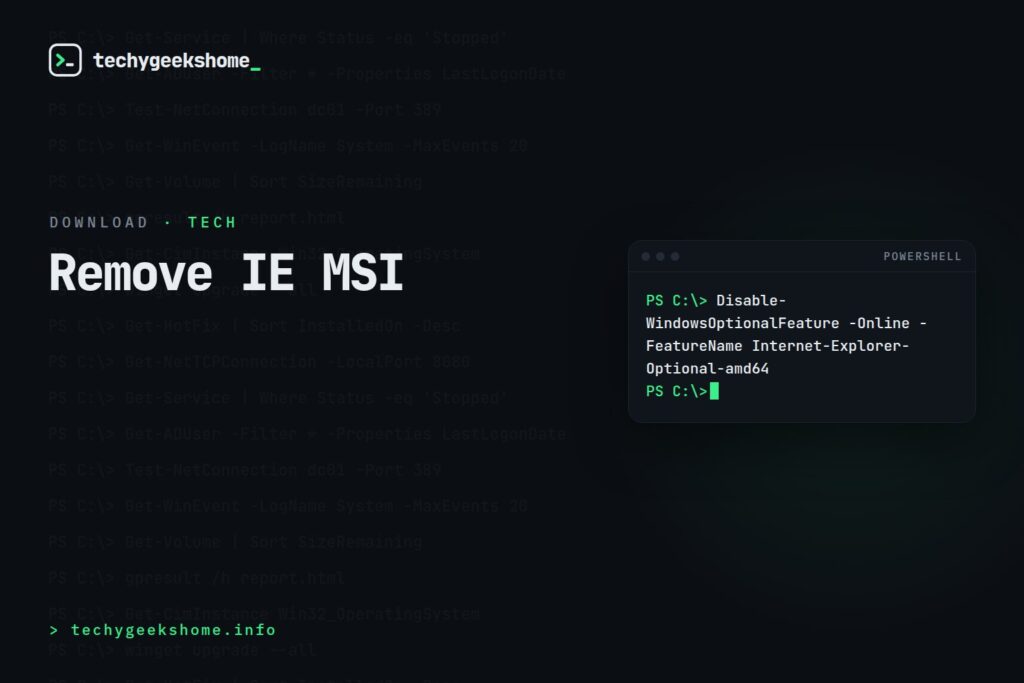
If You’re Still Managing Legacy Systems
For organisations still running IE11 on older or LTSC builds of Windows that haven’t received the retirement update, IE11 can be removed as an optional Windows feature rather than needing a separate uninstaller:- Control Panel: Programs and Features > Turn Windows features on or off > untick Internet Explorer 11 > restart.
- PowerShell (run as Administrator):
Disable-WindowsOptionalFeature -Online -FeatureName Internet-Explorer-Optional-amd64 - Group Policy / SCCM: the same optional feature can be disabled at scale via a script deployment running the PowerShell command above, which is generally more reliable for enterprise rollout than a legacy MSI uninstaller at this point.
Still Need IE-Dependent Sites to Work? Use Edge’s IE Mode (Updated for 2026)
Removing IE11 outright is the right move for a general fleet, but if your organisation still has a legacy intranet application or vendor portal that genuinely requires the old Trident engine, the current supported path isn’t reinstalling IE11: it’s Internet Explorer mode in Microsoft Edge, configured via the Enterprise Mode Site List policy so only specific URLs fall back to IE rendering while everything else uses standard Edge. Microsoft has committed to supporting IE mode through at least 2029, making it the durable option for the handful of stubborn legacy sites that would otherwise block an IE11 removal project entirely.Resources
Discover more from TechyGeeksHome
Subscribe to get the latest posts sent to your email.
