 By Andrew Armstrong
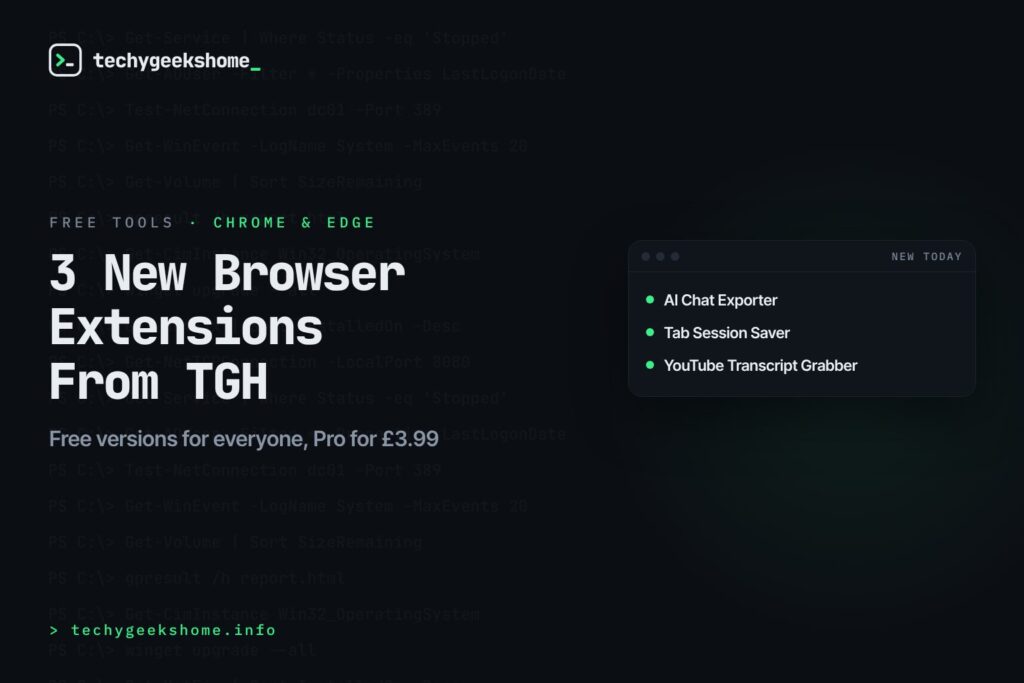
Three new browser extensions are out today for Chrome and Edge. Each one has a free version you can use as long as you like, and a Pro upgrade for a one-off £3.99 if you want the extra features. No subscriptions, no accounts and nothing uploaded to anyone’s server.
AI Chat Exporter
Ever lost a really useful ChatGPT answer, or needed to send a Claude conversation to someone else? AI Chat Exporter turns any chat on ChatGPT, Claude or Gemini into a clean file in one click.
- Free: export to Markdown with code blocks, tables and headings kept, or copy the whole chat to your clipboard
- Pro: PDF, Word, JSON and standalone web page exports
Tab Session Saver
Stop rebuilding your browser every morning. Tab Session Saver saves the tabs in your window as a named session, like “Monday admin” or “Client X project”, and reopens the lot in one click.
- Free: save up to 3 sessions, reopen them in a new window and update them with your current tabs
- Pro: unlimited sessions, ready-made admin console packs for Microsoft 365, Azure and Google Workspace, plus export and import to move sessions to another PC
YouTube Transcript Grabber
Rather read than rewatch? YouTube Transcript Grabber pulls the transcript of any YouTube video that has captions, including auto-generated ones.
- Free: copy the transcript as clean paragraphs or download it as a .txt file
- Pro: timestamps, Markdown with links back to each moment, and SRT or VTT subtitle files
Get YouTube Transcript Grabber
How to install them
Download the free version from the product page and unzip it to a folder you will keep. Open chrome://extensions (or edge://extensions), turn on Developer mode, click Load unpacked and choose the folder. To unlock Pro, paste the licence key from your Gumroad receipt into the extension and press Activate.
Privacy
All three run entirely in your browser. Your chats, tabs and transcripts stay on your PC. If you have a question or an idea for another extension, email hello@thegeeknetwork.co.uk.
Discover more from TechyGeeksHome
Subscribe to get the latest posts sent to your email.
