 By Andrew Armstrong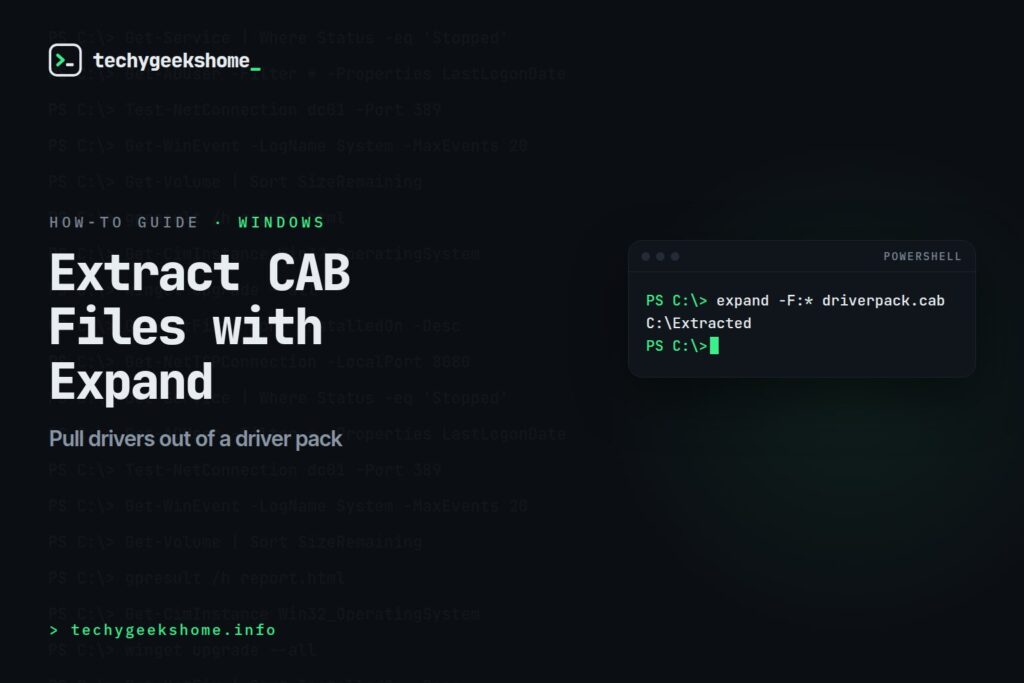
expand.exe for extracting the contents of CAB files: useful for driver packages, Windows Update packages, or any archive distributed in Microsoft’s cabinet format, without needing a third-party archiver.
Extract All Files from a CAB
expand -F:* driverpack.cab C:\ExtractedThe
-F:* switch tells expand to extract every file in the cabinet (rather than a single named file) into the destination folder.
Extract a Single File
expand -F:ntprint.inf driverpack.cab C:\Extracted
Expanding a Single Renamed Compressed File
Some older Windows source media store individual files in a compressed form with the last character of the extension replaced by an underscore (for examplentoskrnl.ex_). To decompress one of these directly to its real filename:
expand ntoskrnl.ex_ ntoskrnl.exeRun
expand /? for the full switch list: it also supports listing a cabinet’s contents without extracting anything, using -D.
Still Present in Current Windows
expand.exe remains a built-in tool in current Windows 10 and Windows 11 releases: unlike some older command-line utilities that have been deprecated or removed over the years, it hasn’t been touched, and the syntax above works identically whether you’re on an old Windows 7 machine pulling apart legacy driver media or a current Windows 11 build.
The PowerShell Alternative
If you’d rather stay in PowerShell than drop to a classic command prompt,Expand-Archive handles ZIP files but doesn’t natively support CAB: for CAB extraction specifically, calling the same expand.exe tool from within a PowerShell script (expand -F:* driverpack.cab C:\Extracted works exactly the same there) is still the simplest route rather than reaching for a third-party module.
Listing Contents Without Extracting
Worth calling out separately since it’s easy to miss in the switch list:expand -D driverpack.cab lists every file inside the cabinet without extracting anything, which is handy for confirming you’ve got the right CAB file before committing to a full extraction, especially with large driver packs.


🛠️
Gear We Recommend
A few general tech accessories worth having alongside this.
Browse our General Tech Accessories picks on AmazonAs an Amazon Associate, TechyGeeksHome earns from qualifying purchases.
Discover more from TechyGeeksHome
Subscribe to get the latest posts sent to your email.
