 By Andrew Armstrong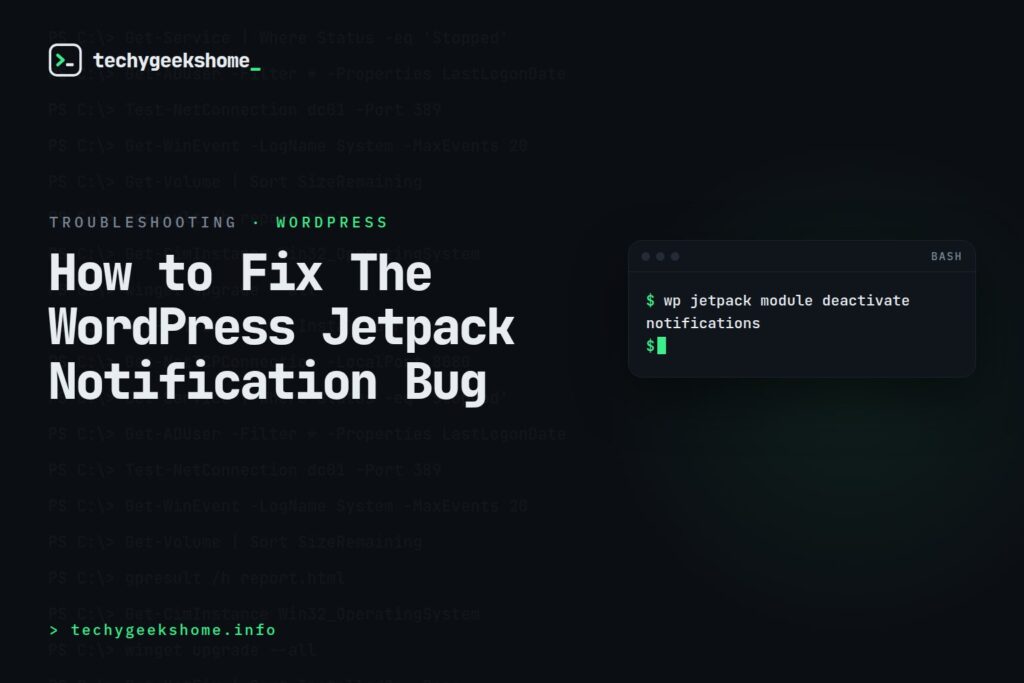
Fixing the WordPress Jetpack “N” Key Notification Bug
If you spend much of your day in the WordPress admin area, you’ve probably run into this: press the N key while your cursor isn’t inside a text field, and Jetpack’s Notifications panel suddenly pops open: even though you didn’t click anything notification-related. This is genuine Jetpack behaviour rather than a bug in your theme or another plugin: Jetpack binds a keyboard shortcut to the “N” key to quickly open its Notifications panel, and it catches a lot of site admins off guard, especially anyone used to typing “n” for something else while their cursor happens to be outside a form field. If you’d rather not have this shortcut active:- Go to Jetpack > Settings in your WordPress admin and look under the Writing or Traffic tabs for keyboard shortcut / notification options, as the exact location has moved between Jetpack versions.
- Alternatively, disabling the Jetpack Notifications module itself (via Jetpack > Settings, or with WP-CLI:
wp jetpack module deactivate notifications) removes the shortcut along with the panel.
Where This Setting Lives in 2026 (Updated for 2026)
The “N” shortcut for opening Jetpack Notifications is still active in current Jetpack versions: this hasn’t been removed. What has moved is the settings navigation: the module list is no longer a simple footer link on the main Settings page. In recent Jetpack releases you’ll find it under My Jetpack > Help tab > Useful Links > “All Jetpack modules.” If you’re disabling it via WP-CLI, don’t assume the module slug is still exactlynotifications: slugs occasionally shift between Jetpack versions. Run wp jetpack module list first to confirm the exact slug for your installed version before running the deactivate command, so you’re not left wondering why nothing changed.
🛠️
Gear We Recommend
A few general tech accessories worth having alongside this.
Browse our General Tech Accessories picks on AmazonAs an Amazon Associate, TechyGeeksHome earns from qualifying purchases.
Discover more from TechyGeeksHome
Subscribe to get the latest posts sent to your email.
