 By Andrew Armstrong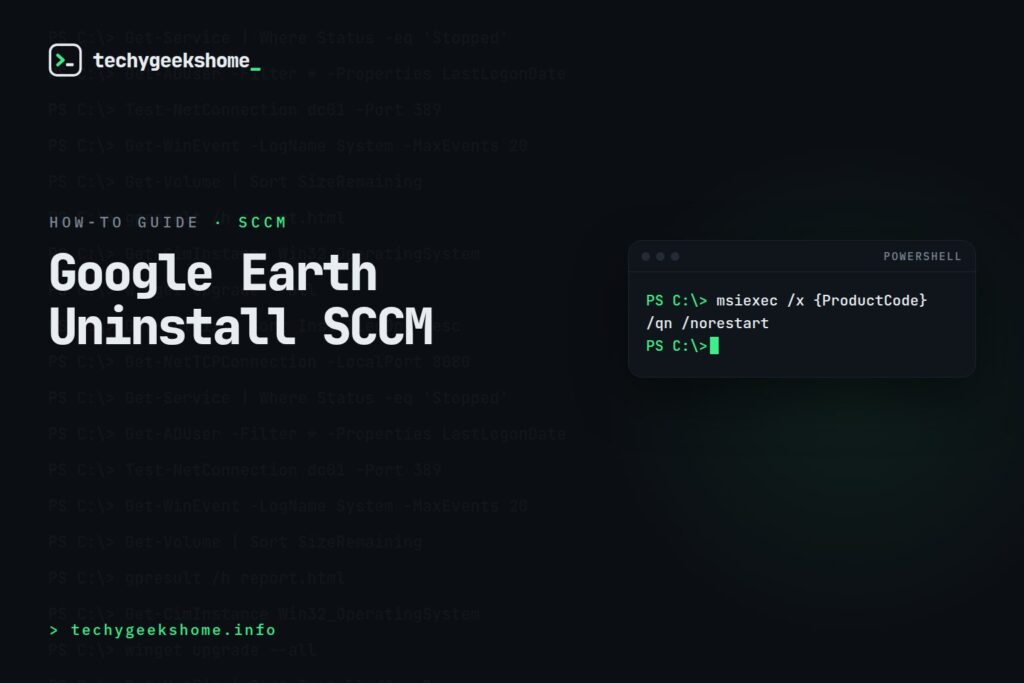
Uninstalling Google Earth via SCCM
Google Earth Pro ships as an MSI, which makes it straightforward to remove silently through a Configuration Manager application or package/program, the same way you’d handle any other MSI-based uninstall. If you deployed it originally as an SCCM application with detection tied to the MSI product code, the simplest approach is to create an uninstall deployment type using:msiexec /x {ProductCode} /qn /norestartHKLM\SOFTWARE\Microsoft\Windows\CurrentVersion\Uninstall) or from the original MSI properties if you still have the install source.
Alternatively, if Google Earth was installed via its EXE bootstrapper rather than the raw MSI, check HKLM\SOFTWARE\WOW6432Node\Microsoft\Windows\CurrentVersion\Uninstall for its UninstallString and adapt that into your SCCM uninstall command line instead: bootstrapped installs sometimes wrap the MSI with their own uninstall executable rather than exposing msiexec directly.
Finding the Product Code Without Digging Through the Registry Manually
If you don’t already know the exact product code and don’t want to hunt through registry keys by hand, PowerShell can pull it for you directly:Get-WmiObject -Class Win32_Product | Where-Object {$_.Name -like "*Google Earth*"} | Select-Object Name, IdentifyingNumberIdentifyingNumber is the product GUID you need for the msiexec /x command above. Worth noting: Win32_Product triggers a consistency check across every installed MSI on the machine when queried, which can be slow and has been known to trigger reinstall/repair actions in some environments: for a one-off lookup on a single machine it’s generally fine, but avoid running it routinely across a large collection. If you’re building this into an ongoing inventory or detection method rather than a one-time lookup, querying the registry uninstall keys directly (as above) is the lighter-weight approach.
Once you have the uninstall command working reliably against a test machine, wrapping it as an SCCM uninstall deployment type and targeting it at whichever collection currently has Google Earth installed (a WQL query against the same registry data works well for building that collection) completes the removal at scale.
Resources
🛠️
Gear We Recommend
Testing configs is easier with a dedicated admin machine set up right. Here’s the kit we use.
Browse our Windows Admin Toolkit picks on AmazonAs an Amazon Associate, TechyGeeksHome earns from qualifying purchases.
Discover more from TechyGeeksHome
Subscribe to get the latest posts sent to your email.
