 By Andrew Armstrong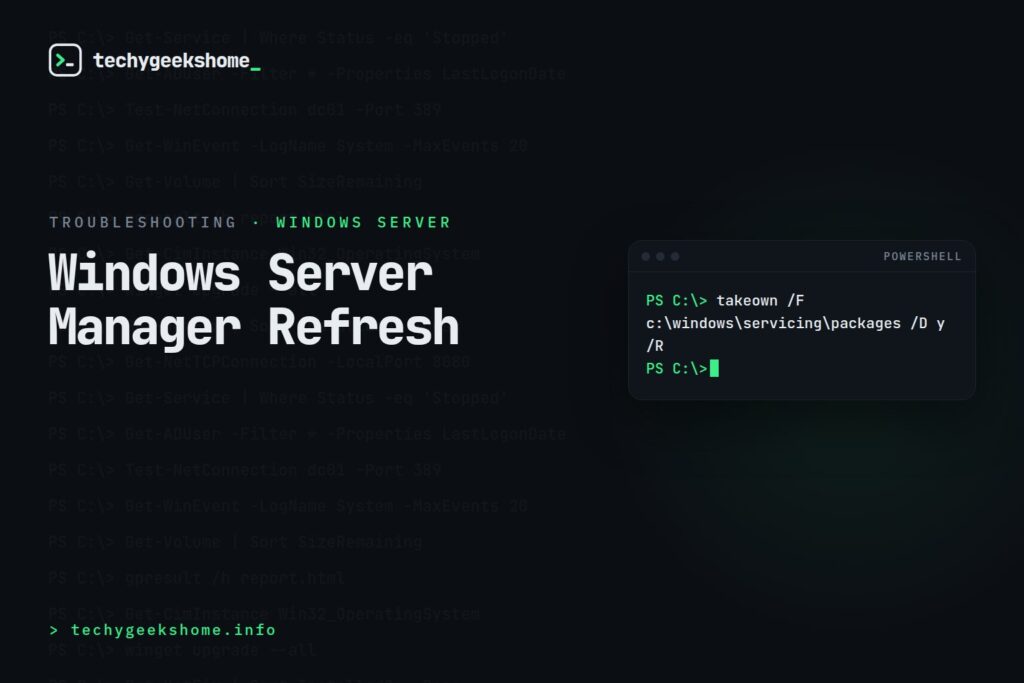
Where the problem lives
The corruption typically sits in files under:c:\windows\servicing\packages(assuming Windows is installed on the C: drive: adjust the path if not).
The fix
Note: this method isn’t officially supported by Microsoft, but it has reliably resolved the issue across many affected servers. Use it at your own discretion, and take a backup or snapshot first if the server is production and you want a safety net. First, take ownership of the servicing packages folder and grant yourself full control, from an elevated command prompt:takeown /F c:\windows\servicing\packages /D y /R cacls c:\windows\servicing\packages /E /T /C /G "DOMAINUSERNAME":FReplace
DOMAINUSERNAME with your own account.
Next, find another working server running the same operating system version, and copy the contents of its c:\windows\servicing\packages folder over to the affected server’s equivalent location (overwriting the corrupted files).
No reboot is normally required: Server Manager should start working correctly again once the files are replaced.
A word of caution
Because the source and destination server need matching OS versions and patch levels for this to be safe, don’t copy files from a server on a different build or patch level: that mismatch is more likely to cause problems than it is to fix them.Screenshot: Server Manager Refresh Error
 See also our Active Directory Tools: Installation, Management, and Automation guide, and our Home Lab Essentials picks on Amazon. As an Amazon Associate, TechyGeeksHome earns from qualifying purchases.
Discover more from TechyGeeksHome
Subscribe to get the latest posts sent to your email.
