 By Andrew Armstrong
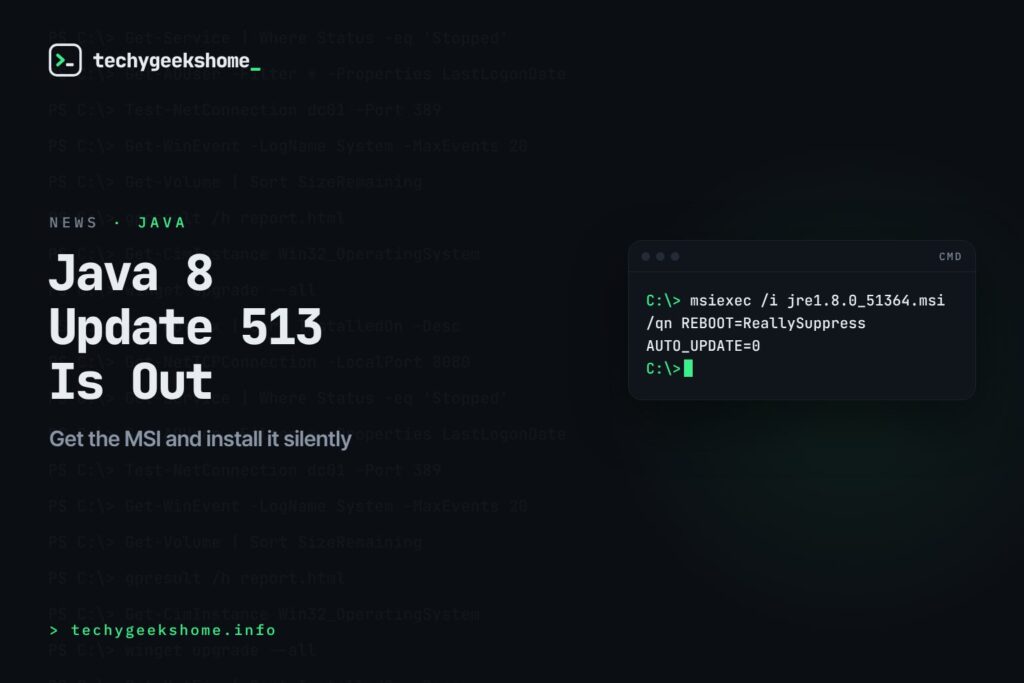
Oracle released Java 8 Update 513 on 17 November 2026. The full version string is 1.8.0_513-b04, and it brings IANA time zone data 2026e. If you deploy Java 8 to a fleet of machines, this is the build to package next, and Oracle says not to keep running it past the next Critical Patch Update on 19 January 2027.
What changed for MSI packagers
The update itself is mostly security fixes and time zone data, but there is one thing that will trip up anyone following an older extraction guide: the MSI no longer turns up under LocalLow\Sun\Java. Current builds unpack it to:
%USERPROFILE%\AppData\LocalLow\Oracle\Java\jre1.8.0_513_x64\jre1.8.0_51364.msiThat is the 64-bit build. The 32-bit MSI sits in a jre1.8.0_513 folder next to it. Both are self-contained, so there is no separate Data1.cab to carry around.
Silent install
msiexec /i jre1.8.0_51364.msi /qn REBOOT=ReallySuppress AUTO_UPDATE=0AUTO_UPDATE=0 stops the Java updater, so machines stay on the version you deployed. The same line drops straight into an SCCM application, an Intune Win32 app or a Group Policy startup script.
Get the MSI
We have updated our Java 8 MSI installers guide for Update 513. It walks through extracting the MSI from Oracle’s offline installer in about a minute (we recorded the whole thing on Windows 11, start to finish), lists every useful msiexec switch, and keeps the full Java 8 release history.
One reminder before you roll it out: Oracle Java 8 is licensed under the OTN agreement, so business and production use needs a paid Java SE subscription. Eclipse Temurin and Amazon Corretto are free alternatives that ship their own MSI installers.
Discover more from TechyGeeksHome
Subscribe to get the latest posts sent to your email.
