Description
⬇ Download the free version (Chrome & Edge)
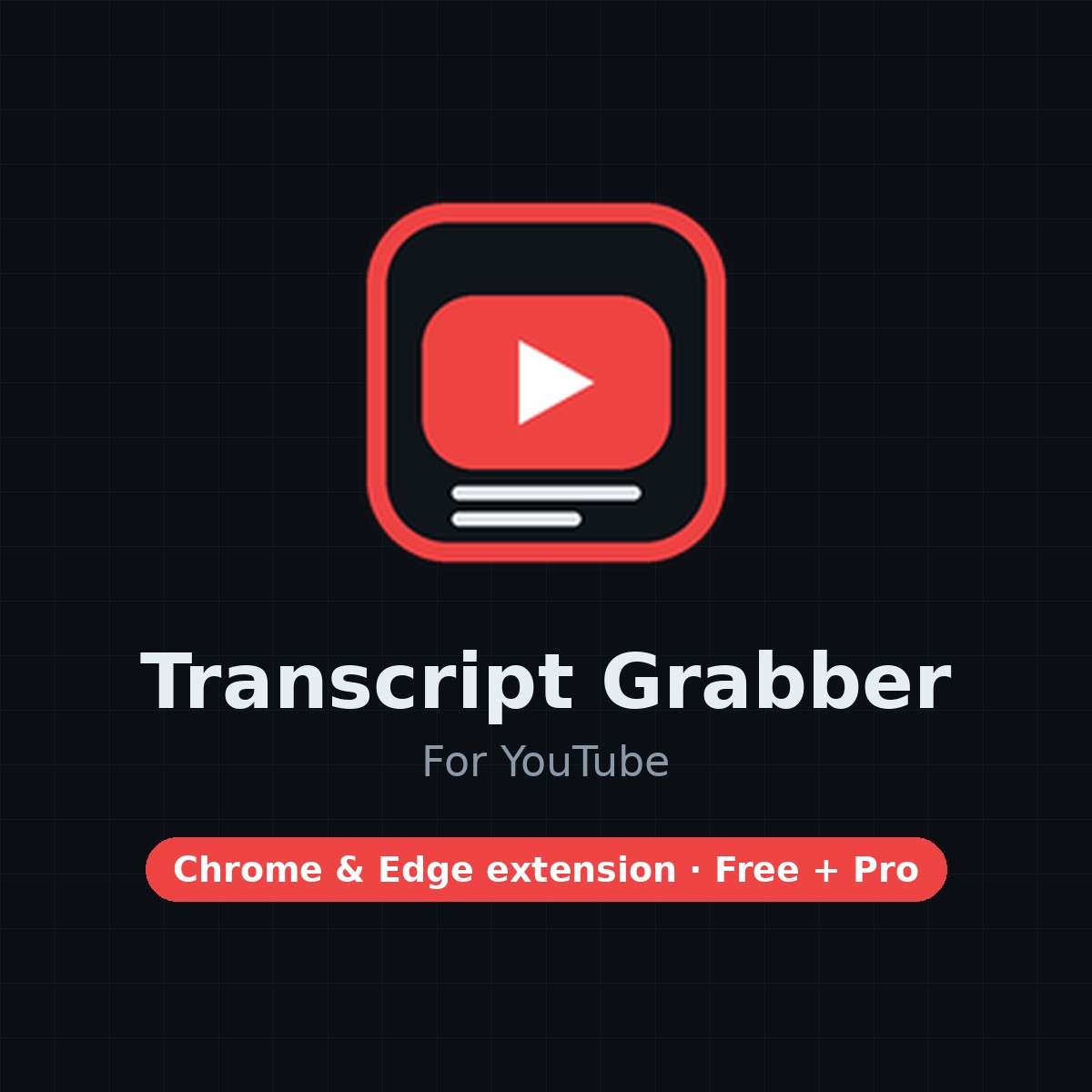
Rather read than rewatch? YouTube Transcript Grabber pulls the transcript of any YouTube video that has captions, including auto-generated ones, in one click.
Free version
- Copy the transcript as clean paragraphs
- Download it as a .txt file
Pro (£3.99, one-off)
- Transcripts with timestamps
- Markdown with clickable links back to each moment in the video
- SRT and VTT subtitle files for editors and players
Great for students, writers, researchers and note-takers. Nothing is uploaded anywhere.
How to install
- Download the free version above and unzip it to a folder you’ll keep.
- Open
chrome://extensions(oredge://extensions) and turn on Developer mode. - Click Load unpacked and choose the folder, then pin the extension.
- To unlock Pro, paste the licence key from your Gumroad receipt into the extension and press Activate.
One-off payment, no subscription, free updates. Questions? Email hello@thegeeknetwork.co.uk.
Discover more from TechyGeeksHome
Subscribe to get the latest posts sent to your email.
Reviews
There are no reviews yet.