100% Free · Version 1.0.0
AuthGeek: your two-factor codes, on your own computer
A two-factor authenticator for the desktop. Add an account by pasting its link, by reading its QR code out of a picture, or by bringing the lot across from Google Authenticator in one go. Everything lives in one encrypted file on your machine.
Windows 10 or 11, 64-bit · self-contained installer · nothing else to install
Video Demo
Setting up the vault and adding an account, in under a minute.
Everything a desktop authenticator should do
Authy withdrew its desktop app and left a lot of people with their codes on a phone only. This is for anyone who wants them somewhere else as well.
TOTP and HOTP
SHA1, SHA256 and SHA512, six to ten digits, any period or counter. Checked against the test vectors published in RFC 4226 and RFC 6238 on every build.
Add by pasting a link
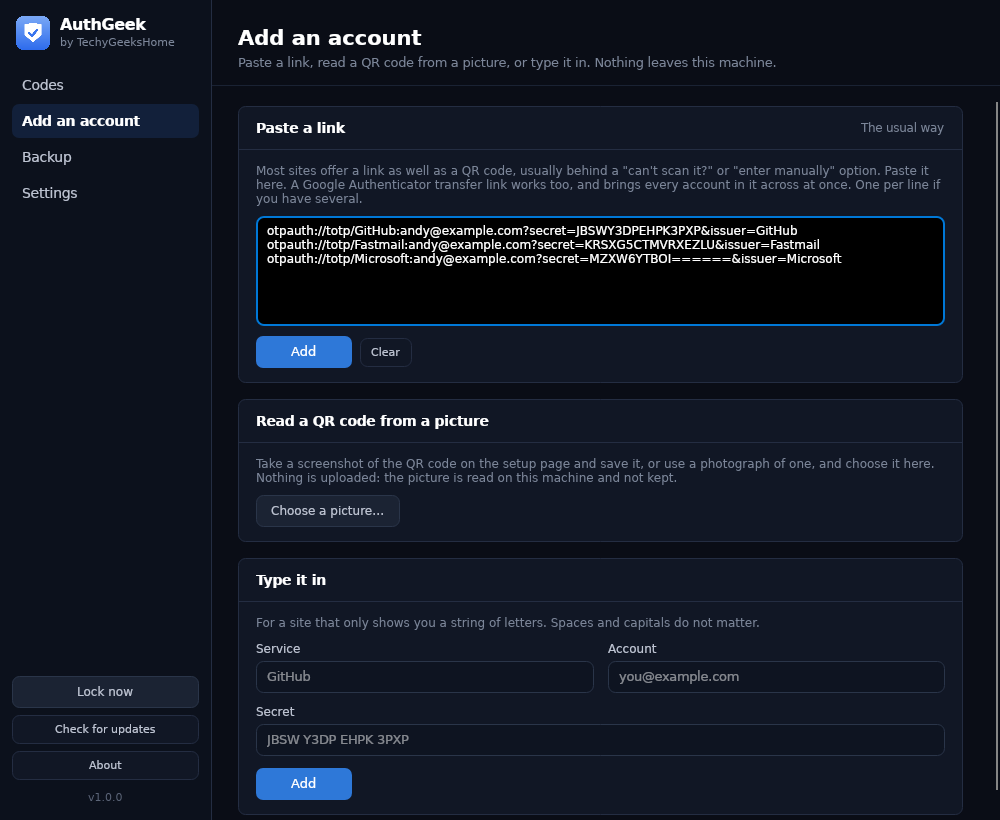
Most sites offer an otpauth link as well as a QR code, usually behind a “cannot scan it?” option. Paste one, or several, one per line.
Read a QR code from a picture
Screenshot the setup page or photograph the code, and AuthGeek reads it on this machine. The picture is not uploaded and is not kept.
Bring Google Authenticator across
Its Transfer accounts QR carries every account at once. AuthGeek reads the whole thing in one go rather than making you do them one at a time.
Send an account to a phone
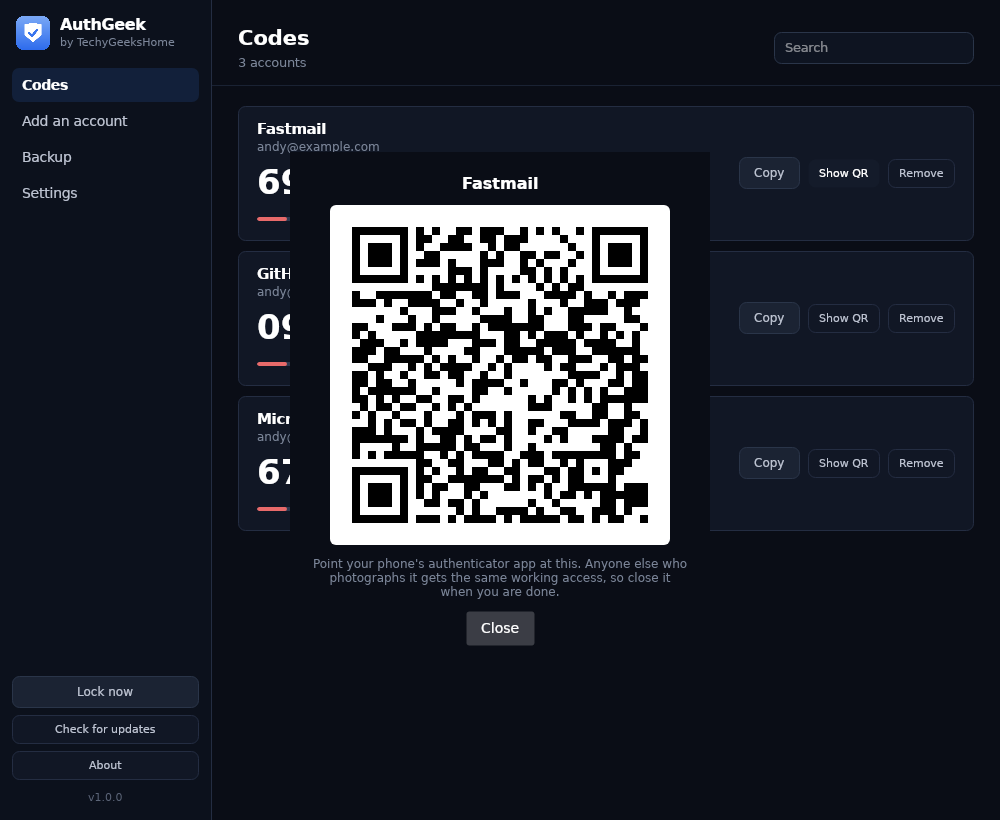
Any account can be shown as a QR code, so getting it onto a phone is one screen rather than a project.
Encrypted where it sits
AES-256-GCM, with the key derived from your master password by Argon2id, and a fresh salt and nonce on every save.
Backup and restore
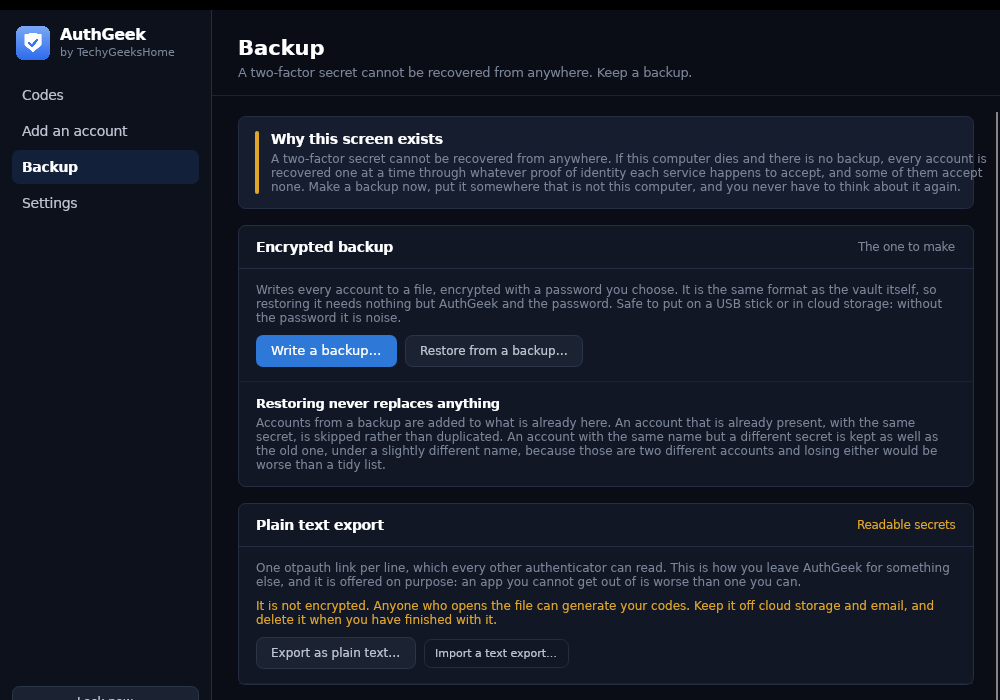
An encrypted backup that opens with nothing but AuthGeek and its password, and a plain text export of standard links that any other authenticator can read.
Locks itself
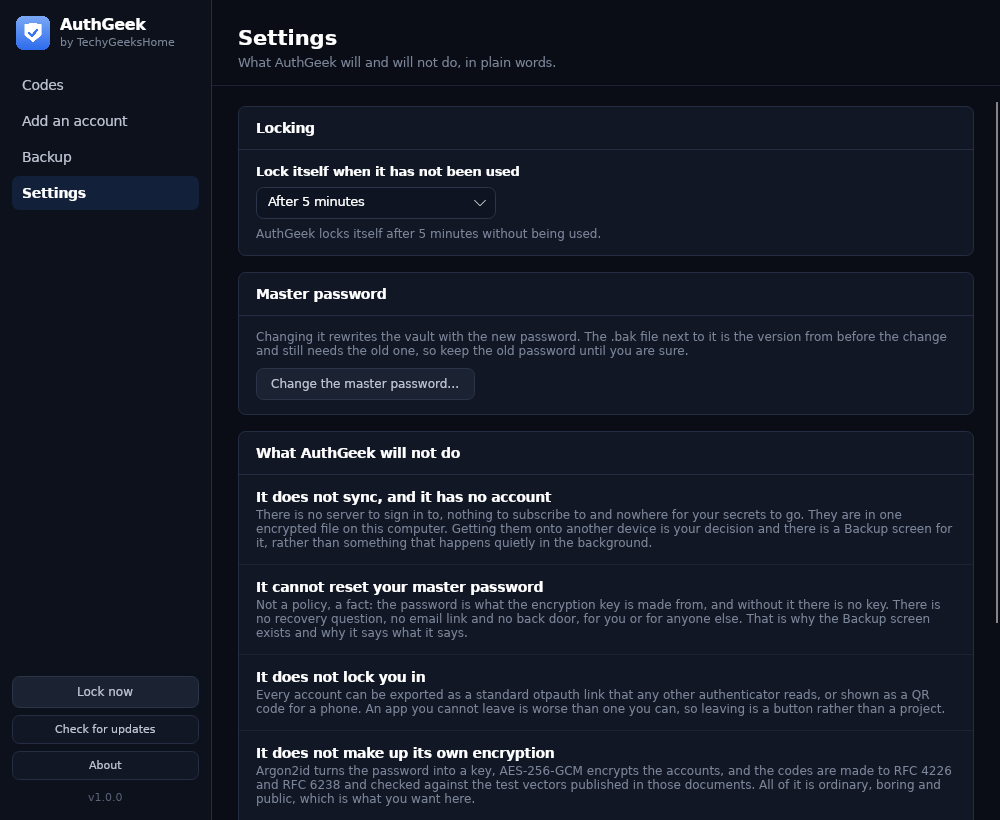
After a few minutes of not being used, and on demand. The vault has to be unlocked again with the master password.
See it in action
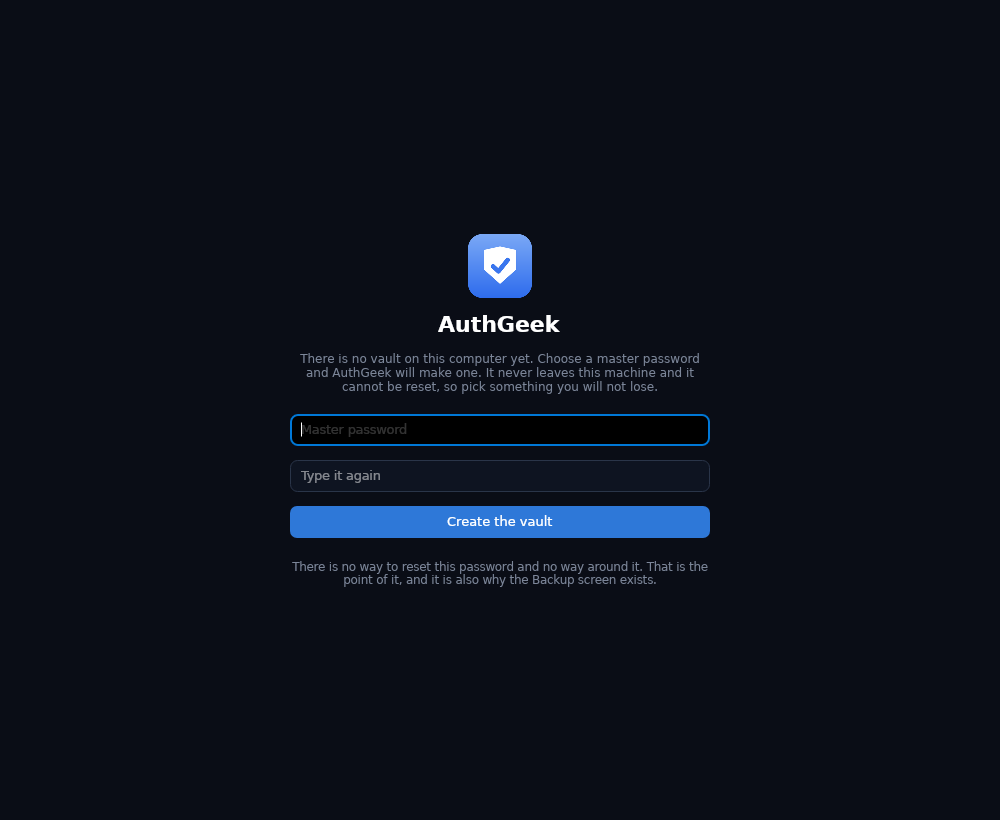
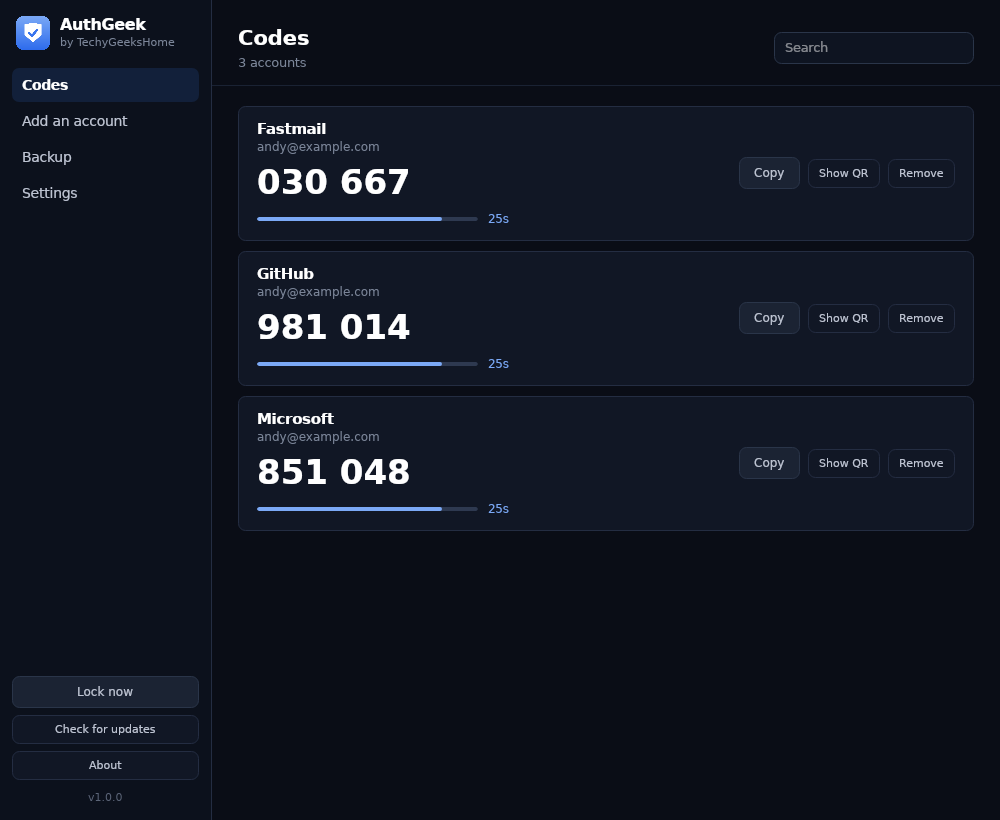
Every screen, exactly as it looks when you run it.
Who it is for
Anyone whose two-factor codes currently live in exactly one place.
Anyone left by Authy
The desktop app was withdrawn and a lot of people were left with their codes on a phone only. One lost handset and every account becomes a recovery process.
IT pros and technicians
Free at work with no per-seat licence, and nothing about it leaves the machine, which is usually the part that decides whether it is allowed at all.
Anyone who wants a second copy
Keep the phone app and use this as well. An encrypted backup on a USB stick is the difference between an inconvenience and a very bad week.
Requirements
Operating system
Windows 10 or later, or Windows 11. 64-bit.
Rights
Standard user. Administrator is only needed to install it.
Download
About 30 MB. A single self-contained installer.
Prerequisites
None. The .NET 8 runtime is bundled.
Version
1.0.0, released 1 September 2026.
Frequently Asked Questions
Is it really free? No Pro version, no catch?
Yes. AuthGeek is free to download and use, at home and at work, with no paid tier, no account and no per-seat licence.
Does AuthGeek sync my accounts anywhere?
No. There is no server to sign in to and nothing to subscribe to. Your accounts are in one encrypted file on this computer. Getting them onto another device is your decision, and there is a Backup screen for it.
What happens if I forget the master password?
Your accounts are gone. That is a fact rather than a policy: the password is what the encryption key is made from, so there is no recovery question, no email link and no back door, for you or for anyone else. That is exactly why the Backup screen exists and why it says what it says.
How is the vault encrypted?
AES-256-GCM, with the key derived from your master password by Argon2id, and a fresh salt and nonce on every save. The codes themselves are made to RFC 4226 and RFC 6238 and checked against the test vectors published in those documents on every build. All of it is ordinary, boring and public, which is what you want here.
Can I move away from AuthGeek later?
Yes, and it is a button rather than a project. Every account exports as a standard otpauth link that any other authenticator reads, or can be shown as a QR code for a phone. An app you cannot get out of is worse than one you can.
What happens if I restore a backup over accounts I already have?
Nothing is replaced. Accounts are added to what is already there, an identical account is skipped rather than duplicated, and an account with the same name but a different secret is kept as well as the old one under a slightly different name, because those are two different accounts and losing either would be worse than a tidy list.
Version History
- 1.0.0: 1 September 2026. Initial public release.
Download AuthGeek today
Completely free. Version 1.0.0, no strings attached. Free at home and at work.
Not code-signed, so Windows may warn on first run. Click More info, then Run anyway. SHA256 checksums
Windows may show a “Windows protected your PC” warning the first time you install it. That means SmartScreen has not seen the file before, not that anything is wrong with it. Here is why our builds are unsigned, and how to verify your download against its SHA-256 hash. We will never ask you to switch SmartScreen off.
Support
AuthGeek is free and always will be, at home and at work.
Featured on