100% Free · Version 1.0.0
ReelGeek: turn a folder of photos into a vertical edit
Cuts that land on a tempo grid, a camera move on every shot, and the transitions short-form editors actually use. Out comes a 1080×1920 MP4 that uploads straight to TikTok and YouTube Shorts. Free, no account, and your photos never leave your PC.
Windows 10 or 11, 64-bit · Python and ffmpeg bundled · nothing else to install
Video Demo
Photos in, a finished vertical edit out, in under a minute.
Everything you need to make a reel worth watching
A real edit, not a slideshow with a fade between each photo.
Cuts on a tempo grid
Every cut lands on a beat rather than a fixed interval. Set the BPM to match the track you plan to add and the edit locks to it.
A camera move on every shot
Pushes, drifts, punch zooms and whip pans with genuine directional motion blur. No photo just sits there.
Five styles, five different films
Hype, Clean, Soft, VHS and Luxe. Each one changes the rhythm, the transitions, the grade and the weight given to each photo.
Re-roll until it feels right
Same photos, same style, a brand new edit. Different moves, different transitions, different cut placement. Do it four times and keep the best.
Quick preview in seconds
A fast low-res draft so you can judge the rhythm before committing to a full render. Get the timing right, then render HD.
Hook and end card
Type a hook for the first two seconds, where short-form is won or lost, and an end card to close on. Six text colours.
A scratch beat for timing
An optional drum pattern the app synthesises itself, so you can hear whether the cuts land before you post. Nothing sampled, nothing licensed.
Straight to TikTok and Shorts
1080×1920 H.264 MP4. The same file works as-is on both, so you post once and upload twice.
Wide photos handled properly
Fill the frame with a slow pan, or show the whole photo against a blurred background. Your choice, per render.
See it in action
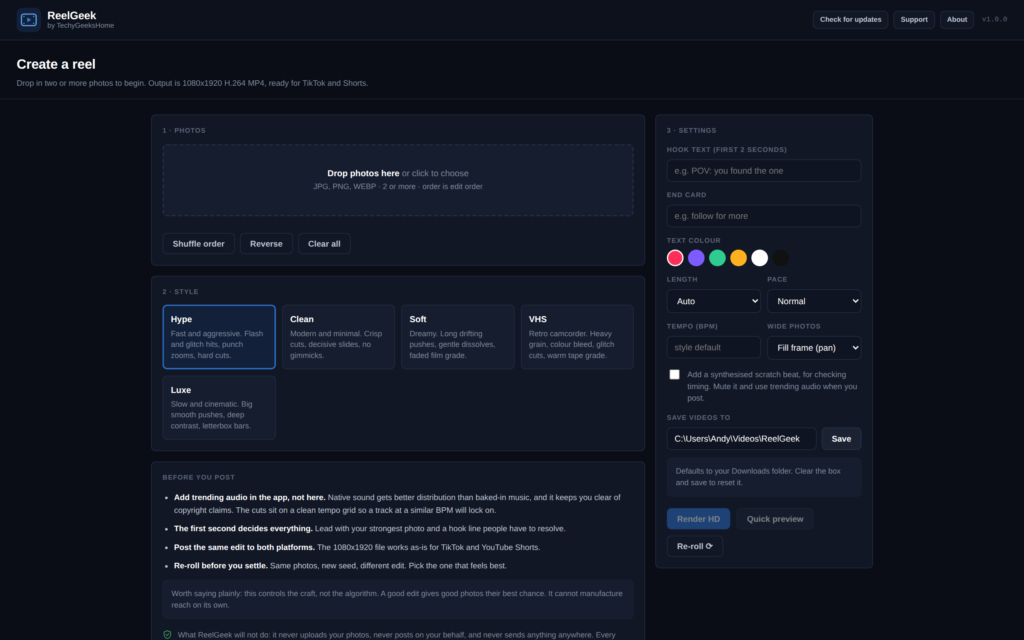
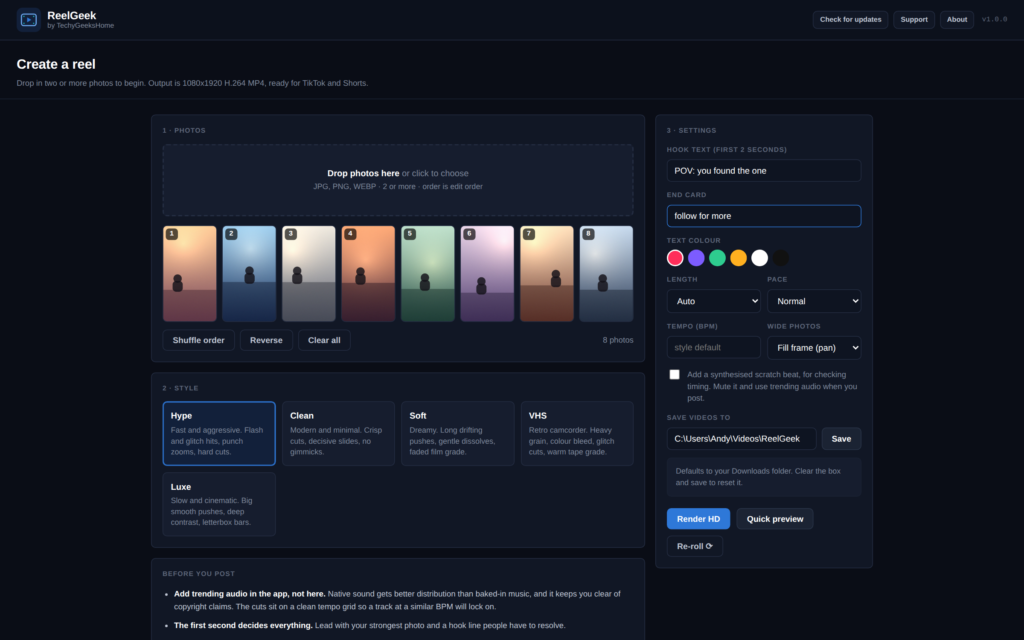
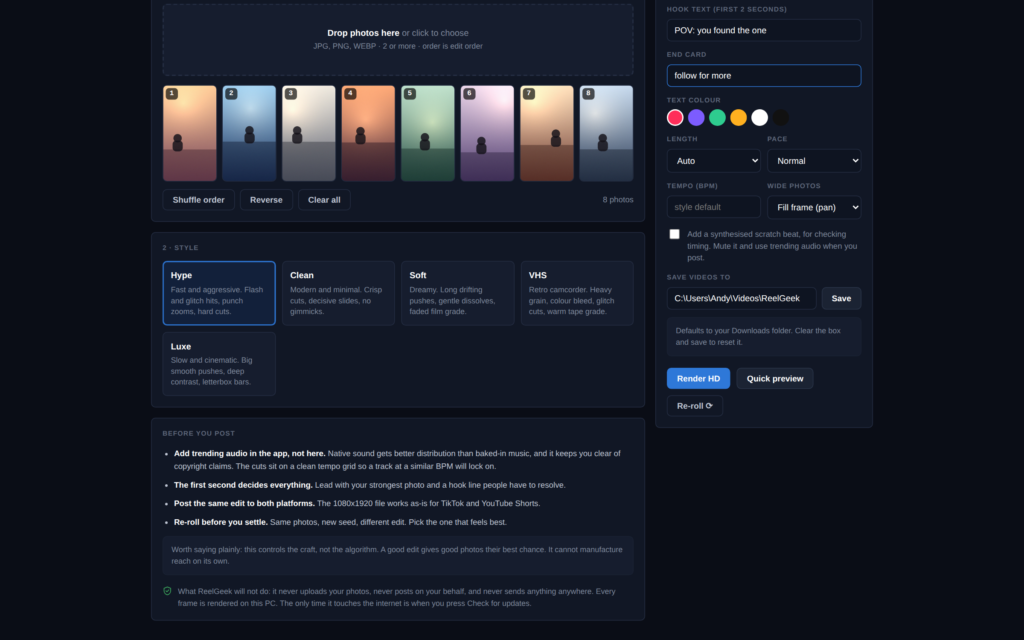
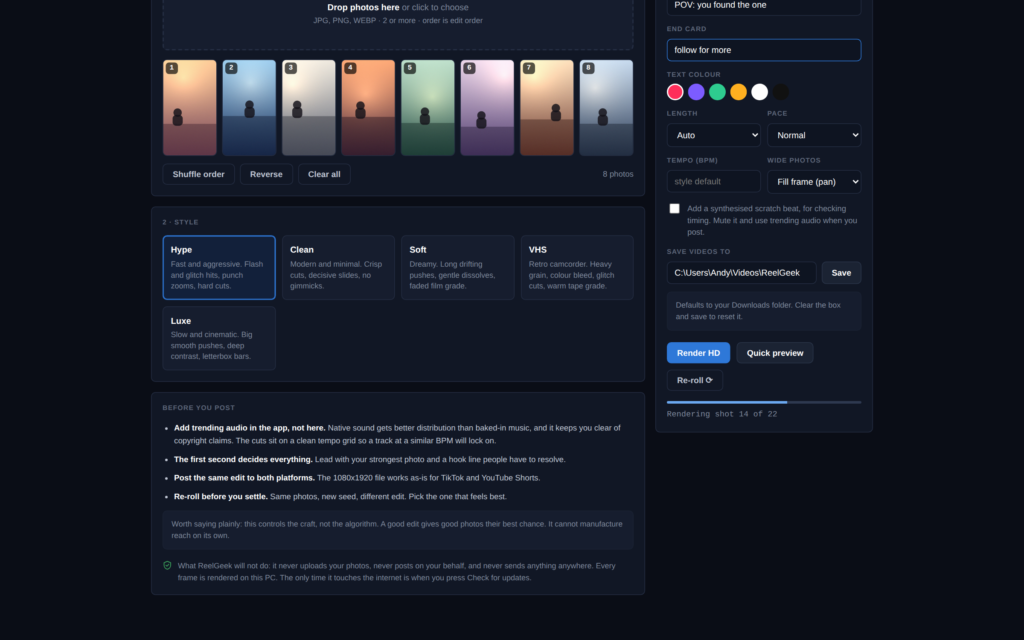
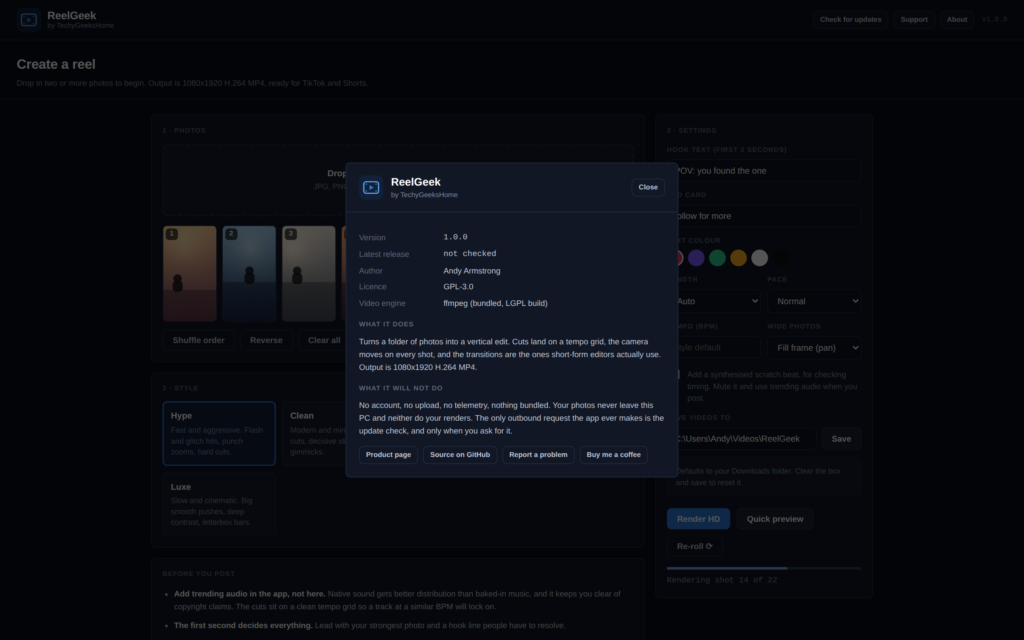
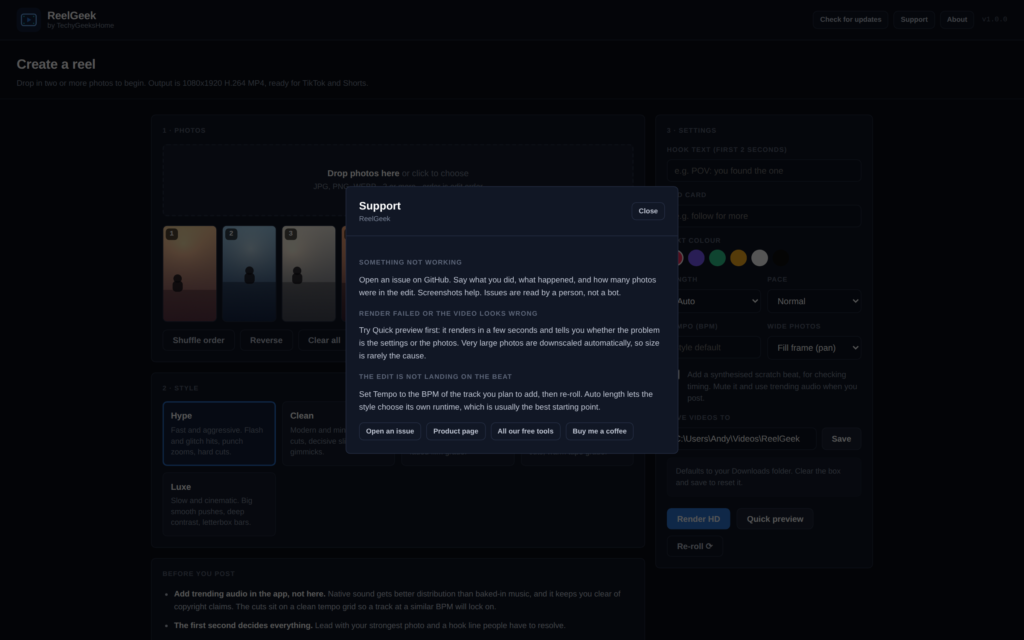
The real interface, exactly as it looks when you run it. The photos in these shots are generated placeholders.
Who it’s for
Anyone with a camera roll and no interest in learning a video editor.
People with photos and no time
You have thirty good shots from a weekend and no intention of spending an evening in CapCut. Drop them in, pick a style, post the result.
Small shops and makers
Product photos into a reel that looks like someone was paid to make it. No subscription, no watermark, and free for commercial use.
Anyone who wants control
Set the tempo, pin the length, choose the pace, pick the transition weighting by style, or drive the whole engine from the command line.
Requirements
Operating system
Windows 10 or later, or Windows 11. 64-bit.
Rights
Standard user. ReelGeek never needs administrator rights to run.
Download
About 48 MB. A single installer with everything inside it.
Prerequisites
None. Python and ffmpeg are both bundled. There is nothing to install first.
Version
1.0.0, released 31 August 2026.
Licence
GPL-3.0. Free for everyone, including commercial use.
Frequently Asked Questions
Is it really free? No watermark, no export limit?
Yes. ReelGeek is free to download and use. No watermark on the output, no cap on how many reels you make, no Pro tier, and nothing bundled in the installer.
Does ReelGeek upload my photos anywhere?
No. Your photos are read from your disk and every frame is rendered on your own CPU. Nothing is uploaded and nothing is posted on your behalf. The only outbound request the app ever makes is the update check, and only when you press the button.
Why is there no music in the video?
On purpose. Adding trending audio inside TikTok or Instagram gets better distribution than uploading a video with music already baked in, and it is the only route that keeps you clear of copyright claims and muted uploads. Post the silent file, then pick a sound in the app. Because the cuts sit on a clean tempo grid, a track at a similar BPM lines up.
How do I get the cuts to match my track?
Set the Tempo box to the BPM of the track you plan to use, then re-roll. The whole edit is built against that grid, so the cuts land with the beat once you add the sound in the app.
What if I do not like the edit it made?
Press Re-roll. Same photos, same style, a completely new edit with different camera moves, different transitions and different cut placement. It costs nothing, so do it three or four times and keep the best one.
Can I use it for my business?
Yes. ReelGeek is GPL-3.0 and free for commercial use. There is no per-seat licence and nothing to buy.
Will Windows warn me when I install it?
It might. ReelGeek is not code-signed yet, so SmartScreen may show a blue box for an executable it has not seen before. That is not a detection. Click More info, then Run anyway. The full source is on GitHub if you would rather build it yourself.
Version History
- 1.0.0: 31 August 2026. First public release. A Windows installer with Python and ffmpeg bundled, so there are no prerequisites to chase. The interface has been rebuilt onto the same design as the rest of the range, with About, Support and Check for updates in the top bar, and it now states on screen what ReelGeek will not do.
Download ReelGeek today
Completely free. Version 1.0.0, no strings attached. Free at home and free at work.
Not code-signed, so Windows may warn on first run. Click More info, then Run anyway. Checksums on the release page
Windows may show a “Windows protected your PC” box the first time you run the installer. That is SmartScreen reacting to a file it has not seen before, not a virus detection. Click More info, then Run anyway. ReelGeek is open source under the GPL, and the whole build is produced in public by a GitHub Actions workflow, so you can read exactly what went into it.
Support
ReelGeek is free and always will be, at home and at work. Bugs and feature requests go to GitHub, where a person reads them.