 By Andrew Armstrong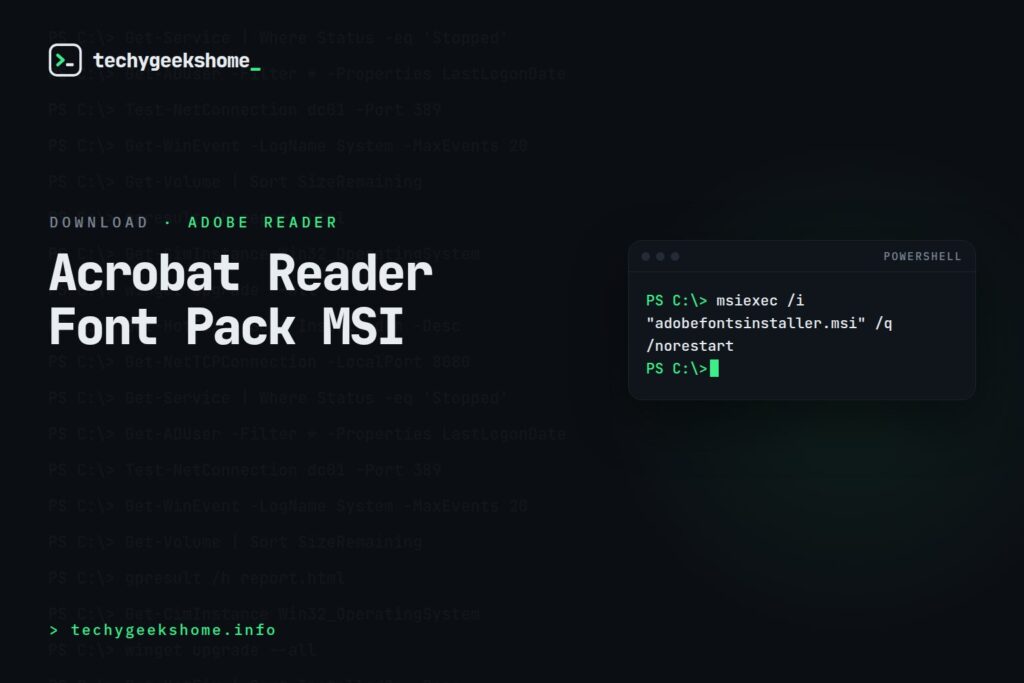
Getting the Installer
Download the current Font Pack MSI directly from Adobe’s own download pages rather than a third-party mirror, since Adobe periodically updates the package alongside Acrobat Reader DC releases: search “Adobe Acrobat Reader DC Font Pack MSI” on Adobe’s site for the current direct link.Silent Installation
Via Group Policy / WDS:adobefontsdcinstaller.msi /q /norestartVia Configuration Manager:
msiexec /i "adobefontsinstaller.msi" /q /norestartEither way, package it as an MSI-based Application in your Software Catalog or push via Group Policy, and pair it with the standard Acrobat Reader DC MSI deployment if you’re not already distributing that separately: the Font Pack is an add-on to Reader, not a replacement for it.
A Note on the Old FTP Link (Updated for 2026)
The Font Pack has historically been distributed from Adobe’s FTP server (ftp.adobe.com), but that FTP distribution has been unreliable for several years now and shouldn’t be relied on for a fresh deployment today. Adobe’s current, supported path is through its own Font Pack help articles on helpx.adobe.com, which link out to HTTPS downloads hosted on Adobe’sardownload2.adobe.com CDN rather than FTP. The filename itself changes with every Font Pack release: it follows the same versioned naming pattern as the original (e.g. FontPackXXXXXXXXXX_XtdAlf_Lang_DC.msi), so always grab whatever the current helpx.adobe.com article links to rather than reusing an old download URL, since the version number needs to line up with whichever Acrobat Reader build and update channel (Continuous vs. Classic) you’re actually deploying.
Resources
- Adobe
- Adobe Reader
- MSI
- Group Policy
- Download Adobe Acrobat Font Pack MSI Intaller
- social media
- Download Now →
- Browse our Windows Admin Toolkit picks on Amazon
Discover more from TechyGeeksHome
Subscribe to get the latest posts sent to your email.
