 By Andrew Armstrong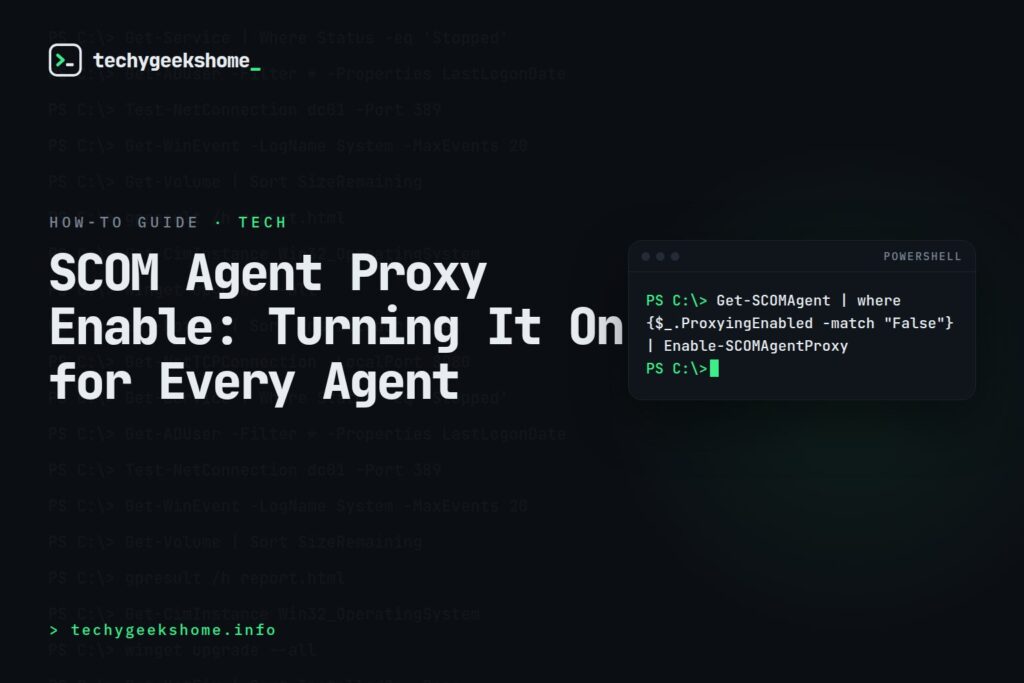
Enabling Agent Proxy on All SCOM Agents
Agent proxying needs to be enabled in System Center Operations Manager (SCOM) whenever an agent needs to submit discovery data or monitoring data on behalf of another object: a common requirement for things like cluster monitoring or cross-platform monitoring scenarios. Doing this one agent at a time through the console is fine for a handful of machines, but tedious across a large estate, so PowerShell is the quicker route. From an elevated PowerShell session with the Operations Manager module loaded (or run via the Operations Manager Shell shortcut, which loads it automatically), the following one-liner finds every agent that doesn’t currently have proxying enabled and switches it on:Get-SCOMAgent | where {$_.ProxyingEnabled -match "False"} | Enable-SCOMAgentProxywhere clause, so re-running it later will simply pick up any newly-added agents that still need it. If you’d rather enable it only for a specific subset of agents rather than your entire estate, filter the Get-SCOMAgent output further before piping it into Enable-SCOMAgentProxy.
Current on SCOM 2025 (Updated for 2026)
This still works unchanged on the current release, System Center 2025, Operations Manager,Get-SCOMAgent and the ProxyingEnabled property haven’t been deprecated or replaced. If you’d rather work with the property directly instead of the wrapper cmdlet, this does the same thing: $Agent = Get-SCOMAgent -DNSHostName "server01.contoso.com"; $Agent.ProxyingEnabled = $True.
Resources
🛠️
Gear We Recommend
A few general tech accessories worth having alongside this.
Browse our General Tech Accessories picks on AmazonAs an Amazon Associate, TechyGeeksHome earns from qualifying purchases.
Discover more from TechyGeeksHome
Subscribe to get the latest posts sent to your email.
