 By Andrew Armstrong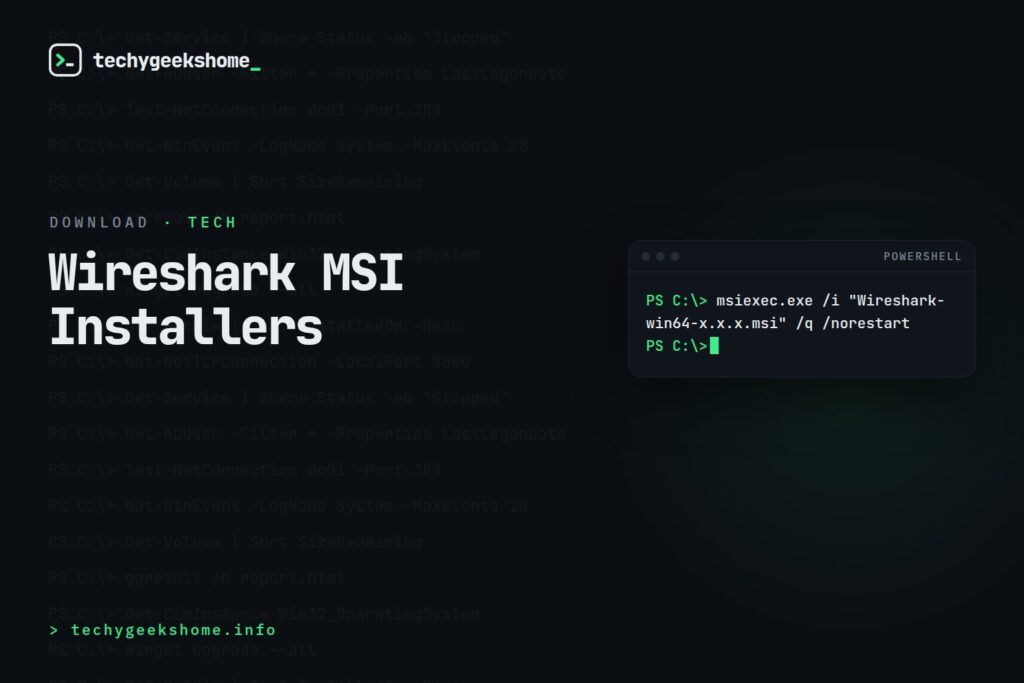
Getting the Installer
Download the current 32-bit and 64-bit MSI installers directly from Wireshark’s official download page rather than a third-party mirror: because Wireshark captures raw network traffic and installs a packet-capture driver (Npcap) with elevated privileges, it’s worth being especially deliberate about only ever installing it from Wireshark’s own verified releases.Silent Installation
msiexec.exe /i "Wireshark-win64-x.x.x.msi" /q /norestart
Automated but Visible to the End User
msiexec.exe /i "Wireshark-win64-x.x.x.msi" /passive /norestartWhere:
msiexec.exe launches the Windows Installer engine, /i specifies an install, /q runs fully silent, /passive shows a basic progress UI without requiring interaction, and /norestart suppresses an automatic reboot so SCCM (or you) can manage that separately.
The Npcap Catch (Updated for 2026)
Worth knowing before you script this at scale: Wireshark’s own documentation confirms the/S-style silent switches above do not silently install Npcap, the packet-capture driver Wireshark needs to actually capture traffic. Free Npcap installers aren’t scriptable for unattended deployment: there’s no documented MSI property like NPCAP_OEM=yes that unlocks a silent sub-install on the free build. Genuinely silent Npcap deployment (the kind you’d want for a fleet-wide SCCM push) requires purchasing an Npcap OEM licence, which provides a separate npcap-oem.exe installer that does support a /S silent switch. Without that licence, plan on either pre-staging Npcap through a one-time manual click-through per machine, or accepting that the Npcap sub-installer will prompt even when the outer Wireshark MSI runs silently.
Npcap vs. the Old WinPcap Driver
If you’re working from an older deployment guide, double-check it isn’t still referencing WinPcap: Wireshark moved to Npcap as its bundled capture driver years ago, and WinPcap itself has been unmaintained for a long time. Any script or answer that still mentions WinPcap install switches is working from outdated guidance and should be updated to Npcap’s own installer behaviour, including the OEM-licence caveat above.Resources
- WDS
- Group Policy
- Wireshark MSI Installer Bundle download
- Wireshark MSI Installer Bundle download
- Browse our Windows Admin Toolkit picks on Amazon
Discover more from TechyGeeksHome
Subscribe to get the latest posts sent to your email.
