 By Andrew Armstrong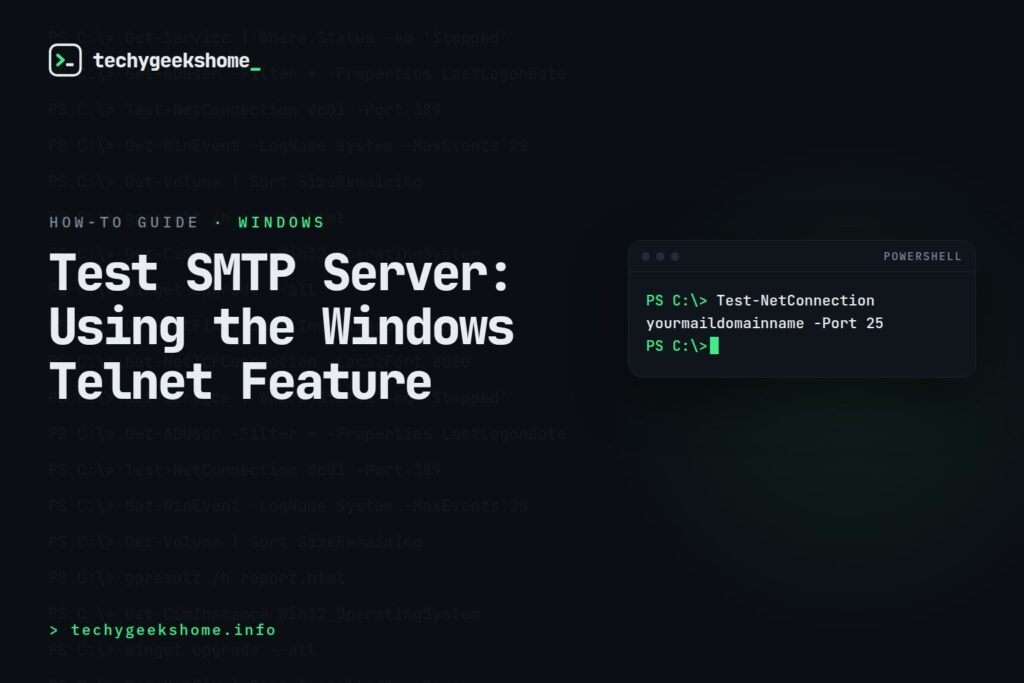
Enabling Telnet
Telnet Client isn’t installed by default on modern Windows. Enable it first via Control Panel > Programs > Turn Windows features on or off > Telnet Client, or from an elevated PowerShell prompt:Enable-WindowsOptionalFeature -Online -FeatureName TelnetClient.
Testing the Connection
Open an elevated command prompt and connect to your mail server on port 25:telnet yourmaildomainname 25A successful connection returns a banner starting with
220 from the server. From there, walk through a basic SMTP conversation manually:
helo techygeekshome.info
mail from: test@techygeekshome.info
rcpt to: recipient@example.com
data
Subject: Test Message

This is a test.
.
quit
Each command should get a numbered response (
250 for success at most steps, 354 when it’s ready for the message body). A blank response, a connection refusal, or a timeout at any step tells you exactly where the SMTP flow is breaking down: DNS/firewall, authentication requirements, or the mail server rejecting the sender/recipient.
Note many mail servers today require authentication (SMTP AUTH) or TLS before accepting mail, in which case a plain unauthenticated telnet session may get rejected even when the server is working correctly: that’s expected, not necessarily a fault.
One Thing to Check First (2026)
Before troubleshooting further if this test fails, be aware that many residential ISPs and cloud/VPS providers block outbound port 25 by default now, specifically to cut down on spam originating from compromised or misconfigured machines: so a connection timeout from your workstation or a cloud VM doesn’t necessarily mean the mail server itself is unreachable or misconfigured. If you just need a quick reachability check without the full manual SMTP conversation, PowerShell’sTest-NetConnection yourmaildomainname -Port 25 gives you a fast yes/no on whether the port is open before you dig further with telnet.
Resources


🛠️
Gear We Recommend
A few general tech accessories worth having alongside this.
Browse our General Tech Accessories picks on AmazonAs an Amazon Associate, TechyGeeksHome earns from qualifying purchases.
Discover more from TechyGeeksHome
Subscribe to get the latest posts sent to your email.
