 By Andrew Armstrong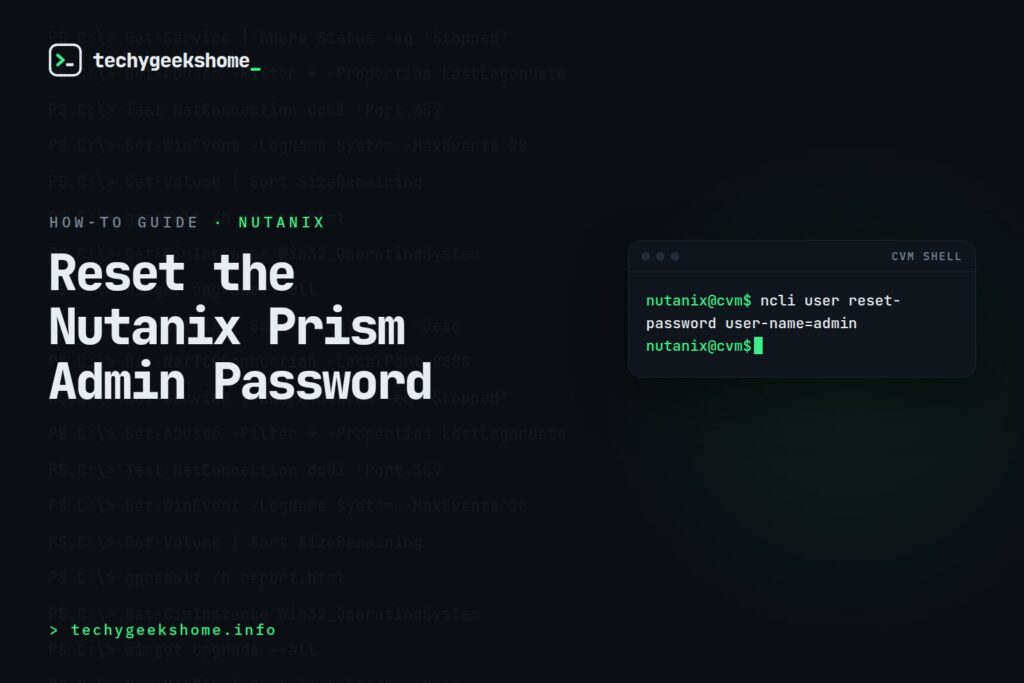
Steps
- SSH into any CVM in the cluster using the
nutanixuser account. - Run the following, replacing the password with one that meets your cluster’s complexity requirements:
ncli user reset-password user-name=admin password=NewPassword123!This resets the password for the built-in Prism admin account cluster-wide: it doesn’t need to be run on every CVM individually.
If You’re Locked Out of the CVM Too
If you don’t have SSH access to any CVM either (for example, thenutanix account credentials are also unknown), this becomes a support case rather than a self-service fix: contact Nutanix Support, since resetting CVM-level access requires verifying cluster ownership through them.
As with any credential reset on production infrastructure, do this during a maintenance window where practical, and update your password manager/documentation immediately afterward.
Password Complexity Requirements
Prism enforces a default password policy on the admin account thatncli will reject a weak replacement against, so have a compliant password ready before running the command rather than discovering the rejection mid-incident: at minimum, current AOS releases require at least 8 characters with a mix of uppercase, lowercase, a digit, and a special character, and it must differ sufficiently from the previous password (a simple increment like “Password1” to “Password2” is typically rejected). If your reset attempt fails with a complexity error, that’s the first thing to check rather than assuming something’s wrong with the command itself.
A Note on Prism Central
This fix is specifically for Prism Element (the per-cluster admin account). If you’re locked out of Prism Central instead, the CVM-basedncli approach above doesn’t apply: Prism Central runs its own admin account separate from any individual cluster’s Element instance, and recovering it typically requires the Phoenix Rescue Mode process against the Prism Central VM rather than a simple SSH command, which is a more involved procedure best done with Nutanix Support’s guidance if you’re not already familiar with it.


🛠️
Gear We Recommend
A few general tech accessories worth having alongside this.
Browse our General Tech Accessories picks on AmazonAs an Amazon Associate, TechyGeeksHome earns from qualifying purchases.
Discover more from TechyGeeksHome
Subscribe to get the latest posts sent to your email.
