How to Block YouTube Ads Without YouTube Premium (2026)
Block YouTube Ads

YouTube ads in 2026 are longer and more frequent than ever. While YouTube Premium removes ads for £13.99 a month, there are several free and highly effective alternatives. This guide covers the best methods to block YouTube ads across desktop, Android and iOS. Method 1 — uBlock Origin (Desktop — Best Free Option) uBlock Origin … Read more

How to Fix YouTube Error 153 in WordPress (Cloudflare Security Headers)

How to Fix YouTube Error 153 in WordPress (Cloudflare Security Headers)

If you’ve embedded a YouTube video in WordPress and you’re seeing Error 153 — Video Player Configuration Error, this guide will fix it in under a minute. ⚠️ Confirmed fix — May 2026 What is YouTube Error 153? Error 153 appears when YouTube’s embedded player can’t verify where the embed request is coming from. YouTube … Read more

How to Search for YouTube Videos in Your Subreddit

How to Search for YouTube Videos in Your Subreddit

Want to find all the YouTube-hosted videos shared in your subreddit? It’s easier than you might think! Reddit’s search functionality, paired with a simple URL filter, lets you track down those video posts in no time. Here’s a step-by-step guide to help you out. Steps to Find YouTube Videos Video Walkthrough This method will pull … Read more

Transfer FSMO roles to a new Server

Transfer FSMO roles to a new Server

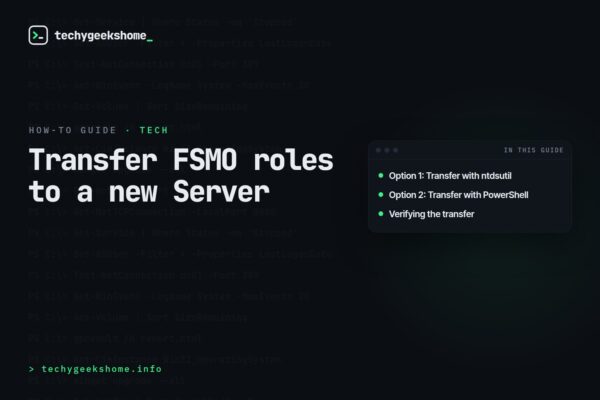
In this post, we’re continuing our series of YouTube video guides. We recently came across a detailed and well-made guide that explains exactly how to transfer FSMO (Flexible Single Master Operations) roles to a new server. This process is essential for maintaining your Active Directory setup and ensuring smooth server management.

We’ve found this guide to be incredibly helpful, and we believe it will be beneficial if you need to carry out this task in your own environment. Below, we’ll walk you through the main steps, so you can confidently transfer FSMO roles to a new server.

Steps to Transfer FSMO Roles:

  1. Step 1: Open the Command Prompt or PowerShell and run the required commands to identify the current FSMO role holders.
  2. Step 2: Use the ntdsutil tool to transfer the FSMO roles.
  3. Step 3: Verify the roles are transferred successfully by running diagnostic tests.

For a more detailed step-by-step guide, be sure to check out the video below:

Comments

If you have any questions or comments about transferring FSMO roles then please feel free to leave a comment below using our comments system.

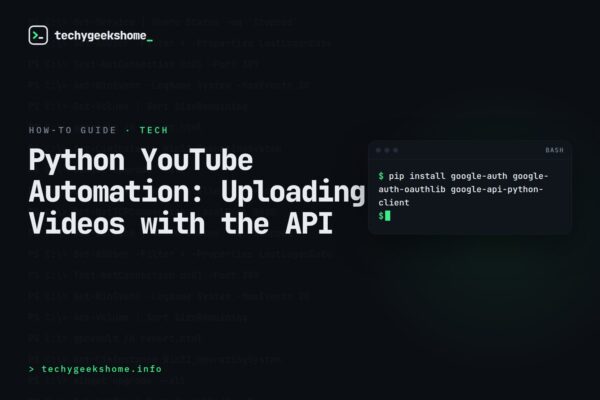
How to Automatically Upload Videos to YouTube Using Python

upload videos to youtube using python

Introduction In today’s fast-paced digital world, automating repetitive tasks can save time and effort. For content creators and marketers, uploading videos to YouTube can be a tedious process if done manually. In this guide, we will walk you through the steps to automatically upload videos from a local folder to your YouTube channel using a … Read more

Propel Your YouTube Channel: Core Tactics for Enhanced Visibility

a man holding a camera to a man's shoulder

In the dynamic landscape of YouTube, standing out requires more than just passion; it demands strategic insight and a deep understanding of platform algorithms. The journey to YouTube prominence is complex, intertwining creative content creation with savvy marketing strategies. For creators aiming to climb the ranks and expand their audience, embracing key methodologies is essential. … Read more

What is a YouTube Channel ID?

YouTube Animated Logo

A YouTube Channel ID is a unique identifier for a YouTube Channel. This ID can be used for social apps or services to show YouTube information or feeds. How to find your YouTube Channel ID You can see your channel’s user and channel IDs in your advanced account settings on a computer or mobile browser. … Read more