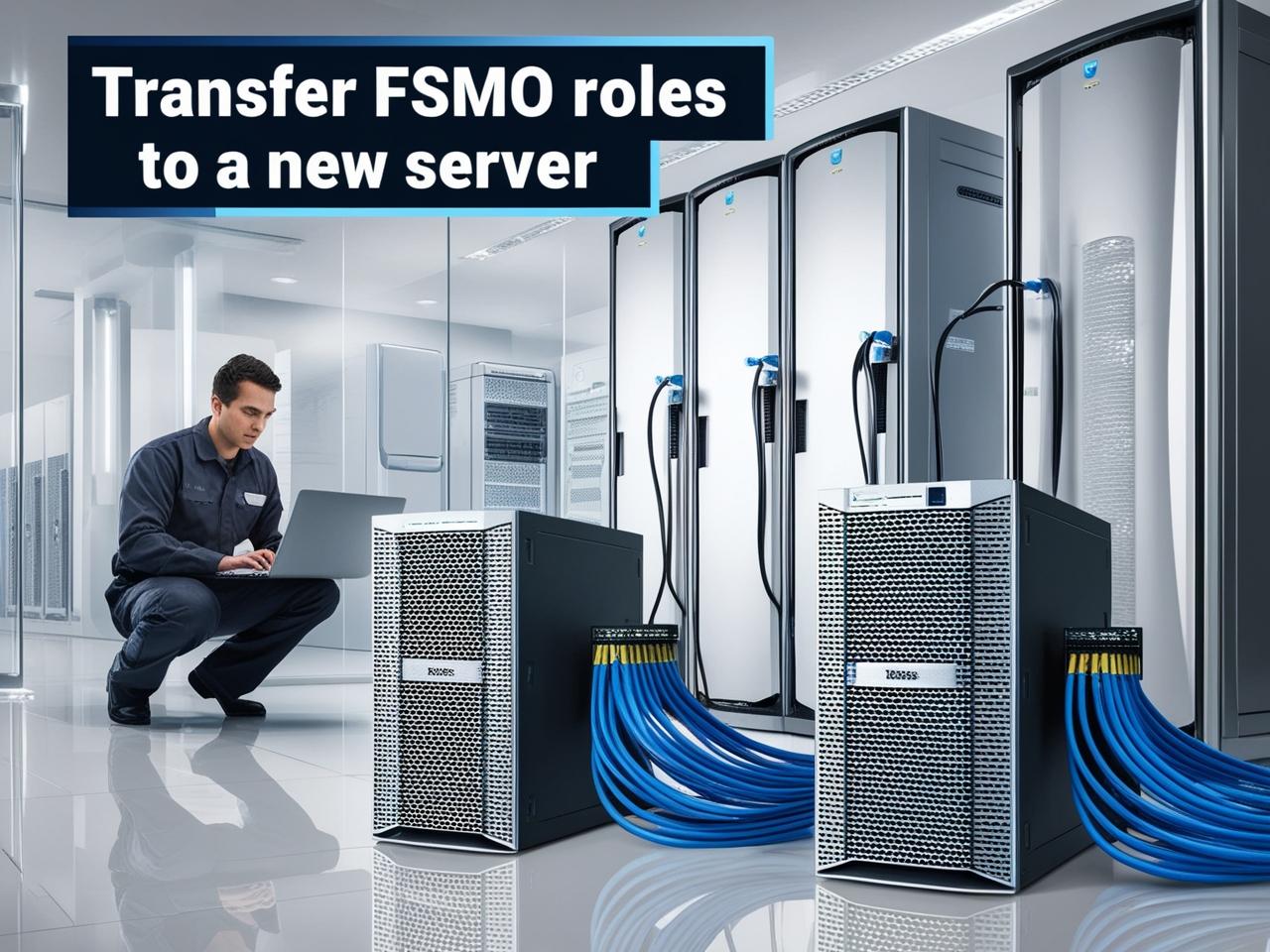
Transfer FSMO roles to a new Server

Transfer FSMO roles to a new Server

In this post, we’re continuing our series of YouTube video guides. We recently came across a detailed and well-made guide that explains exactly how to transfer FSMO (Flexible Single Master Operations) roles to a new server. This process is essential for maintaining your Active Directory setup and ensuring smooth server management.

We’ve found this guide to be incredibly helpful, and we believe it will be beneficial if you need to carry out this task in your own environment. Below, we’ll walk you through the main steps, so you can confidently transfer FSMO roles to a new server.

Steps to Transfer FSMO Roles:

  1. Step 1: Open the Command Prompt or PowerShell and run the required commands to identify the current FSMO role holders.
  2. Step 2: Use the ntdsutil tool to transfer the FSMO roles.
  3. Step 3: Verify the roles are transferred successfully by running diagnostic tests.

For a more detailed step-by-step guide, be sure to check out the video below:

Comments

If you have any questions or comments about transferring FSMO roles then please feel free to leave a comment below using our comments system.
Resolving SCOM Console Alert Clearing Issues

Resolving SCOM Console Alert Clearing Issues

We recently encountered a problem with our System Center Operations Manager (SCOM) console where some old alerts could not be removed or cleared. Despite confirming that the alerts were no longer relevant, every attempt to clear them resulted in a red X generic Microsoft error, causing the console to crash. What Caused the Issue? The … Read more

Remove Windows Server Disabled Roles and Features Payload Files

microsoft black logo

If you are running a Windows Server environment and you are becoming increasing low on system drive space, then you may want to consider removing the built in payload files for Windows Features. Windows Server comes with the payload files readily available if you want to add any additional Features or Roles to your server. … Read more

Windows Server 2019 Evaluation & Product Keys Guide (2026)

Windows Server 2019 product keys and evaluation activation guide 2026

This guide explains Windows Server 2019 evaluation editions and product key usage. It covers activation, limitations, and setup guidance. Following on from our popular posts for evaluation product keys for Server 2008 R2, Server 2012 R2 and Server 2016, this post brings us fully up to date with the evaluation keys for Server 2019. This … Read more

Get OU Distinguished Name

Active Directory Logo

There are many reasons as to why you would need to identify an Active Directory Organisational Unit’s Distinguished Name. Most techies out there will use an AD distinguished name when writing or using PowerShell scripts. However, quickly finding what the Distinguished name of a particular OU is not immediately clear. You can click on the … Read more

System Center Operations Manager Invalid Management Group Removal

Invalid Management Group Removal

We recently carried out some work for a client who had a completely ruined installation of System Center Operations Manager (SCOM). Who had done what to it, we may never know, but it was clear that the only fix was to start again. This was not such a bad thing as they did want to … Read more

Windows Server – Internet Security Blocking Downloads

A blue background with white text and green Windows Server squares.

If you are an IT administrator then the chances are that you have come across issues with trying to download files directly from a website to your server. You would have received this security alert when trying to download: Your current security settings do not allow this file to be downloaded. Although this is a … Read more