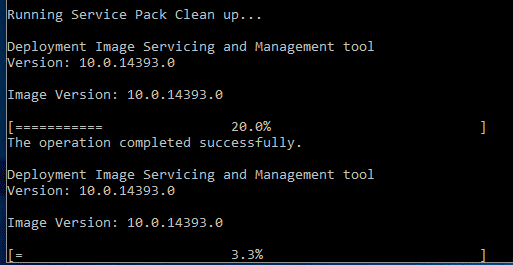
You may have seen our previous post on using DISM to clear space on a Windows computer. This is great, but what if you are using an older operating system, something like Windows Server 2003 which does not have the option to use DISM?
Well, there is another little tool within these older operating systems called compcln.exe which you can run in an elevated command prompt and this will carry out the same clean up as DISM in newer versions of Windows.
About The Author
Andrew Armstrong is a UK-based IT professional with 26+ years of hands-on experience in Windows, Windows Server, SCCM/ConfigMgr, Active Directory, PowerShell, and enterprise infrastructure. He founded TechyGeeksHome in 2010 and has published over 1,500 practical guides covering real-world IT problems and solutions. When not solving IT problems, Andrew develops free Windows utilities including Ultimate Settings Panel, which has been downloaded over 850,000 times.
Related
Discover more from TechyGeeksHome
Subscribe to get the latest posts sent to your email.