 By Andrew Armstrong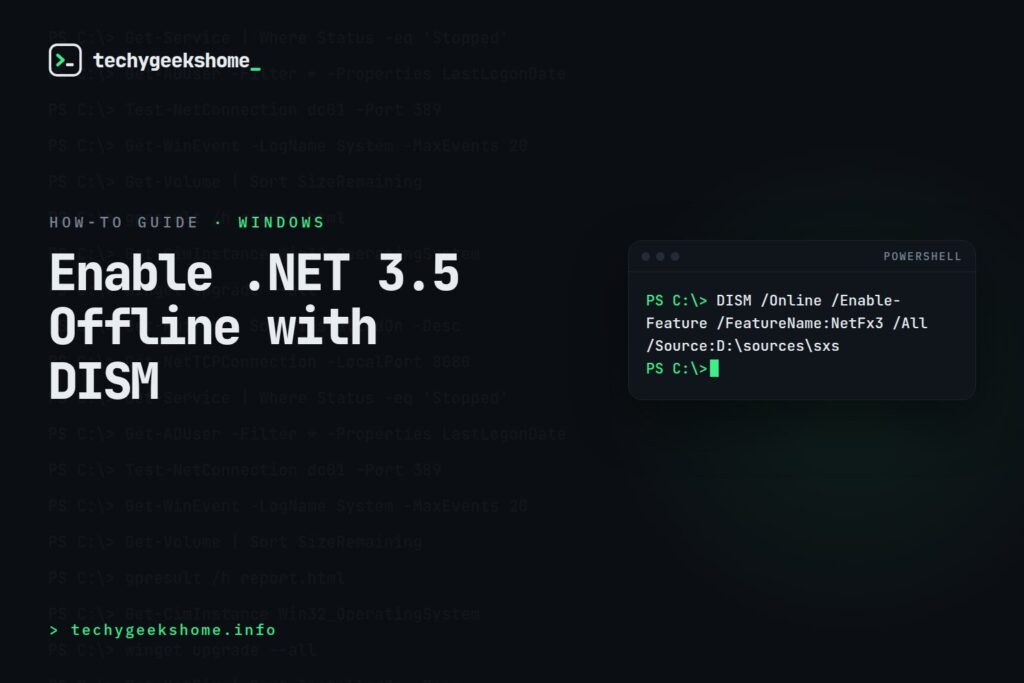
Part of our PowerShell guides: every related guide in one place.
Many older applications and Windows features require .NET Framework 3.5, which is not installed by default on Windows 10, Windows 11 and Windows Server. This guide covers how to install and enable .NET Framework 3.5 and 4 using PowerShell, DISM and SCCM in 2026.
Check Which .NET Versions Are Installed
Get-ChildItem "HKLM:\SOFTWARE\Microsoft\NET Framework Setup\NDP" -Recurse |
    Get-ItemProperty -Name Version, Release -ErrorAction SilentlyContinue |
    Where-Object { $_.PSChildName -match "^(?!S)\p{L}" } |
    Select-Object PSChildName, Version, Release |
    Format-Table -AutoSize
Install .NET 3.5 Online (Internet Required)
# Windows Server
Install-WindowsFeature -Name NET-Framework-Core

# Windows 10/11
DISM /Online /Enable-Feature /FeatureName:NetFx3 /All
Install .NET 3.5 Offline Using Windows ISO (Recommended for Enterprise)
- Mount your Windows ISO or insert installation media
- Note the drive letter: for example D:
- Run as Administrator:
# Install .NET 3.5 from Windows media - replace D: with your drive letter
DISM /Online /Enable-Feature /FeatureName:NetFx3 /All /LimitAccess /Source:D:\sources\sxs

# Via PowerShell
Enable-WindowsOptionalFeature -Online -FeatureName NetFx3 -All -LimitAccess -Source "D:\sources\sxs"
Install .NET 3.5 on Windows Server
Install-WindowsFeature -Name NET-Framework-Core -Source "D:\sources\sxs"

# Verify
Get-WindowsFeature -Name NET-Framework-Core
Deploy via SCCM Task Sequence
To deploy .NET 3.5 via SCCM OSD, add a Run Command Line step in your task sequence after the Apply Operating System step:
DISM.exe /Online /Enable-Feature /FeatureName:NetFx3 /All /LimitAccess /Source:\%DeployRoot%\sources\sxsInstall .NET Framework 4.8
# Check current .NET 4 version
(Get-ItemProperty "HKLM:SOFTWARE\Microsoft\NET Framework Setup\NDPv4\Full").Version

# Install .NET 4.8 silently
ndp48-x86-x64-allos-enu.exe /q /norestart

# Enable .NET 4 features on Windows Server
Install-WindowsFeature -Name NET-Framework-45-Features -IncludeAllSubFeature🛠️
Gear We Recommend
Testing configs is easier with a dedicated admin machine set up right. Here’s the kit we use.
Browse our Windows Admin Toolkit picks on AmazonAs an Amazon Associate, TechyGeeksHome earns from qualifying purchases.
Discover more from TechyGeeksHome
Subscribe to get the latest posts sent to your email.
