 By Andrew Armstrong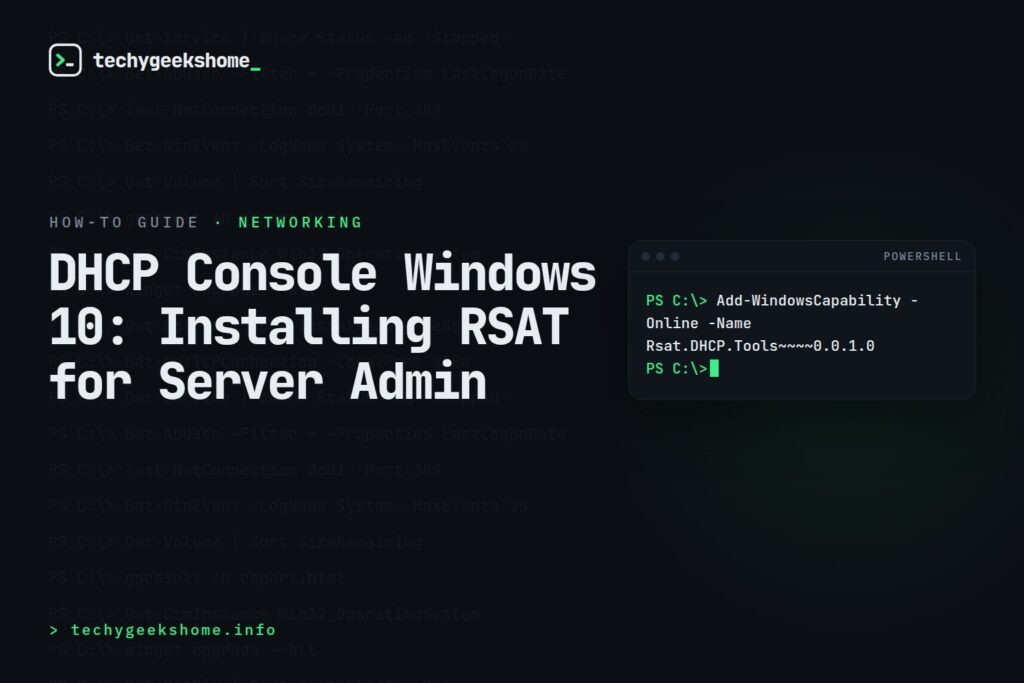
Installing It (Current Method)
Via Settings:- Go to Settings > Apps > Optional features.
- Click Add a feature.
- Search for and install RSAT: DHCP Server Tools.
Add-WindowsCapability -Online -Name Rsat.DHCP.Tools~~~~0.0.1.0
Deploying to Multiple Machines
For a fleet rollout, the same PowerShell command can be pushed via SCCM, Intune (as a script/Win32 app), or a Group Policy startup script: there’s no installer package to distribute since it’s a built-in Windows capability, just an online capability that gets enabled. Once installed, the DHCP Console appears under Windows Administrative Tools exactly as it does when installed on a Windows Server itself, and can manage any DHCP server you have permissions to.Now on Arm64 Too (Updated for 2026)
RSAT: DHCP Server Tools was historically x64-only. That changed with a March 2026 Patch Tuesday rollout: Microsoft’s Windows IT Pro blog confirmed RSAT support arriving on Arm64-based Windows 11 PCs, and DHCP Server Tools is explicitly named among the components now available (alongside AD DS & AD LDS Tools, AD CS Tools, Group Policy Management, and DNS Server Tools), applying across Windows 11 24H2, 25H2, and 26H1. If you’re setting up an Arm-based admin workstation, the same installation steps above now work there too: no separate x64 machine required just to reach the DHCP console.Resources
- Microsoft
- Download DHCP Console for Windows 10
- MSI
- Group Policy
- Download Now →
- Browse our Networking Equipment picks on Amazon

Discover more from TechyGeeksHome
Subscribe to get the latest posts sent to your email.

Can I have the free 32-bit copy of DHCP Console for Windows 10? Thank you.
Can I have the free 32-bit copy of DHCP Console for Windows 10? Thank you.
Can I have the free 32-bit copy of DHCP Console for Windows 10? Thank you.