Practical IT Guides for Windows, SCCM & PowerShell Admins
TechyGeeksHome has been helping IT professionals and sysadmins since 2010. Find 1,500+ real-world guides covering Windows 10 & 11, Windows Server, SCCM/ConfigMgr, PowerShell scripting, Active Directory, networking, and virtualisation — all written from hands-on production experience by a UK IT pro with 26 years in the field.
If you need to create standalone media for any of your task sequences within SCCM, you may find that you have to use a large capacity memory stick. I have found that when I’ve tried to use a 64GB memory stick or above, the Create Stand Alone Media process always fails. So to get round … Read more
If you wish to run Internet Explorer 10 as a silent install or to add it to your SCCM Software Catalog, you should use the settings as below. DOWNLOAD Download Internet Explorer 10 SILENT INSTALL For a standard silent install, the command line is: IE10-Windows6.1-x64-en-us.exe /quiet /norestart CONFIGURATION MANAGER SOFTWARE CATALOG If you wish to … Read more
If you are using PDF-XChange Pro and you wish to run a silent installation or add it as an application for your Software Catalog in SCCM, you can use the settings as below: Silent Install For a standard silent install, the command line is: All you have to do is put in your own serial … Read more
If you have been frustrated like many other IT professionals at the ever growing size of the WinSXS folder and having absolutely no choice but to not touch it, then you will be delighted to know that Microsoft have finally released an update that allows you to clear this folder and free up huge amounts … Read more
If you have Configuration Manager 2012 and you are using SQL Reporting, you may want to create some custom reports. In your Configuration Manager 2012 Console, you can browse to Monitoring, then into the Reporting module. This will display all the reports that are currently available to you. If you want to create a custom … Read more
I was recently given a tip on how to speed up the MDT Toolkit Package part when running the Operating System Deployments within my SCCM environment. This is a simple yet effective change that slightly speeds things up if you have MDT integration enabled. The change is turning off a built in setting to delay … Read more
A lot of programs these days rely on Microsoft Dot Net Framework 4 to work. In an SCCM environment, this can prove to be a very useful application to have in your Software Catalog and as an application so that your users can install it when required and so that you can also use it … Read more
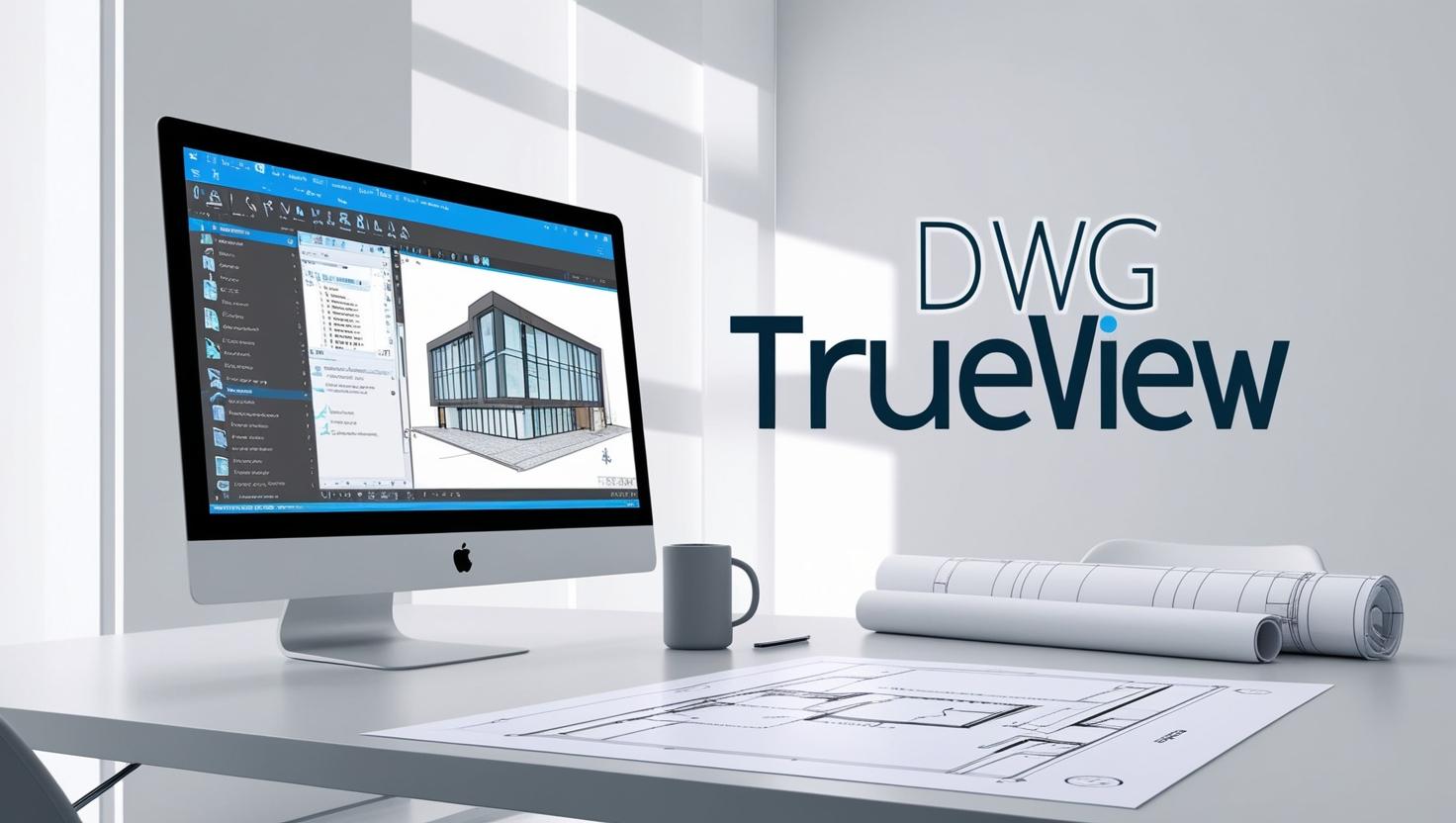
To install Autodesk DWG Trueview as a unattended silent install, which you can also use in SCCM to add the application to the software catalog and also in WDS as an application install, you should first download the installation files that you require from the link below: Download DWG TrueView Download Link Instructions Once you … Read more
We have designed a small program that allows you to import image files like JPEG and PNG and convert them into usable icon files for Configuration Manager Software Catalog Applications, websites or custom-designed programs. We have had a few people suggesting that this tool is useless for creating desktop shortcut icons – its NOT designed … Read more
If you are using Microsoft DaRT 8 to enable you to be able to remote onto machines that are in WinPE during an OSD, then you will find that if you are using an operating system other than Windows 8 or above, you will struggle to install the DaRT Remote Viewer tool. To get around … Read more
If you have Shoretel in your corporation and have recently upgraded to version 13 or above, you may have noticed that within the Shoretel Communicator Client the option for importing Outlook contacts has now been restricted to just allowing Contacts to be imported as you can see from the screenshot below: In previous versions, you … Read more
To create a bootable Windows USB stick to install Windows, you can follow the instructions below. Plug in a USB stick up to 16GB, no smaller than 4GB and no bigger than 16GB or it will not work. Open an elevated command prompt. Type diskpart and press enter. Once in disk part, you should run … Read more