Practical IT Guides for Windows, SCCM & PowerShell Admins
TechyGeeksHome has been helping IT professionals and sysadmins since 2010. Find 1,500+ real-world guides covering Windows 10 & 11, Windows Server, SCCM/ConfigMgr, PowerShell scripting, Active Directory, networking, and virtualisation — all written from hands-on production experience by a UK IT pro with 26 years in the field.
If you are using SCCM and you want to delete a device from your database (for example if you are using OSD and only deploying to Unknown Devices) then you would normally have to go into the SCCM Console, Devices, search for the device and then right click and delete the device which would remove … Read more
We have recently been using a new script that we came across which allows you to run a PowerShell script on your SCCM environment and it looks for all the Dell hardware models that you have and then automatically downloads all the latest drivers and BIOS’s for each machine found. This is an excellent way … Read more
If you are using SCCM for the deployment of software then you may find that with the smaller SSD’s that you may be using that free space is becoming an issue. This can be because the more an end user installs to their machine from your Software Catalog, the more data that is being downloaded … Read more
In Exchange you can have a number of mailbox features either enabled or disabled for each mailbox. These features include Outlook Web Access (OWA), POP3, IMAP and ActiveSync. If you want to enable or disable all or any of these features on bulk or by Organisational Unit (OU) then you can use the following Exchange … Read more
In previous versions of Windows it was always pretty simple to add a program into the start up. You just dragged a shortcut (or the program itself) into the start up folder from the Start button menu and job done. In Windows 10, it is not quite as simple as that. To add an item … Read more
If you are using Exchange and you want to see the list of folder sizes a mailbox has, you can open up Exchange Management Shell (EMS) and run the command below: Where: mailboxalias = The alias of the mailbox you want to get the folder sizes of Name = Name of the folder @{N=”FolderSize (MB)”;E={$_.FolderSize.ToMB()}} … Read more
If you are having issues on Windows 10 when opening File Explorer then you may find that when you go into Quick Access that it crashes. This is a problem with the links that are within your Quick Access so you need to clear these and this is how to carry that process out. Open … Read more
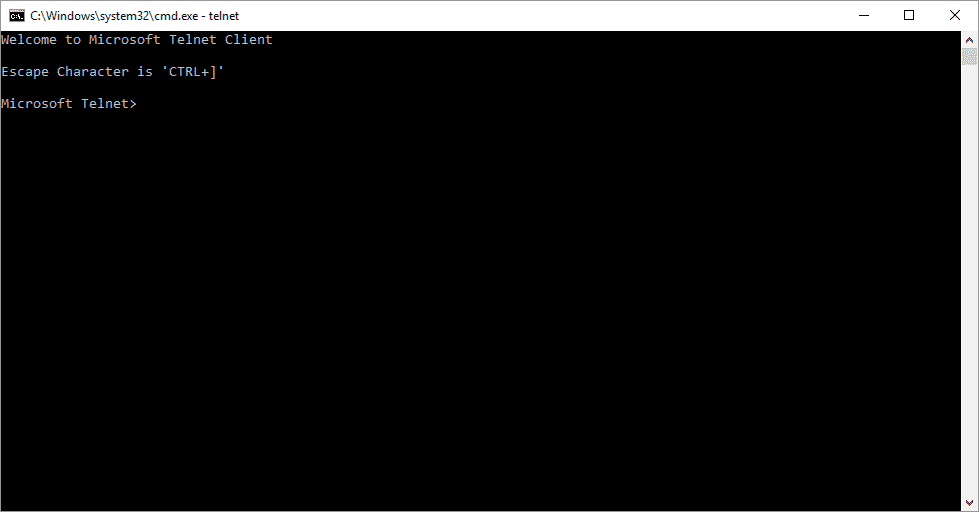
If you need to enable your Windows Telnet Client (like for use with our new Ultimate Settings Panel Tricks Panel) then it is a very simple process: For Windows 7: Click Start > Control Panel. Click Programs and Features. Click Turn Windows features on or off. In the Windows Features dialog box, check the Telnet … Read more
Call it evolutionary, revolutionary, contemporary, or just captivating. The world’s dominant OS has been the staple technology running millions of devices owned by individuals and businesses across the world over the last 3 decades. Millennial’s would remember growing up playing Minesweeper as their first PC game and probably cannot imagine a world without Windows. Let’s … Read more
If you are using Outlook 2016, you my find that you come cross the following error when trying to open hyperlinks from within an email: Your organization’s policies are preventing us from completing this action for you. For more info, please contact your help desk. The first thing to note is that the error message … Read more
If you want to use the Microsoft Updates Catalog, then you may find that you come across an error with the add-on refusing to load like this: So to fix this you sure first of all make sure that you are using Internet Explorer and not Firefox, Chrome or even Edge. Then, if it still … Read more
With Microsoft phasing out Windows Live Mail, to access your email you will need to use either an Internet browser via outlook.com or configure your Microsoft Outlook program. To set up your email in Outlook you will need to use the Exchange ActiveSync/Outlook.com online protocol and also know the details that you will need to … Read more