Practical IT Guides for Windows, SCCM & PowerShell Admins
TechyGeeksHome has been helping IT professionals and sysadmins since 2010. Find 1,500+ real-world guides covering Windows 10 & 11, Windows Server, SCCM/ConfigMgr, PowerShell scripting, Active Directory, networking, and virtualisation — all written from hands-on production experience by a UK IT pro with 26 years in the field.
Do you need to upgrade your Certificate Authority from SHA1 to SHA2 (SHA256)? Well we recently had to carry this out as a test in a lab environment. None of us knew how to carry this out from the top of our heads, so like all good IT guys, we used the power of Google. … Read more
We came across a problem with our SCCM OSD recently where it was getting through approximately half the build process and then seemingly getting stuck on “Just a moment…” before timing out and not completing the build. This was a bit of a head scratcher as there did not seem to be any crash or … Read more
If you are an IT administrator then the chances are that you have come across issues with trying to download files directly from a website to your server. You would have received this security alert when trying to download: Your current security settings do not allow this file to be downloaded. Although this is a … Read more
We recently had a problem with our Service Manager database server using massively high RAM usage. It was using up all the RAM we gave it no matter how much extra we allocated to it. So we needed to try and figure out why it was doing this, like all good IT people, we started … Read more
You may have come across a problem when trying to connect remotely to a server using remote desktop connection. If you are receiving a CredSSP error like the one below: Then the chances are you have this update: CVE-2018-0886 – which seems to be from March 2018 but we have only just started to see … Read more
I have always loved a good watch. Even when I was young I always had a watch, from digital ones with games on to those ones with the calculator on them (anyone remember those?!). As I grew up I went through phases of liking a whole range of modern watches, however, I now wanted something … Read more
You may have seen in our previous post that we have been working on getting our WordPress blog sped up and we had done this by carrying out the steps in this awesome guide by Kinsta. Well, one of the last things that we had to carry out that was still being picked up as … Read more
Over the last few weeks we have been experiencing a lot of speed issues on our blog so it was time for us to run some WordPress speed optimisation. This has been due to a number of factors but we thought that it was time to sit down and go over a complete overhaul of … Read more
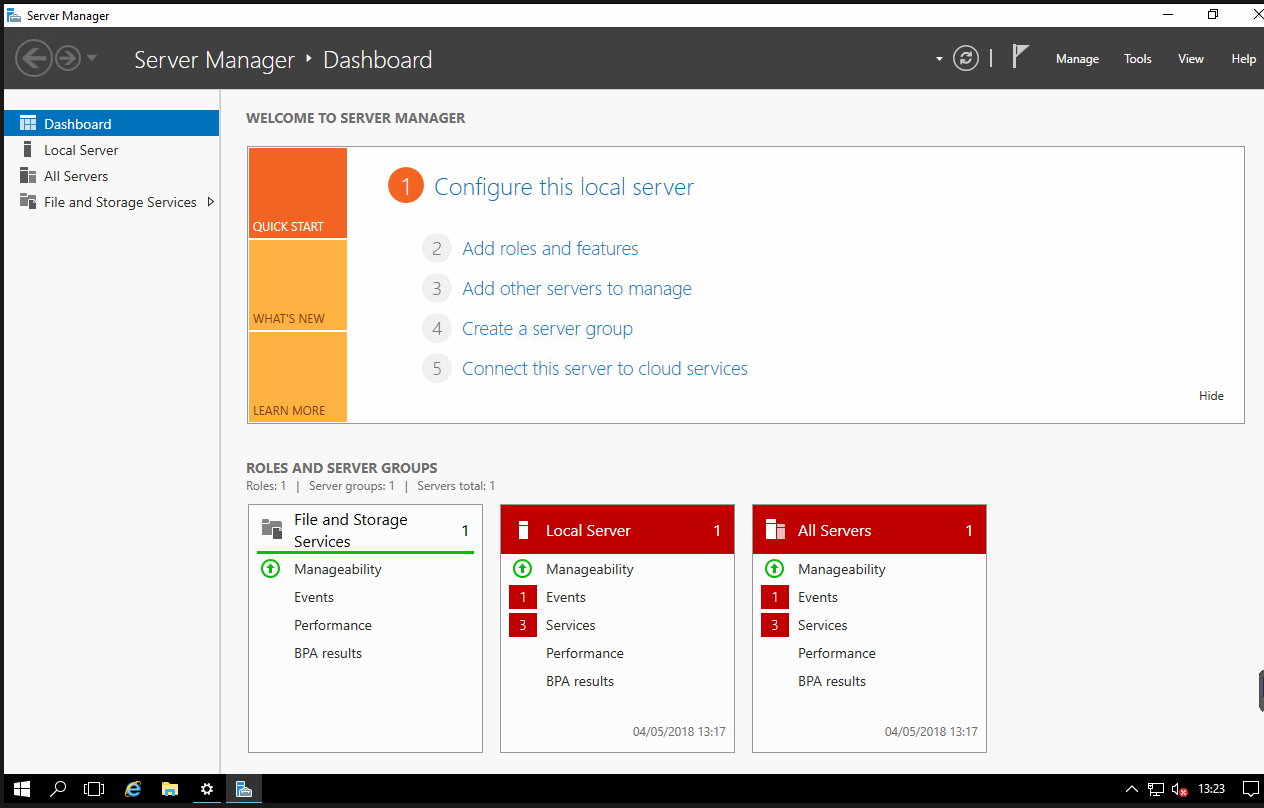
I don’t know about you, but Server Manager loading up every time I login to a Windows Server 2016 machine drives me nuts! This is especially annoying when using my lab as most of the hardware is just old bits of kit that is not being used in production any longer. In older versions of … Read more
If you want to export all your Active Directory users last logged on information, you can carry this out using Powershell and then exporting to CSV format. Guide First of all, you will need to import the ActiveDirectory module if you have not already done so. To do this, just open up a Powershell command … Read more
As a SCCM administrator you are probably fully aware that you have a lot of power available to you when carrying out deployments using task sequences. But you can add even more options to SCCM task sequences by adding Microsoft Deployment Toolkit (MDT) integration. This gives you a load more options during a task sequence … Read more