
⚠️ Last Updated: May 2026 — Script confirmed working as of this date.
Want to mass unfollow on Instagram without risking a ban or handing your login credentials to a sketchy third-party app? This guide uses a free JavaScript method that runs directly in your Google Chrome browser — nothing to install, nothing to sign up for.
We’ve been maintaining this guide since 2017 and update the scripts whenever Instagram changes break them. The method below has been tested and confirmed working in May 2026.
Before you start:
- This unfollows one account every 60 seconds — that’s intentional
- Going faster triggers Instagram’s bot detection and risks your account
- Some screenshots may have changed over time
- Instagram limits you to around 200 unfollows per day
- Leave it running overnight and let it do its thing
The Slow Unfollow Method
This isn’t a quick process and it’s not meant to be. The 60-second delay between each unfollow is what keeps Instagram from flagging your account as a bot. If you want to adjust the timing, you can change this line in the unfollow.txt file:
let step = 60 * 1000;That’s 60 seconds × 1000 milliseconds. Change it at your own risk — we won’t be responsible if your account gets restricted.
Video Walkthrough
We’ve recorded a full walkthrough showing the process from start to finish, including the unfollow script running live. Skip to the end if you just want to see it working — the middle section is three minutes of watching accounts slowly unfollow, which we appreciate is not gripping television.
We suggest that you follow the written instructions below very care though, the video is just a guide.
Instructions
You’ll need Google Chrome. Log into the Instagram account you want to unfollow people from.
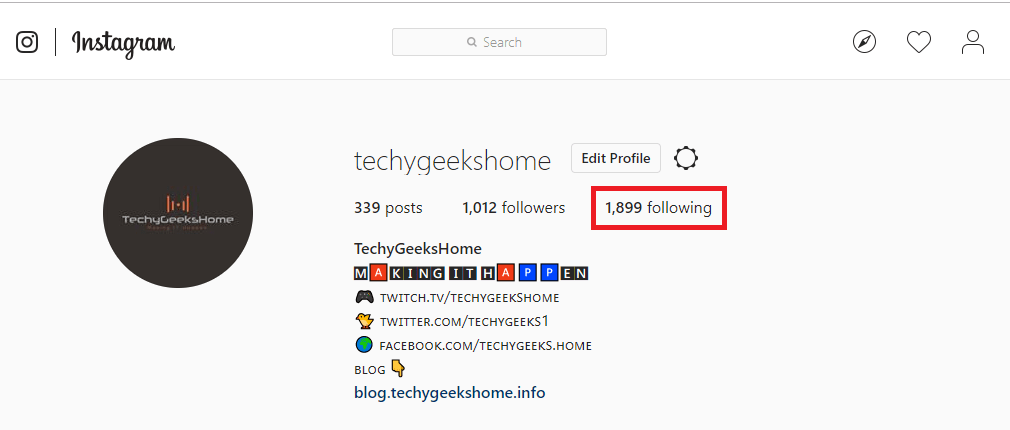
Once logged in, click your profile icon at the top right of the page. This takes you to your profile. Click on your Following count — this opens a pop-up showing everyone you follow.

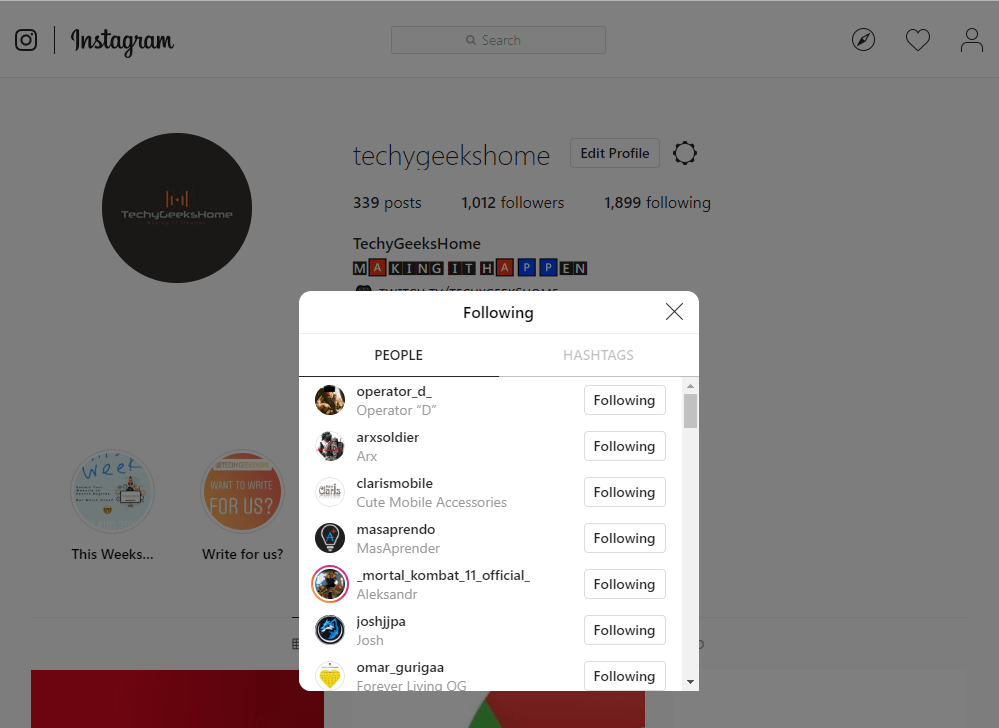
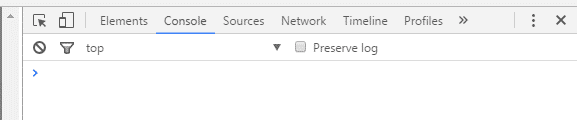
With that pop-up open, press CTRL+SHIFT+J to open the Chrome developer console. It will appear on the right side of your browser window.
Instagram Unfollow Scripts
Download the two script files below:
Download Instagram Mass Unfollow Scripts
Open start.txt, copy the entire contents and paste it into the console, then press Enter. You should see true appear below it — that means it worked.
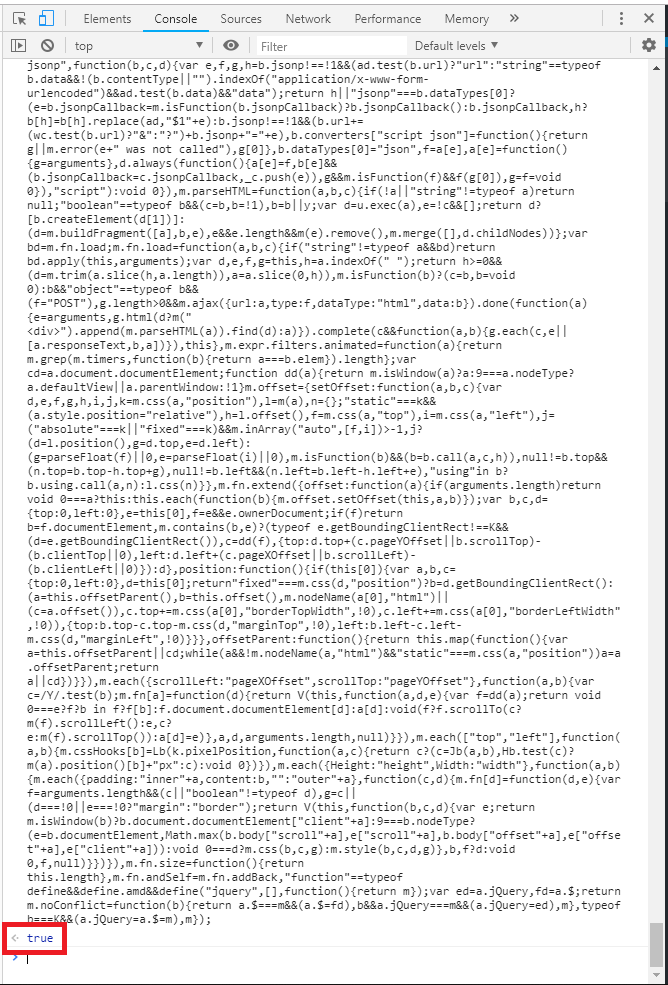
Now open unfollow.txt, copy the entire contents and paste it into the console below the true line, then press Enter again. The unfollow process will start.
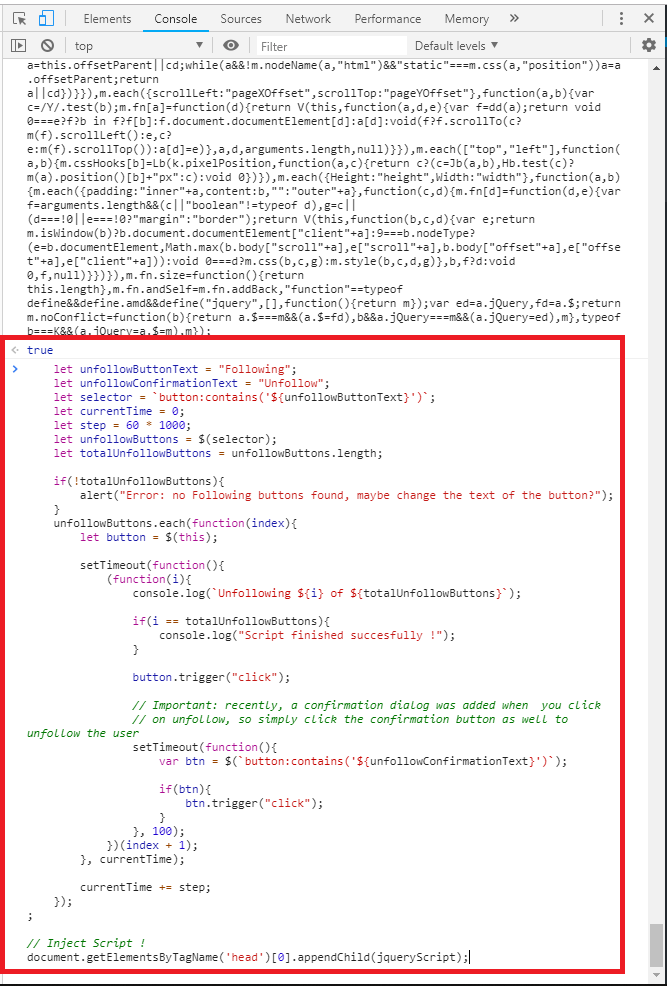
You may see this error appear:
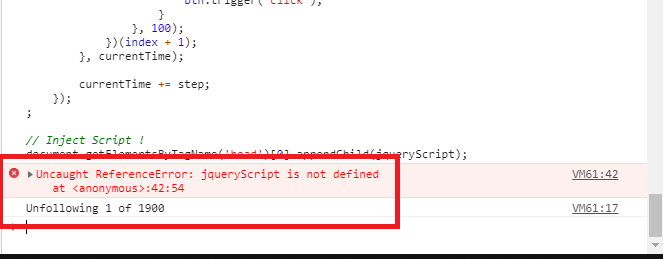
Uncaught ReferenceError: jqueryScript is not defined at <anonymous>:42:54Ignore it — the script runs fine regardless. You’ll see accounts being unfollowed in the console output.
If you hit Instagram’s daily limit, just close the console, wait until the next day, and run the scripts again from the beginning.
Feedback
If the script isn’t working for you or you’ve found something that needs updating, leave a comment below — we do read them and update the guide accordingly. That’s how we’ve kept this working since 2017.
Frequently Asked Questions
Will this get my Instagram account banned?
The script is designed to unfollow slowly (one account per 60 seconds) to avoid triggering Instagram’s bot detection. As long as you don’t modify the timing to go faster, the risk is very low. We’ve had thousands of users confirm it works without issues.
Does this work in 2026?
Yes — we confirmed this working in May 2026. Instagram regularly updates their platform which can break scripts, so if you run into issues check the comments below or come back to this page as we update it when needed.
Do I need to install anything?
No. This runs entirely in Google Chrome’s built-in developer console. You just need Chrome and an Instagram account.
Can I make it unfollow faster?
You can change the timing in the unfollow.txt file, but we strongly advise against it. Going faster risks triggering Instagram’s rate limiting which can temporarily or permanently restrict your account.
Why is it only unfollowing a few accounts at a time?
Instagram loads accounts in batches. The script handles this automatically — just leave it running and it will continue working through your following list.
Does it work in languages other than English?
The script looks for the “Following” button text in English. If your Instagram is set to another language, switch it to English first via your Instagram account settings.
How do I stop the script once it’s running?
Close the browser tab or press F5 to refresh the page. This will stop the script immediately.
About The Author

Discover more from TechyGeeksHome
Subscribe to get the latest posts sent to your email.
Hello,
Thanks a lot for sharing a great piece of information with us. Livebid is the best-trusted sports website in India. With almost 20 years of online gaming scores provider. Our sports platform related is more popular. Play online casino games in the mobile application OR play casino games.
Livebid is the top-rated sports betting website in India. You can get all of the sports betting help and clear your doubt about the match without any hesitation.
Keep it works and share your opinion with us.
Thanks again!
Livebid.
“Error: no Following buttons found, maybe change the text of the button?”
Is your language set to English?
Hello, Thanks for the post.
The first time I used, it’s very good.
Howver, when I keep pasting and running the code, they are noted in red:
VM56:1 Uncaught SyntaxError: Identifier ‘unfollowButtonText’ has already been declared
at :1:1
Can you let me know how to fix it?
Looks like Instagram have changed something which is stopping this working. I’ll look into something else, may be able to get it working with iMacros, so keep checking back for updates or subscribe to the blog and you will get an email when new posts are added.
Thanks.
Help me please:
“Error: no Following buttons found, maybe change the text the button?”
help please: Error: no Following buttons found, maybe change the text the button?
Workin buddy. thxs
help please
VM41:42 Uncaught ReferenceError: jqueryScript is not defined
at :42:54
(anonymous) @ VM41:42
99f662369162.js:77 [Violation] ‘setTimeout’ handler took
SyntaxError: ‘button:contains(‘Following’)’ is not a valid selector debugger eval code:3
Check the syntax – sometimes the ‘ ‘ and the ” ” do not copy and paste very well, any symbols like let, delete and manually type – then try again.
We have now updated this post with the new latest code that will work with the latest Instagram algorithms.
Great job guys!
Thanks, glad it worked for you.
not working 🙁
Bit more info on why it is not working for you and we might be able to solve your problems.
We have now updated this post with the new latest code that will work with the latest Instagram algorithms.
If you could help me unfollow 4,000, I can pay you through paypal. My gmail is dara288 I can not get the code to work. My account got hacked when I joined one of those softwares where you can automatically have photos post to your Instagram account. That is how I ended up following people I do not even know. Thanks.
We have now updated this post with the new latest code that will work with the latest Instagram algorithms.
its running but it’s not deleting anyone
We have now updated this post with the new latest code that will work with the latest Instagram algorithms.
Woooooooow you are the best i love you guys
window.setInterval(function(){
var x = 0;
$(“button:contains(‘Seguido’)”).each(
function(){
if(x==14) {
console.log(‘Llegamos a 14. Ahora esperamos 700 segundos.’);
return false;
}
$(this).trigger(“click”);
$(‘._gs38e’).scrollTop($(‘._gs38e’)[0].scrollHeight);
x++;
console.log(‘Vamos por el’ + x);
}
);
$(‘._gs38e’).scrollTop($(‘._gs38e’)[0].scrollHeight);
console.log(‘Loop’);
}, 700000);
Uncaught TypeError: Cannot read property ‘scrollHeight’ of undefined
at :11:39
We have now updated this post with the new latest code that will work with the latest Instagram algorithms.
life saver rep +1
Amazing thanks for this 😉
this isnt working..the instagram have a limit unfollow ..
We have now updated this post with the new latest code that will work with the latest Instagram algorithms.
Hi,
Not working for me, it looks like it’s working in the left window but doesn t unfollow anybody.
Is it still running? or maybe the language of google chrome?
Do you have any idea?
We have now updated this post with the new latest code that will work with the latest Instagram algorithms.
How do I make the loop stop ?
it’s working great, thank you so much for your work.
how can i edit the waiting time between the unfollowng ?
can you help me here ?
i want to make 5 seconds between every single unfollow !
PLEASE HELP ME </3
and thank you <3
No, it just takes some time.
it doesn’t works for me :c
it runs normally, but do not unfollow no one, and just continuous runing the loop.
what should i do?
maybe the language? mine’s brazlian
Same thing happens to me—it keeps running errors and doesn’t unfollow anyone.
Can you post a screen shot of the errors you are getting?
Can you post a screen shot of the errors you are getting?
i changed my language for us, so it’s showing ‘following’
here’s the ss: http://i.imgur.com/X9q3YWi.png
you need to change the class name in script
how?
Dude Thank you~! 1337 H@x legit shit!
No problem, thanks for the feedback and glad it helped.
yeah saved my life bro
Visitor Rating: 5 Stars
This is great, saved me so much time. Is there a way to change the script so it follow users. I tried to change the text from “following” to “follow” but it doesn’t seem to follow the users in the pop-up I want to follow.
Glad it helped, we haven’t tested it with following as you can get banned for that….
not able to paste it in my console
Try copy with CTRL+C and paste with CTRL+V
you noob just follow directions
I found that I could do 15 at a time by manual testing (so change ‘if(x==3)’ to ‘if(x==15)’ every 700 seconds (so change the last line in the second script from ‘}, 1000);’ to ‘}, 700000);’
600 seconds (10 minutes) was not long enough. The second loop would return errors. 700 seconds was stable. It also tends to only delete 10 at a time unless you scroll the Following window down to trigger loading of more entries. With that step it would delete 15 each iteration.
Successfully deleted a couple of thousand users by letting it run for two days.
Thanks for the feedback….
Hello, thanks for sharing. I also need to unfollow a couple thousands but it did not work how you said , I just changed the if(x==3)’ to ‘if(x==15)’ and also last line in the second script from ‘}, 1000);’ to ‘}, 700000);’ as you mentioned. Do I need to do anything else ?
Thanks.
may you post the full code in here please ??.
thanks.
What full code? its in the guide above?
He wants the full code of mohamad where he is changing parts of the code allowing him to unfollow few thousand accounts. I’m also interested in full code, otherwise, code fails after 15 users.