 By Andrew Armstrong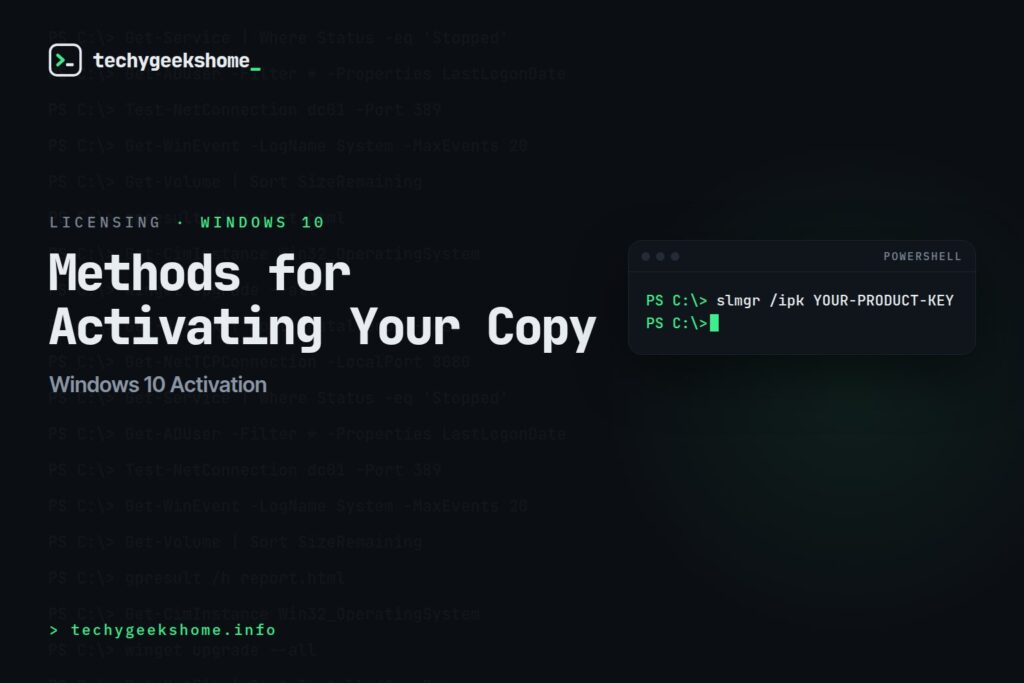
Activating Windows 10
Windows 10 activation ties your installation to a genuine product key, unlocking full functionality and removing the “Activate Windows” watermark. There are a couple of routes depending on whether you’re activating a single machine or doing it as part of an automated deployment. Activating from an elevated Command Prompt:slmgr /ipk YOUR-PRODUCT-KEY
slmgr /atoYOUR-PRODUCT-KEY with your actual 25-character key.
If Windows 10 was already activated on the hardware previously (a digital license tied to the motherboard), you may not need a key at all: just run slmgr /ato on its own, or go to Settings > Update & Security > Activation and use the “Troubleshoot” option, which can often re-link a digital license automatically.
For volume-licensed deployments using KMS or MAK keys, the process is the same slmgr syntax but with your organisation’s actual volume license key: check with whoever manages your Volume Licensing Service Center account for the correct key rather than using a placeholder.
Windows 10 Support Status (Updated for 2026)
Worth flagging for anyone activating a fresh Windows 10 install today: free mainstream support ended 14 October 2025. Extended Security Updates (ESU) are available, free via 1,000 Microsoft Rewards points, or paid, and cover security patches through 12 October 2027. Activation itself works identically whether or not the machine is enrolled in ESU; it’s a separate step worth doing afterward if this machine needs to stay on Windows 10 past its free-support date.Resources
🛠️
Gear We Recommend
A few general tech accessories worth having alongside this.
Browse our General Tech Accessories picks on AmazonAs an Amazon Associate, TechyGeeksHome earns from qualifying purchases.
Discover more from TechyGeeksHome
Subscribe to get the latest posts sent to your email.
