 By Andrew Armstrong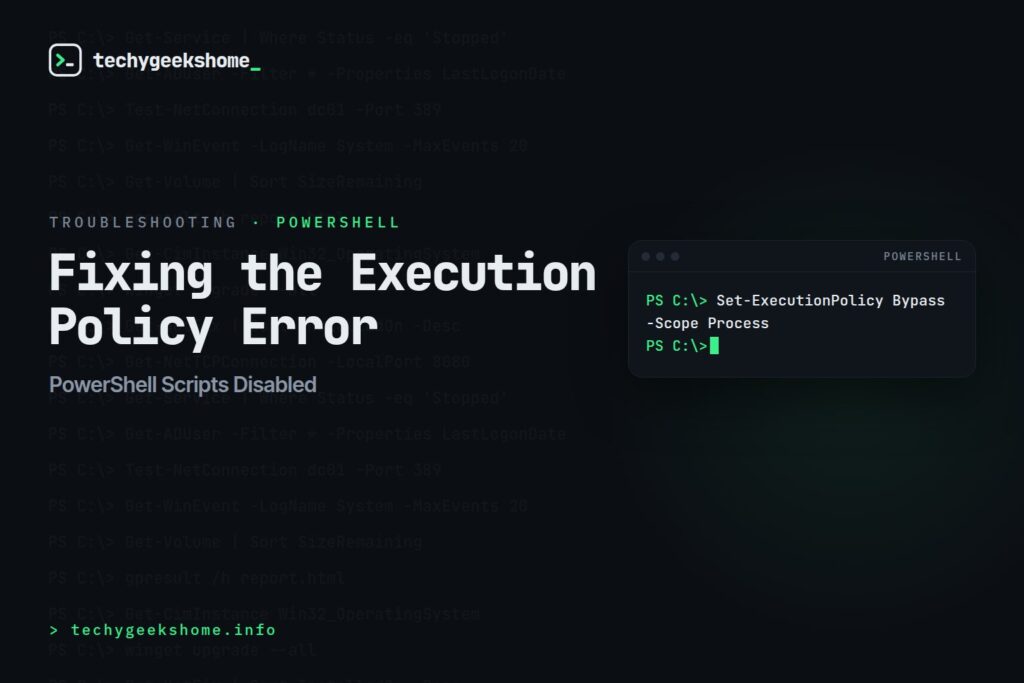
Part of our PowerShell guides: every related guide in one place.
This is one of the most common PowerShell errors on a fresh machine: trying to run a.ps1 script and being told script execution is disabled on the system.
The Fix
Open PowerShell as Administrator and run:Set-ExecutionPolicy RemoteSignedThis allows locally-created scripts to run freely while still requiring scripts downloaded from the internet to be digitally signed: a reasonable middle ground rather than disabling script security entirely.
Other Options Worth Knowing
Get-ExecutionPolicyshows your current setting before you change anything.Set-ExecutionPolicy Bypass -Scope Processrelaxes the policy only for the current PowerShell session/process, which is handy for a one-off script without changing the machine-wide setting permanently.-Scope CurrentUsercan be added to any of these commands to change the policy for your user account only, rather than the whole machine (useful if you don’t have admin rights to change the machine-wide policy, or don’t want to).
RemoteSigned as a substitute for proper endpoint security.
Execution Policy Isn’t the Same Everywhere (Updated for 2026)
A few things worth knowing before you assumeRemoteSigned is set once and done everywhere on a machine:
- PowerShell 7 (
pwsh) tracks its own execution policy separately from Windows PowerShell 5.1. Setting the policy in a Windows PowerShell console doesn’t change it in a PowerShell 7 session, and vice versa: if a script runs fine in one but not the other, this is almost always why. RunGet-ExecutionPolicy -Listin each shell to see the full scope breakdown (MachinePolicy, UserPolicy, Process, CurrentUser, LocalMachine) side by side. - Group Policy can override anything you set locally. The “Turn on Script Execution” policy under Computer Configuration > Administrative Templates > Windows Components > Windows PowerShell takes precedence over local
Set-ExecutionPolicychanges on domain-joined machines: if a script still won’t run after setting the local policy, check whether a GPO is silently forcing it back to Restricted. - Execution policy still isn’t a security boundary Microsoft itself relies on. For genuine application control on managed endpoints, AppLocker or Windows Defender Application Control (WDAC) are the current recommended mechanisms: execution policy remains a convenience guardrail against running scripts by accident, not a defence against a determined attacker with local code execution.
🛠️
Gear We Recommend
Testing configs is easier with a dedicated admin machine set up right. Here’s the kit we use.
Browse our Windows Admin Toolkit picks on AmazonAs an Amazon Associate, TechyGeeksHome earns from qualifying purchases.
Discover more from TechyGeeksHome
Subscribe to get the latest posts sent to your email.
